@odadoun
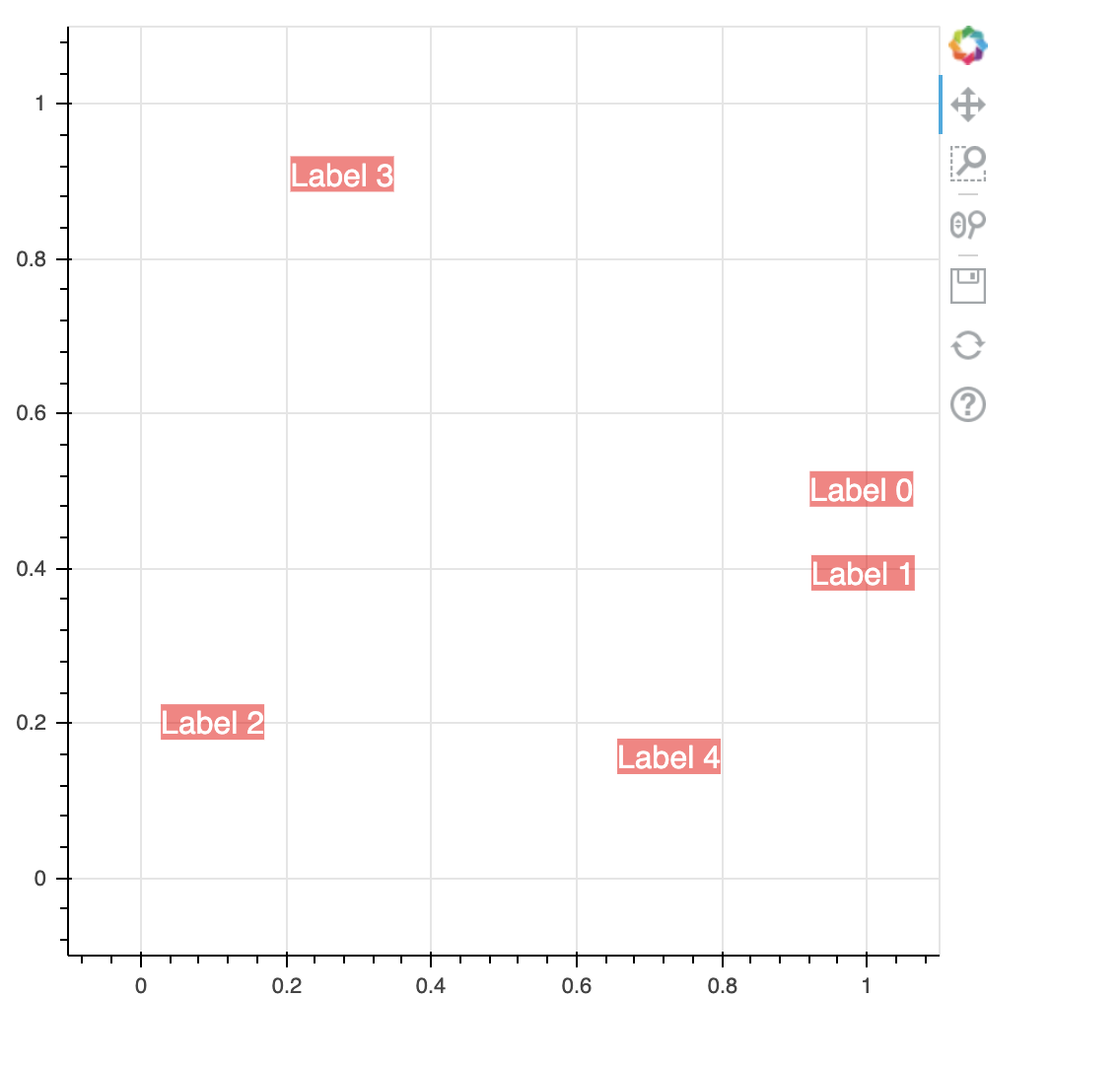
LabelSet models have background_fill_color and background_fill_alpha properties, which enable you to control the color of the labels’ background and the transparency, respectively.
These properties are vectorizable, in general, if you want to have different backgrounds and transparencies for the individual labels in the label set.
Here’s a quick example. Although the vectorizable syntax is illustrated through a ColumnDataSource, the same values are applied to all elements for simplicity.
Hopefully this addresses your question.
#!/usr/bin/env python3
# -*- coding: utf-8 -*-
"""
"""
import numpy as np

from bokeh.models import ColumnDataSource, LabelSet
from bokeh.plotting import figure
from bokeh.io import show

num_ll = 5
data = dict(x=np.random.random(num_ll), y=np.random.random(num_ll),
            text=['Label {:}'.format(i) for i in range(num_ll)],
            text_color=["#FFFFFF"]*num_ll,
            background_fill_color=['#FF0000']*num_ll, background_fill_alpha=[0.5]*num_ll)

source = ColumnDataSource(data=data)
ll = LabelSet(x='x', y='y', source=source,
              text='text', text_color='text_color',
              background_fill_color='background_fill_color',
              background_fill_alpha='background_fill_alpha')

p = figure(width=500, height=500, x_range=(-0.10,1.10), y_range=(-0.10,1.10))
p.add_layout(ll)

show(p)