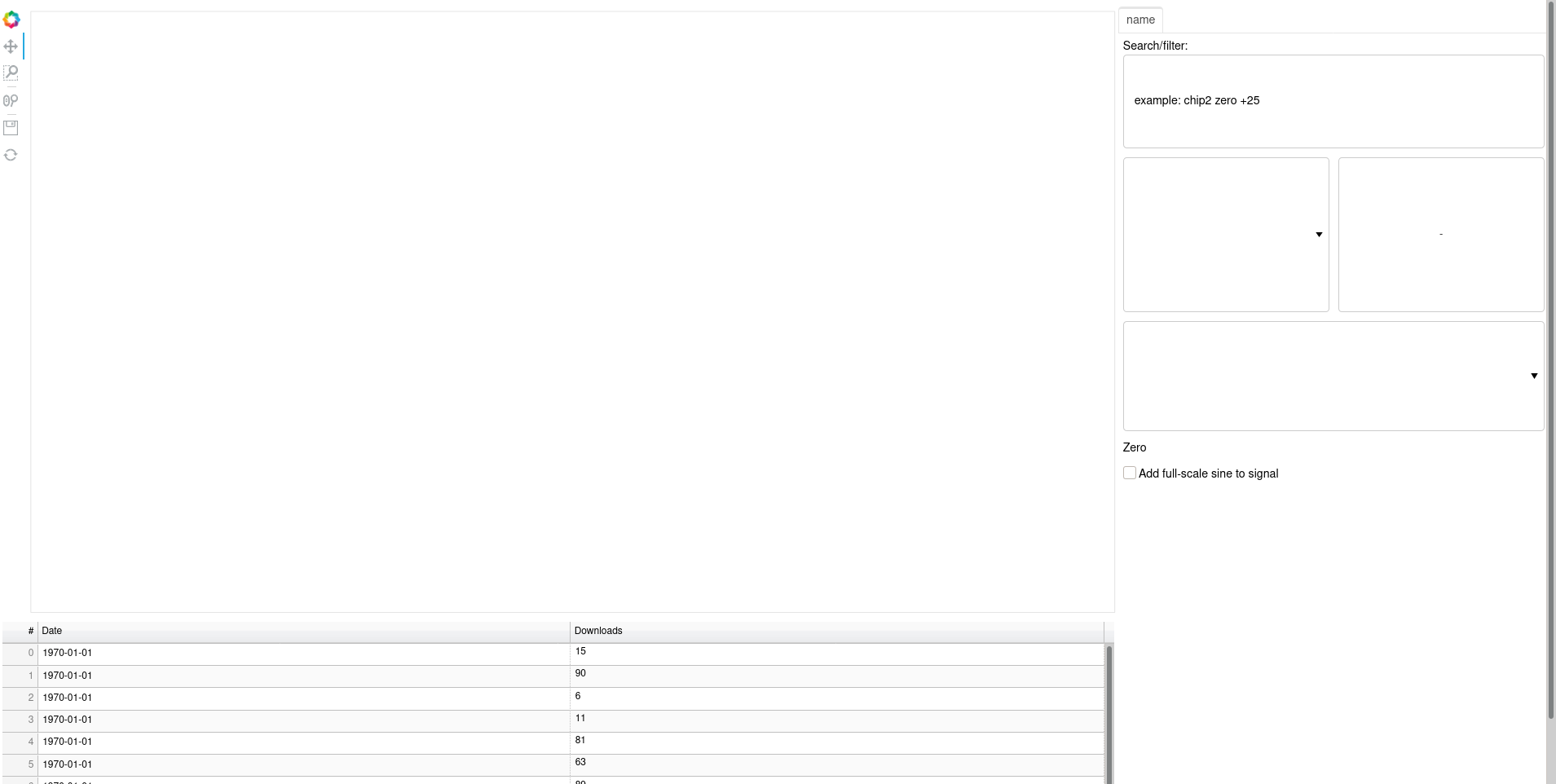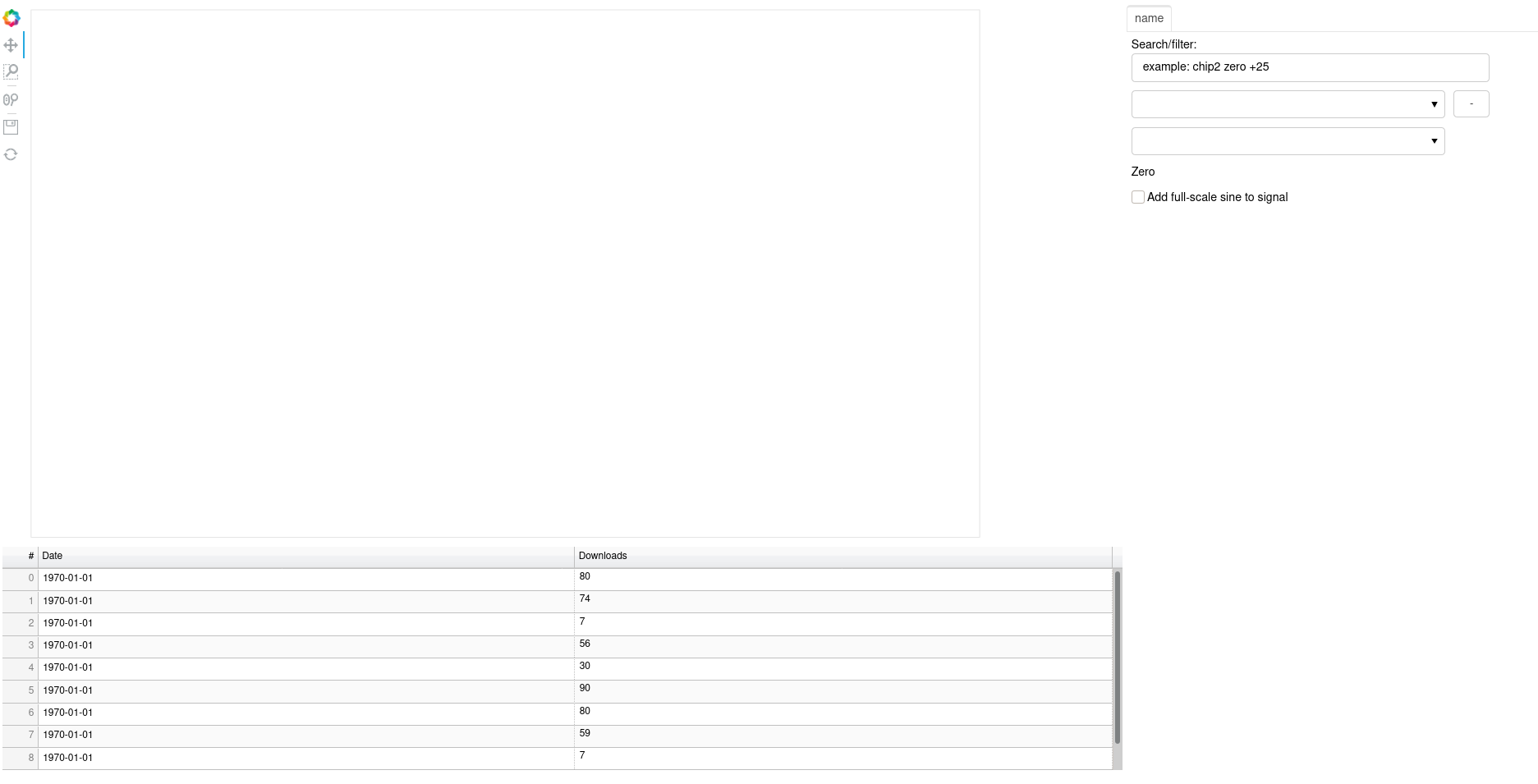
How to autoscale bokeh application ?
when the user opens the app
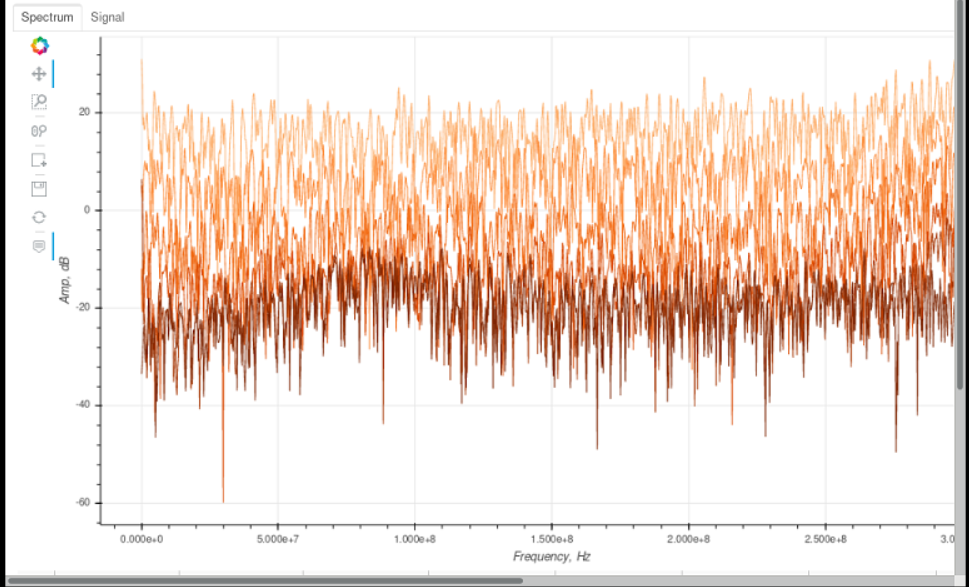
but it should look like this (after scaling).
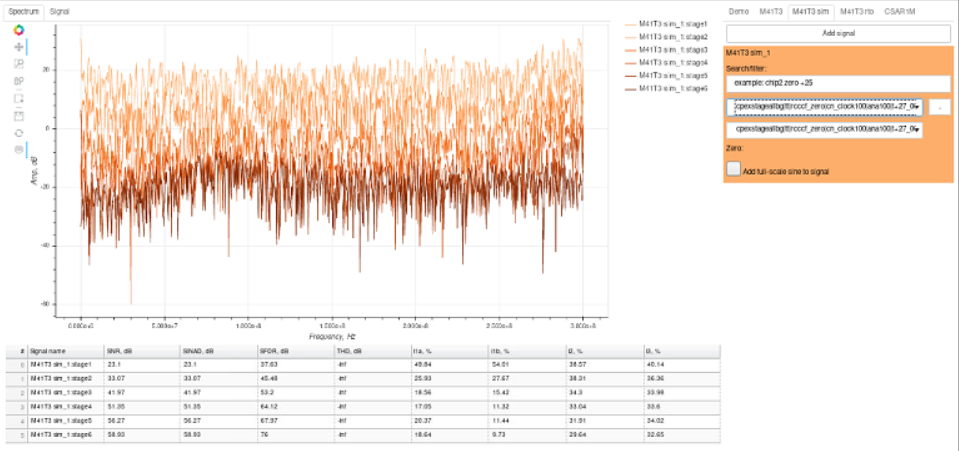
In app a lot of widgets where set high and width.
Tried to use sizing_mode, but it doesn’t help.
 Read-only archive⌕
How to autoscale bokeh application ?
when the user opens the app

@FreeRP It’s not really possible to speculate without seeing actual code, and in particular what sizing modes you have set on what objects and what the structure of the layout is.
Main goal is optimize image size to fit browser window. In that case i set fixed sizes. Tried to use sizing_mode (scale_both, stretch_both) but did not achieve a positive result. Got this result:
To run: bokeh serve --show script.py
from datetime import date
from random import randint
from bokeh.layouts import column, row
from bokeh.plotting import figure
from bokeh.plotting import curdoc
from bokeh.models import Panel, Tabs, ColumnDataSource, DataTable, \
                         TableColumn, HoverTool, BoxEditTool, Legend, \
                         LegendItem, DateFormatter, Select, CheckboxGroup, \
                         Button, Div, TextInput

PLOT_WIDTH = 1100
PLOT_HEIGHT = 600

class Plot:

    def __init__(self):
        self.__widget = None
        self.__signal_figure = None
        self.__data_table = None
        self.__create_figure()
        self.__create_table()

    @property
    def widget(self):
        return column(self.__signal_figure, self.__data_table)

    def __create_figure(self):
        self.__signal_figure = figure(toolbar_location='left',
                                      plot_height=PLOT_HEIGHT, plot_width=PLOT_WIDTH,
                                      tools=["pan,box_zoom,wheel_zoom,save,reset"],
                                )
    def __create_table(self):
        data = dict(dates=[date(2014, 3, i+1) for i in range(10)],
                    downloads=[randint(0, 100) for i in range(10)])
        source = ColumnDataSource(data)
        columns = [
                TableColumn(field="dates", title="Date", formatter=DateFormatter()),
                TableColumn(field="downloads", title="Downloads")]
        self.__data_table = DataTable(source=source, columns=columns,
                                      width=PLOT_WIDTH + 150, height=250,
                                )

class Controller:
    def __init__(self):
        self.__widget = None
        self.__create_widgets()

    @property
    def widget(self):
        return self.__widget

    def __create_widgets(self):
        fltr_label = Div(text='Zero', width=400)
        checkbox_group = CheckboxGroup(labels=["Add full-scale sine to signal"], width=200)
        clear_signal_btn = Button(label="-", button_type="default", width=40, height=30)
        select_zero = Select(options=[], width=350)
        folder_fltr = TextInput(value="example: chip2 zero +25  ",
                                title="Search/filter:", width=400)
        select = Select(options=[], width=350)
        self.__widget = column(row(folder_fltr),
                               row(select, clear_signal_btn),
                               row(select_zero),
                               row(fltr_label),
                               row(checkbox_group),
                               sizing_mode="scale_both")

class Manager:

    def __init__(self):
        self.__tabs = Tabs(tabs=[])
        self.__plot = Plot()
        curdoc().add_root(row(self.__plot.widget, self.__tabs))

    def add_controller(self, controller):
        self.__tabs.tabs.append(Panel(child=controller.widget,
                                      title='name'))


controller = Controller()
manager = Manager()
manager.add_controller(controller)You’re only setting one sizing mode at the very top level. It will be necessary to set different sizing modes on different subcomponents (explicitly: because you want them to behave differently). See this section for a discussion of a similar layout and some sample usage:
Another option is to use a template wand embed individual Bokeh components into responsive CSS containers. If you want some pointers to that let me know.

End of archived discussion · Replies are disabled