Hi,
I’ve been using bokeh 0.12.9 for a long time. Yesterday, I decided to switch to 0.13.0. However, I found that ‘window.Bokeh.documents’ was empty at ‘window.onload’:
I was able to do many useful things at this point, such as:
-
change the tool_name of hover_tools
-
call a CustomJS callback–e.g. interpret html query strings and adjust the page accordingly
I’ve attached a minimal example script to reproduce the behavior. Just do:
$ pip install ‘bokeh==0.12.10’
$ python test_bokeh_page.py
$ open my_bokeh.html # or navigate to browser etc.
$ pip install ‘bokeh==0.12.11’
$ python test_bokeh_page.py
$ open my_bokeh.html
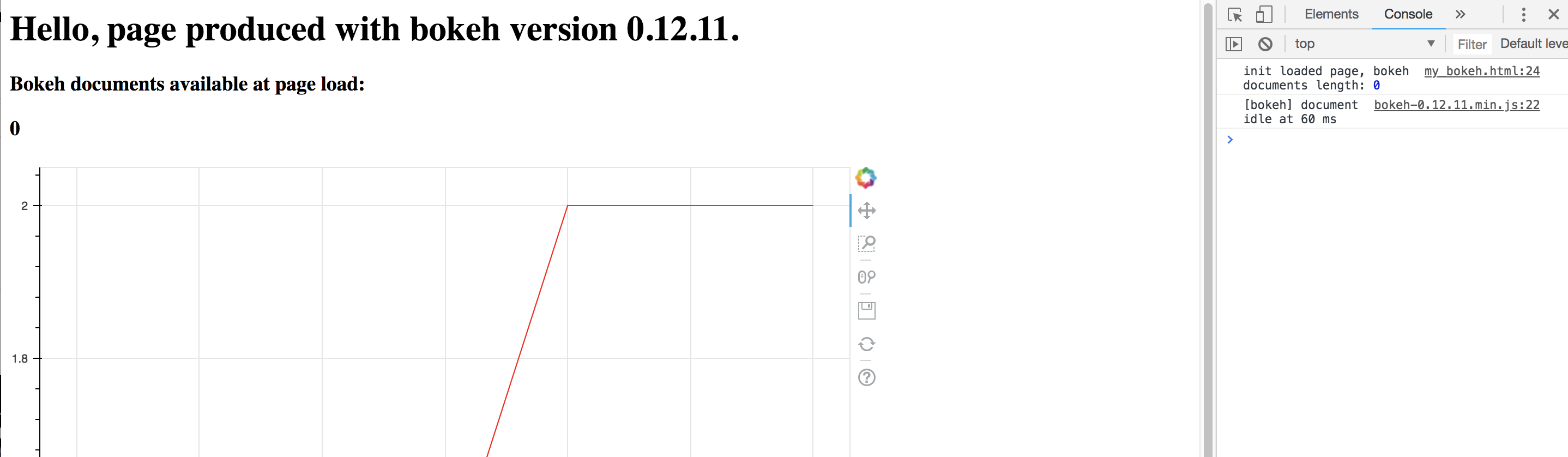
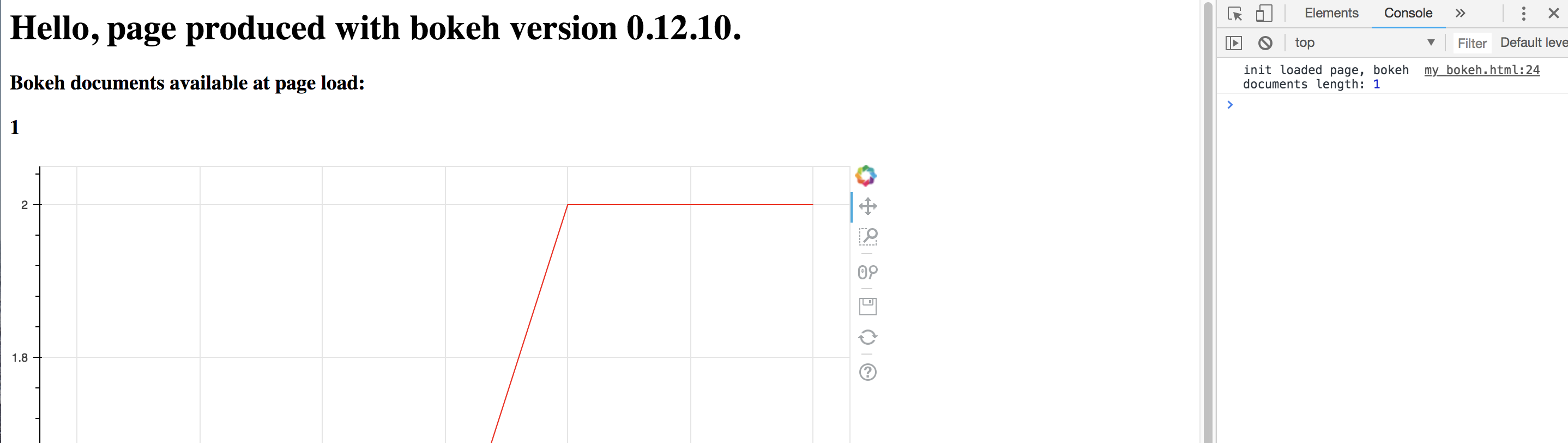
You’ll see at the top of the page that for 0.12.10, that window.Bokeh.documents.length==1, while for bokeh 0.12.11, window.Bokeh.documents.length==0
Note in any case, once the page is fully loaded, I can interactively see that the window.Bokeh.documents array is filled. So some content is still being loaded by the browser at window.onload…
Is there anyway that I can execute something once the page is fully loaded? For example, get a customJS callback by name from the bokeh document and execute it.
Thanks,
Justin
test_bokeh_page.py (1.56 KB)