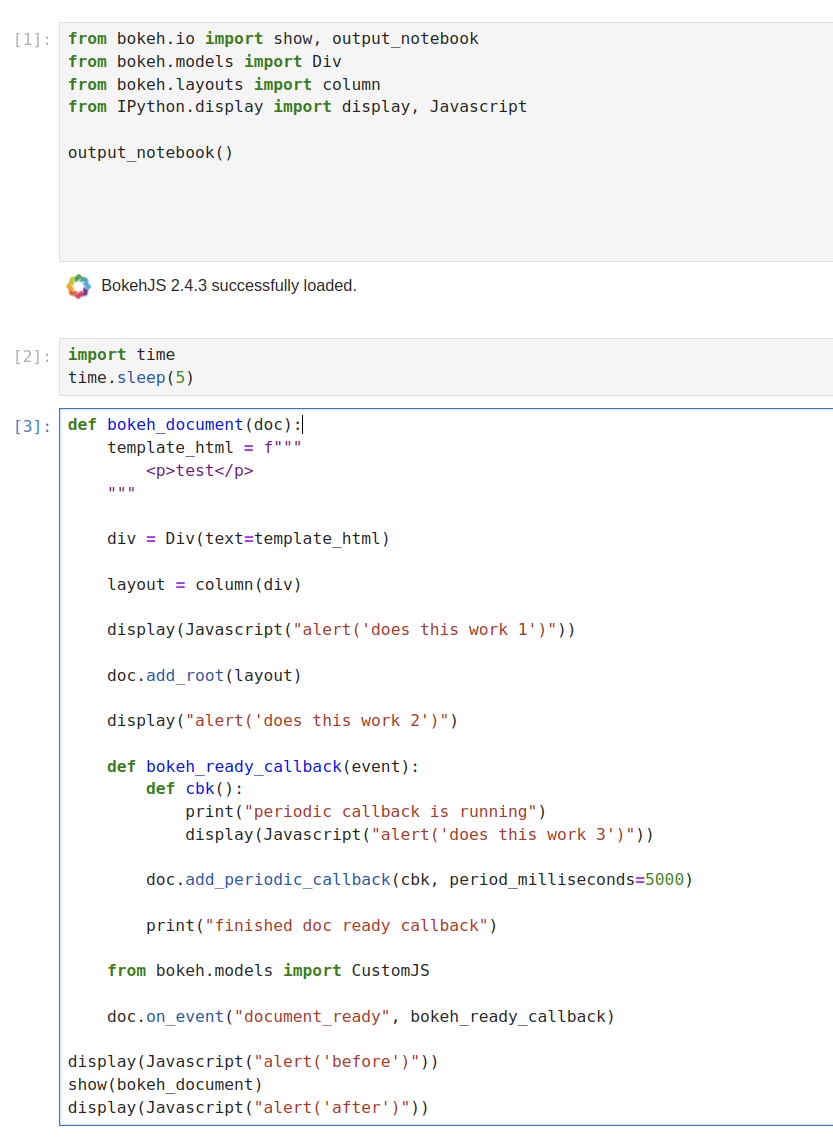
Hi there, I’ve been investigating what seems to be a strange bug: immediately after running “Restart Kernel and Run All Cells…”, calls to display(Javascript(...)) in the call stack of show don’t work. However, they work before and after, and if I restart the kernel, wait a few seconds, then run all cells, display works as expected. Here’s a minimal example:
from bokeh.io import show, output_notebook
from bokeh.models import Div
from bokeh.layouts import column
from IPython.display import display, Javascript

output_notebook()


def bokeh_document(doc):
    template_html = f"""
        <p>test</p>
    """

    div = Div(text=template_html)

    layout = column(div)

    display(Javascript("alert('does this work 1')"))

    doc.add_root(layout)

    display(Javascript("alert('does this work 2')"))

    def bokeh_ready_callback(event):
        display(Javascript("alert('does this work 3')"))
        print("finished doc ready callback")

    from bokeh.models import CustomJS

    doc.on_event("document_ready", bokeh_ready_callback)

display(Javascript("alert('before')"))
show(bokeh_document)
display(Javascript("alert('after')"))
So the cases are:
- Restart kernel and run all cells → only ‘before’, ‘after’ alerts are triggered.
- Just run all cells → all alerts are triggered.
BTW, display without the javascript doesn’t work at all.
I can replicate this in both bokeh v2.4.3, and v3.3.4. FWIW, running javascript on “document_ready” with bokeh v3.3.4 via the js_on_event callback works. I’d like to understand what’s happening with display though, since it’s not completely straightforward to upgrade the app I’m embedding to be compatible with bokeh 3.3.4. Any suggestions?
Thanks for reading 
Jupyter package version:
Selected Jupyter core packages...
IPython          : 8.18.1
ipykernel        : 6.29.2
ipywidgets       : 8.1.2
jupyter_client   : 8.6.0
jupyter_core     : 5.7.1
jupyter_server   : 2.12.5
jupyterlab       : 4.1.2
nbclient         : 0.9.0
nbconvert        : 7.16.1
nbformat         : 5.9.2
notebook         : 7.1.0
qtconsole        : 5.5.1
traitlets        : 5.14.1