

I am using Bokeh to create dynamic visualizations for all the publications in our new Open Policy group. I have successfully been able to match all the color guidelines in this most recent publication. Below is a code example. I am running this using Bokeh v2.4.3. But I verified that I have the same questions/problem in Bokeh v3.0.3.
import numpy as np
from bokeh.plotting import figure, show

# Plot a little line with four points
title_text = "My font test Bokeh plot"
fig = figure(title=title_text, height=300, width=600, toolbar_location=None)
fig.line(x=np.array([1, 2, 3,4]), y=np.array([1, 3, 2, 2.5]), line_width=5)

# Format the title text
fig.title.text_font_size = '20pt'
fig.title.text_color = '#434244'
fig.title.text_font = 'times'

show(fig)
This code results in the following figure.
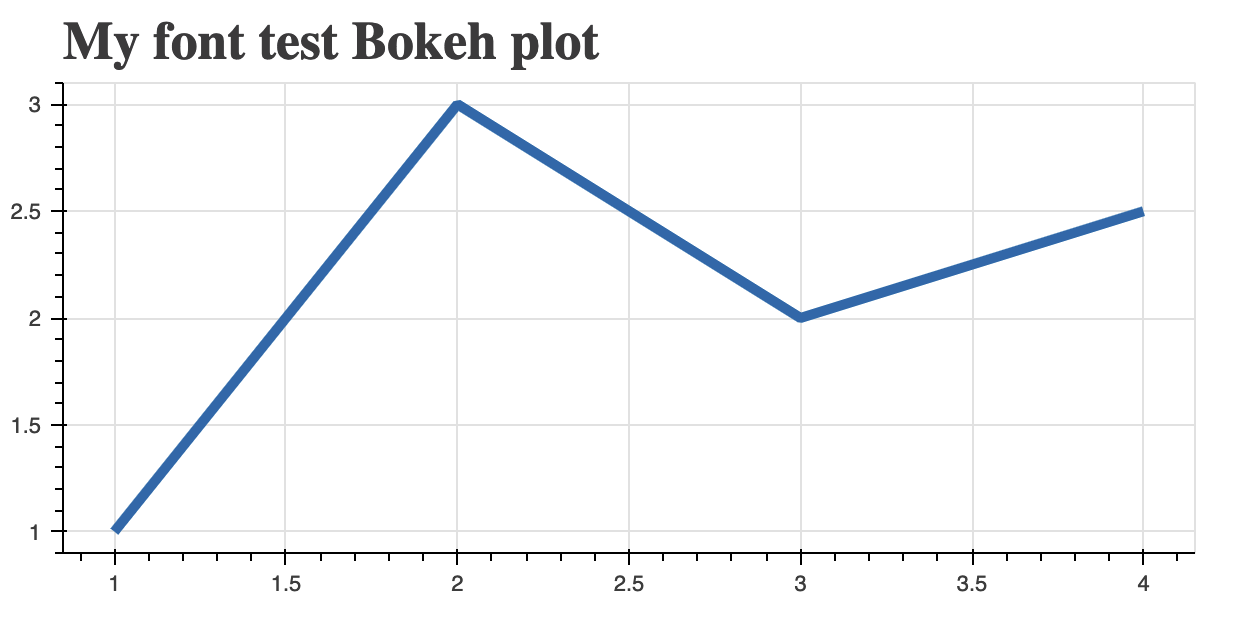
But I have not been able to change the font for the text in these figures beyond a few examples that I could find, e.g., text_font=['helvetica', 'times', 'arial']. And I cannot find anywhere in the Bokeh documentation that gives a list of the font options available in the Text.text_font() method. So I have two questions.
- Is there anywhere in the Bokeh source code or documentation where I can go to see what font options are available in
Text.text_font()? - Is there any way for me to load a custom font, such as the Google Font “Open Sans”?


 )
