
☰Read-only archive⌕
Looking for help with Bokeh?

This is a read-only archive. Ask questions and join the conversation on GitHub.

Visit Community Support on GitHub →
Archived discussions · Captured October 28, 2026

Bokeh3.0.3 layout issue in sizing_mode

Community Supportbokeh
RajonDawn
RajonDawn

Hello all, I copy the below code from the documentation and run it. I found some issue when trying sizing_mode with layout, which the same code will works well in Bokeh 2.4.3.
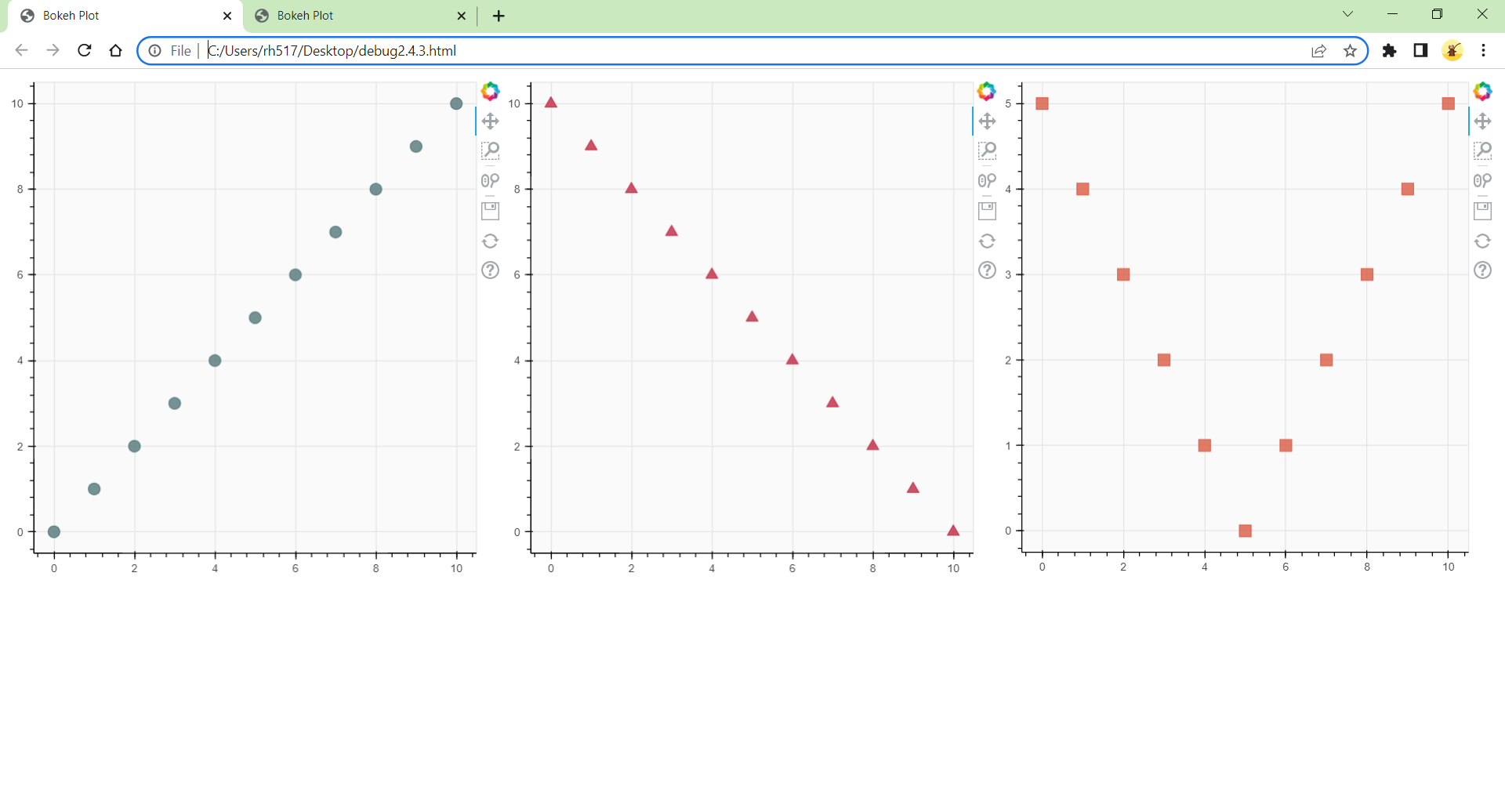
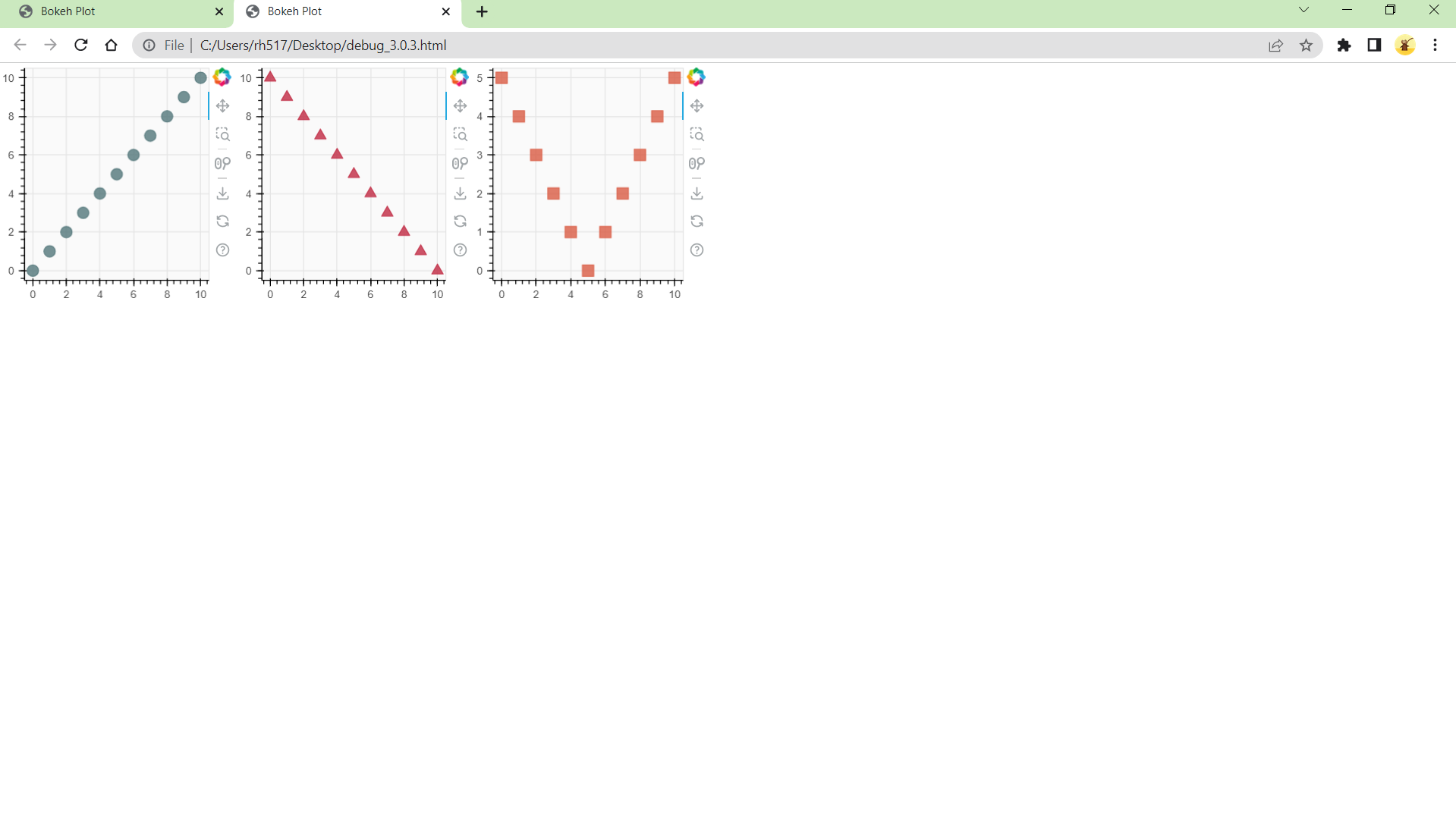
from bokeh.layouts import row
from bokeh.plotting import figure, show

x = list(range(11))

y0 = x

y1 = [10 - i for i in x]

y2 = [abs(i - 5) for i in x]

create three plots

s1 = figure(width=250, height=250, background_fill_color=“#fafafa”)

s1.circle(x, y0, size=12, color=“#53777a”, alpha=0.8)

s2 = figure(width=250, height=250, background_fill_color=“#fafafa”)

s2.triangle(x, y1, size=12, color=“#c02942”, alpha=0.8)

s3 = figure(width=250, height=250, background_fill_color=“#fafafa”)

s3.square(x, y2, size=12, color=“#d95b43”, alpha=0.8)

put the results in a row and show

show(row(s1, s2, s3, sizing_mode=‘scale_both’))

⌁   Link to post
RajonDawn
RajonDawn
from bokeh.layouts import row
from bokeh.plotting import figure, show

x = list(range(11))
y0 = x
y1 = [10 - i for i in x]
y2 = [abs(i - 5) for i in x]
s1 = figure(width=250, height=250, background_fill_color="#fafafa")
s1.circle(x, y0, size=12, color="#53777a", alpha=0.8)
s2 = figure(width=250, height=250, background_fill_color="#fafafa")
s2.triangle(x, y1, size=12, color="#c02942", alpha=0.8)
s3 = figure(width=250, height=250, background_fill_color="#fafafa")
s3.square(x, y2, size=12, color="#d95b43", alpha=0.8)

show(row(s1, s2, s3, sizing_mode="scale_both"))
⌁   Link to post
RajonDawn
RajonDawn

Hi, Chinmay. Thanks for your reply.
What puzzles me is that it shows the ‘sizing_mode’ doesn’t work well in Bokeh 3.0.3. And I wanna which version of bokeh are you using? Thanks.

⌁   Link to post

End of archived discussion · Replies are disabled

