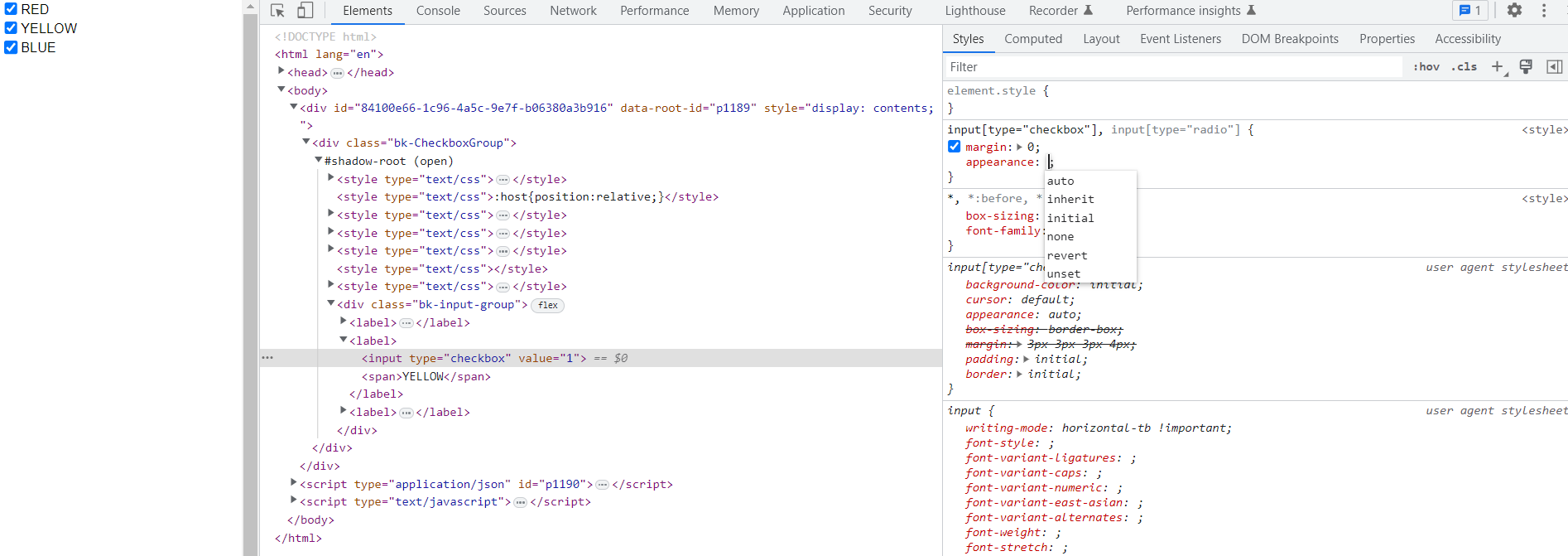
This is a replication of this → Associating Color Swatches to Elements of Checkbox Group
I also found a decent related thread here → Is there a way to style buttons of a ButtonGroup individually? - #2 by Bryan
With the 3.1 ability to execute arbitrary CustomJS on DocumentReady (thanks @mateusz !), it’s suddenly more viable to attempt to implement this.
Rough MRE:
from bokeh.models import CheckboxGroup, CustomJS
from bokeh.io import curdoc
from bokeh.events import DocumentReady
from bokeh.plotting import show

cbg = CheckboxGroup(labels = ['RED','YELLOW','BLUE'],active=[0,1,2]) #or maybe make a css_classes property and pass it

init_cb = CustomJS(code='''
                   var cbgq = document.querySelector(".bk-CheckboxGroup")
                   console.log(cbgq)
                   ''')
curdoc().js_on_event(DocumentReady,init_cb)
show(cbg)
This gets me to where @Bryan suggested:
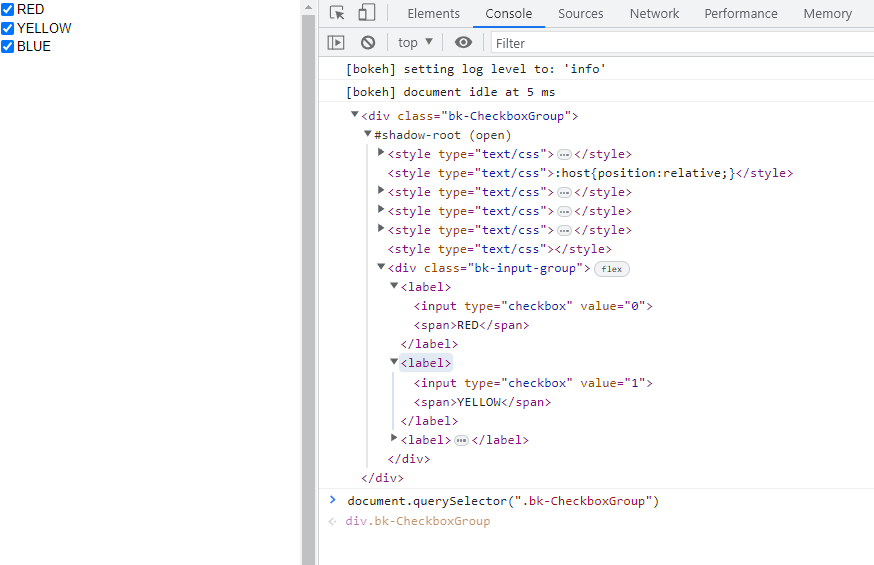
But I’m not sure how to get at the CSS properties and update them based on conditions… or even if this is the right road to go down.
And alternatively…
Maybe it would be more easily implemented by specifying a css_classes property to my checkbox group? But then how do I know what to properties/specs to put in it?
Another related thread to this approach → Including CSS Classes for DataTable - #2 by gmerritt123 . Like in this thread i’m adjusting .slick-header-columns style etc… where/how do i find the equivalent for the checkbox group?
Suggestions/guidance most welcome… Thanks

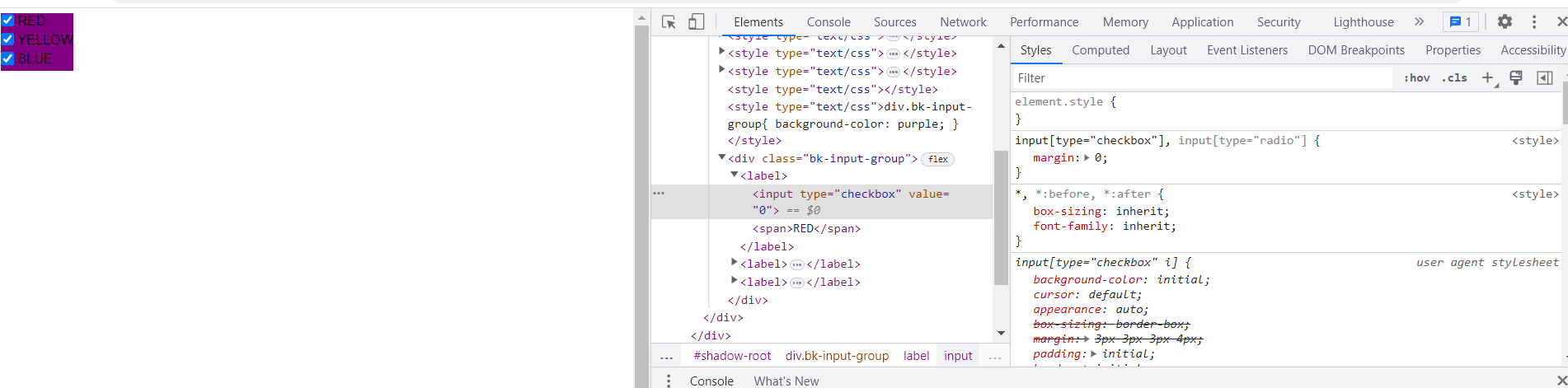
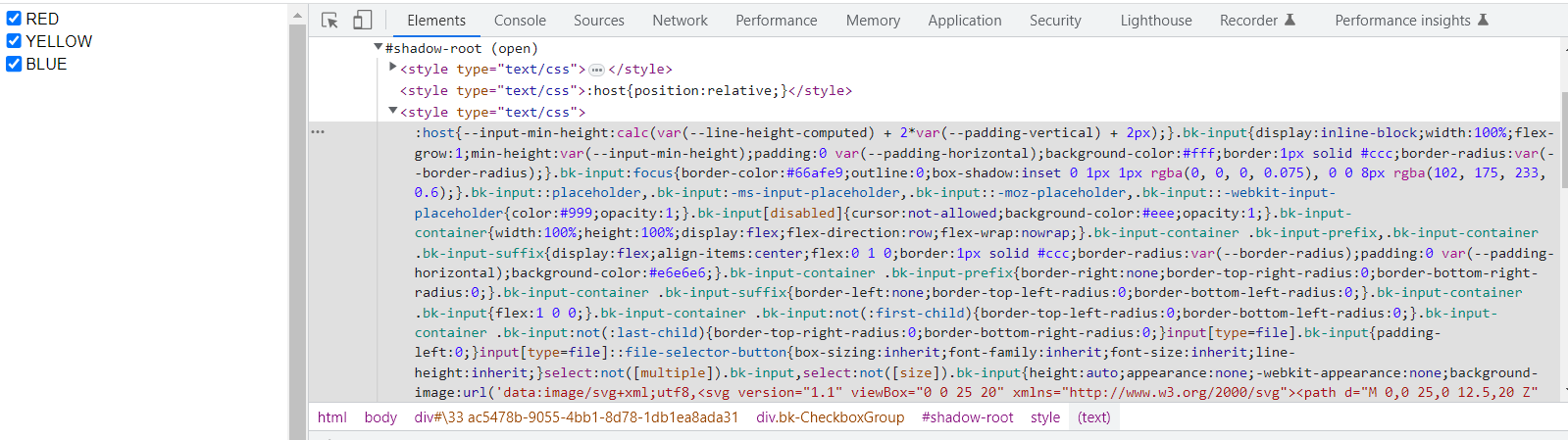


 )