☰Read-only archive⌕
Looking for help with Bokeh?

This is a read-only archive. Ask questions and join the conversation on GitHub.

Visit Community Support on GitHub →
Archived discussions · Captured October 28, 2026

Configure spacing between plots and widgets

Community Support
bisejdiu
bisejdiu

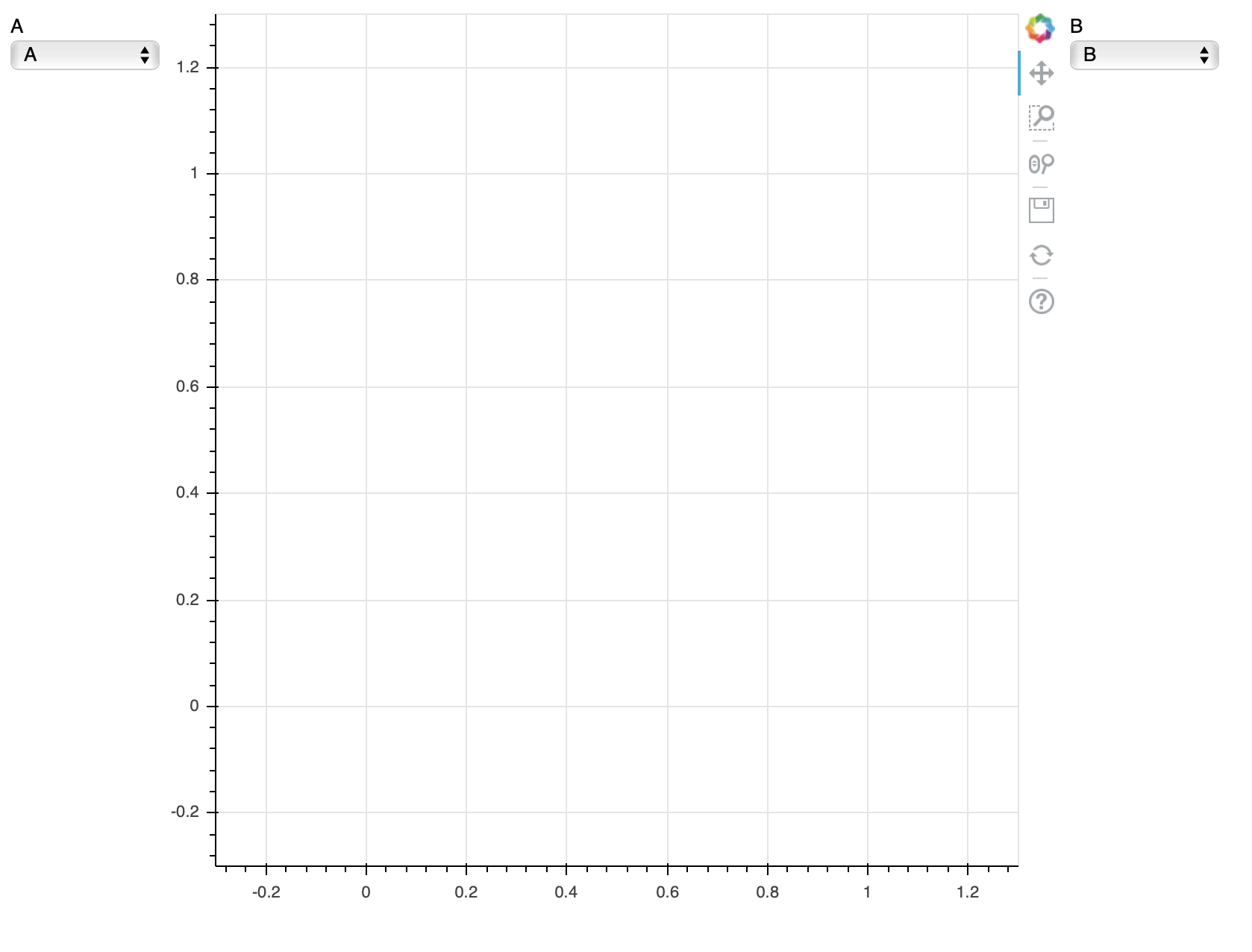
The following is a minimal reproducible example of a problem I am facing. The left Select box from the following code is being covered by the plot itself, and I cannot figure out how to space them apart properly.

from bokeh.plotting import figure, show
from bokeh.layouts import layout, column
from bokeh.models.widgets import Select

a = Select(title="A", value="A", options=["A", "B"], width=100)
b = Select(title="B", value="B", options=["A", "B"], width=100)

p = figure(plot_height=600, plot_width=600)
inputs1 = column([a])
inputs2 = column([b])

l = layout([
    [inputs1, p, inputs2],
], sizing_mode='fixed')

show(l)

⌁   Link to post
Bryan
Bryan

As a gentle suggestion to help others who want to help you, please always include relevant version information

There was a giant overhaul of the layout system in Bokeh 1.1, so my first suggestion is to update your installed Bokeh version. For reference, with Bokeh 1.2 your code above produces the output below, with no overlap.

⌁   Link to post

End of archived discussion · Replies are disabled