Hello,
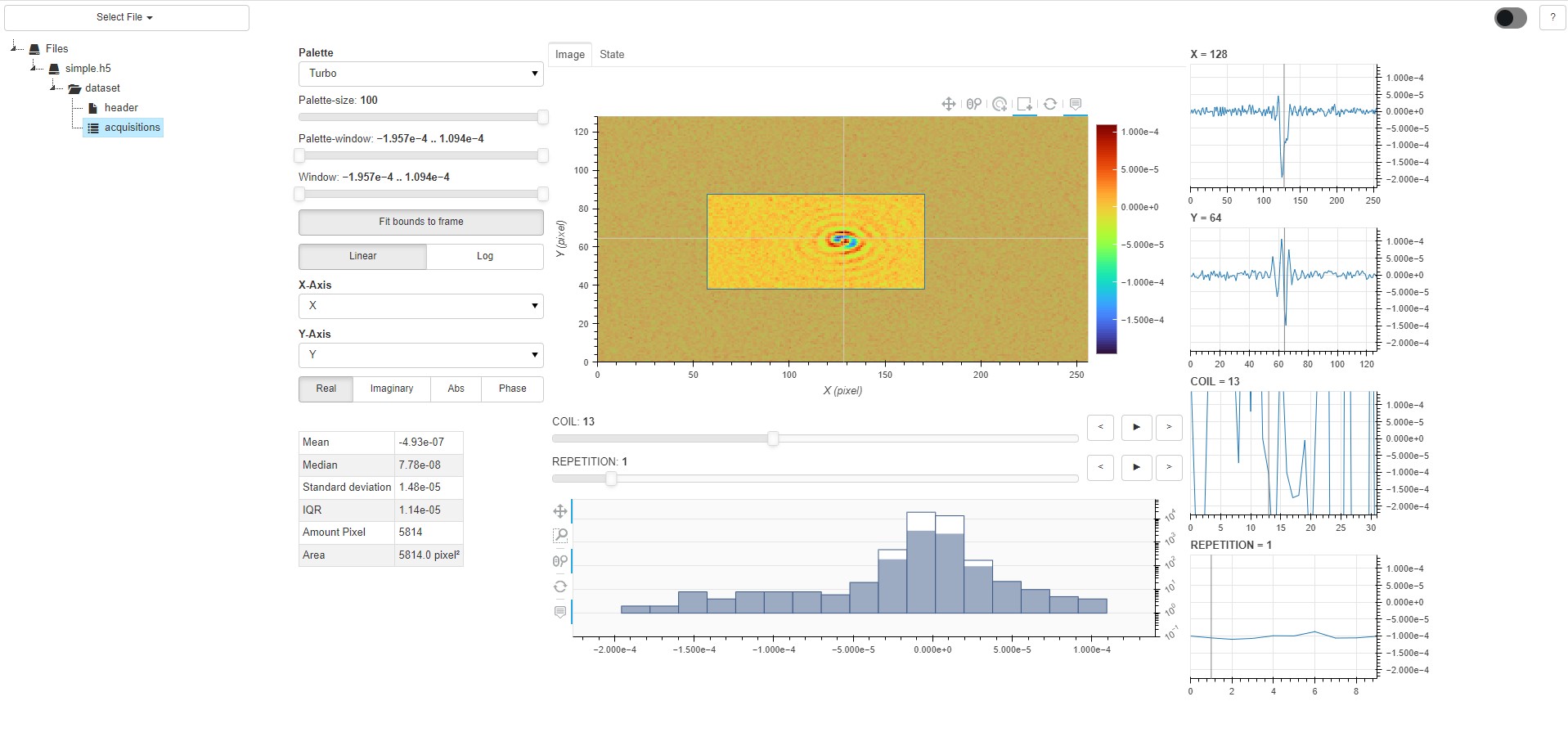
I am trying to use the selection tools to highlight (actually fade out everything non-selected) parts of an image and work with the selected part.
Out of the box this does not work. I suppose because the glyphs of an image are not supported by the selection tools?
The pixels of an image are not visibly selected, neither does the
img.data_source.selected.on_change(“indices”,callback)
fire.
I only found examples for the scatter-plot.
Am I trying to use the image-plot in a way it was not designed for? Should I use something else instead? Is there a workaround? What’s the appropriate way to tackle my problem?
Edit2: I found “image_indices” mentioned in Bokeh release notes(0.12.15) and as a property in the console (if I console.log the data_source obj). However I do not find any documentation for it. Was that feature forgotten or am looking at something completely wrong?
Edit + Edit(3):
Here’s the source code:
from bokeh.io import curdoc
from bokeh.layouts import row
from bokeh.palettes import grey
from bokeh.plotting import figure
import numpy as np

frame_zero = np.random.rand(40, 60)
len_x = 60
len_y = 40


def create_figure():
    tools = ["lasso_select,box_select"]
    plot = figure(title="image_1", tools=tools, plot_width=len_x*10, plot_height=len_y*10)

    plot.x_range.range_padding = plot.y_range.range_padding = 0
    img = plot.image(image=[frame_zero], x=0, y=0, dw=len_x, dh=len_y, palette=grey(50))

    img.data_source.selected.on_change('indices', selector_callback) # <------------- Clearly not the way to do it/doesnt work
    return plot


def selector_callback(attr, old, new):  # <--------------- Not being fired
    print(attr, old, new)


layout = row(create_figure())
curdoc().add_root(layout)