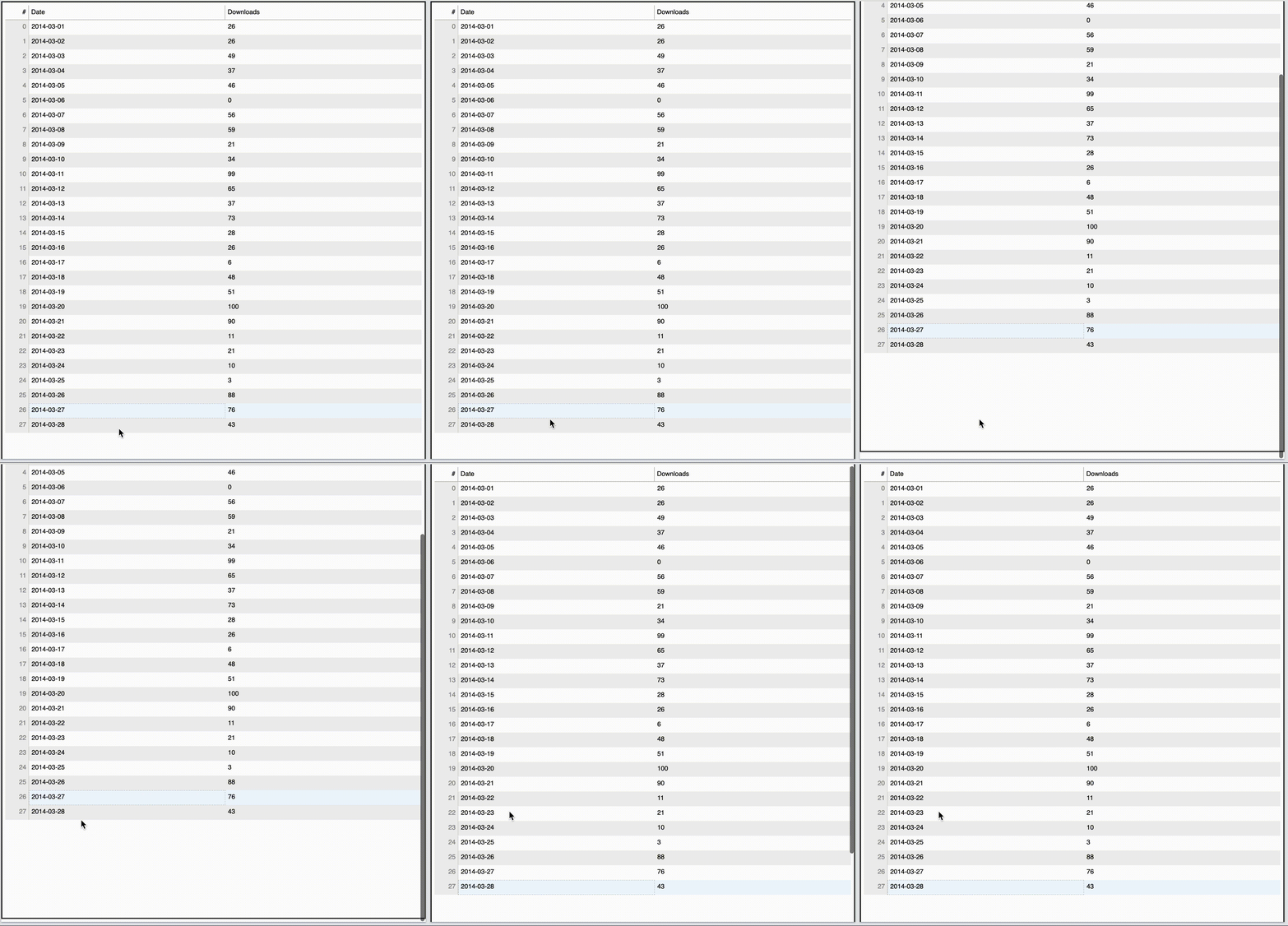
When I select a row in a DataTable that is inside an iframe, the whole frame scrolls to the top of the datatable. This is very jarring - especially if the DataTable is long - and I want to disable it. Happens always in Firefox and sometimes in Chrome.
Lightly modified DataTable code from documentation example (increasing the number of rows makes the effect easier to see)
from datetime import date
from random import randint

from bokeh.io import show
from bokeh.models import ColumnDataSource, DataTable, DateFormatter, TableColumn

N = 28
data = dict(
        dates=[date(2014, 3, i+1) for i in range(N)],
        downloads=[randint(0, 100) for i in range(N)],
    )
source = ColumnDataSource(data)

columns = [
        TableColumn(field="dates", title="Date", formatter=DateFormatter()),
        TableColumn(field="downloads", title="Downloads"),
    ]
data_table = DataTable(source=source, columns=columns,  height=N*28,
                                     scroll_to_selection=False,
                                     sizing_mode='stretch_width',)
# Stretch width just so the table is easier to see.
# Scroll to selection true vs false has no effect.

save(data_table, title='test', filename='testtable.html')
Now embed it in an iframe (again 900px just makes this easier to see)
<iframe src="testtable.html" style="width:100%;height:900px;"></iframe>
Gif demo