☰Read-only archive⌕
Looking for help with Bokeh?

This is a read-only archive. Ask questions and join the conversation on GitHub.

Visit Community Support on GitHub →
Archived discussions · Captured October 28, 2026

Difference between Bokeh on Linux and Window? Bokeh on Anaconda 2 and Bokeh Anaconda 3?

Community Support
DuyNGUYEN
DuyNGUYEN

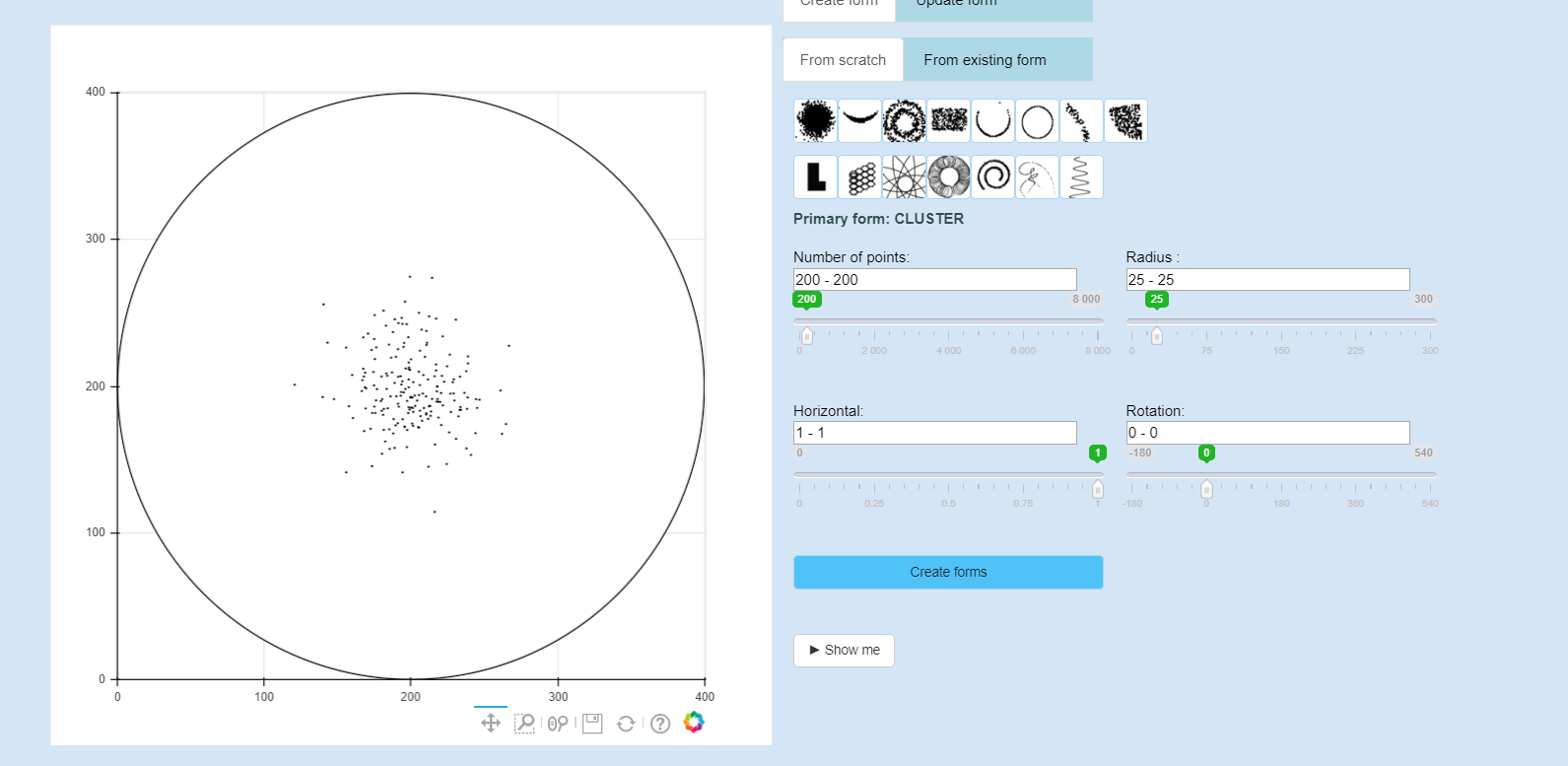
My Bokeh server is launched without problem on Window 10(Bokeh 1.0.4, Anaconda 3, Nodejs 11.11.0, and npm 6.7.0, Python 3.7.2) And it works like this photo.
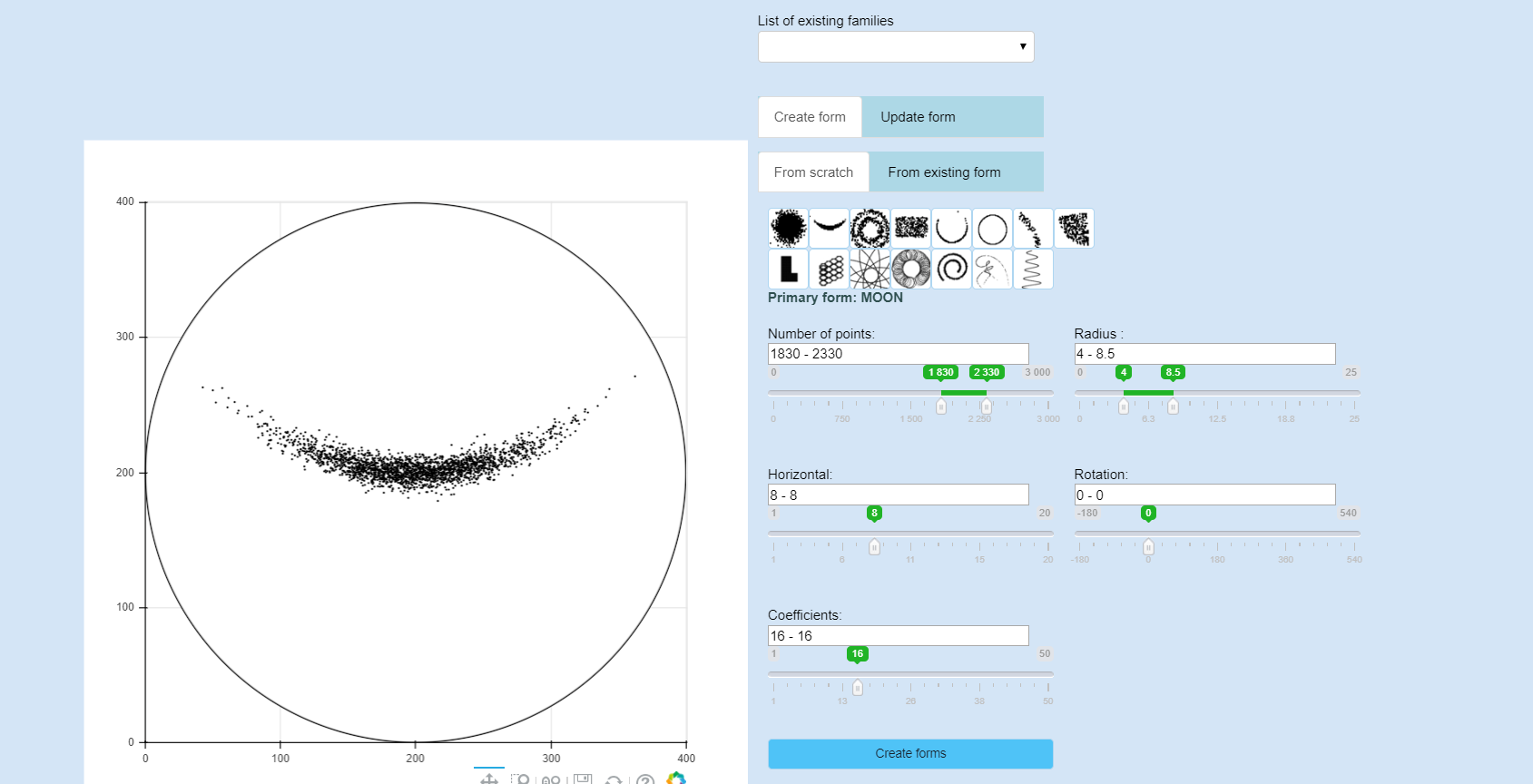

But on Linux (Bokeh 1.0.4, Anaconda 2, Nodejs 11.11.0 and npm 6.4.0, Python 3.7.2), my Bokeh server didn’t work. I don’t know why. Maybe the problem comes from the version of Anaconda? The Widgets and the plots couldn’t be displayed.

⌁   Link to post
Bryan
Bryan

One of the main core devs uses Linux almost exclusively, and almost all of our Continuous Integration testing (which includes full end-to-end Selenium tests to validate Bokeh server operation) is on Linux as well. It’s safe to say Linux is definitely the most well-tested platform by far. So I also feel confident that the issue is probably some local configuration or otherwise on your end. But it’s not possible to speculate at all, without information. At a minimum:

  • The console logs from the Bokeh server
  • The JavaScript console logs in your browser
  • The above logs, with debug logging options turned on
⌁   Link to post
DuyNGUYEN
DuyNGUYEN

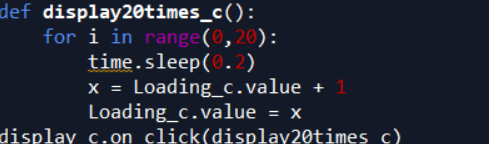
It seems to be difficult to understand. But There is a problem like with the for loop in my scripts , i added a time.sleep(0.2) for each loop. On Window, it works well. But on Linux, there is a delay too long for each loop

⌁   Link to post
Bryan
Bryan

@DuyNGUYEN I am asking for information so that we can try to help you find a solution. I am suggesting the information that you could provide, e.g. Bokeh server logs, or browser JS console logs. Are you saying you can’t provide these things? Or you need more guidance about them? The Bokeh server log is the output that shows up in the terminal wherever you start bokeh server. The browser JS logs differ by browser, e.g. on Safari you hit Apple-Option-C to access them. You will have to google search for instructions how to obtain them for whatever browsers you are using. Please just post that information here, and possibly it will point to a solution.

⌁   Link to post
Bryan
Bryan

Well, that’s unfortunate. The next best thing is usually a minimal (toy) example script to reproduce the problem (e.g. with fake/synthesized data) if that is possible to produce. Is it possible for you to try with a new version to see what happens? There was a big refactor to layout in version 1.1 in case this is some layout related issue (there were many) perhaps it has been resolved in recent versions.

⌁   Link to post
DuyNGUYEN
DuyNGUYEN

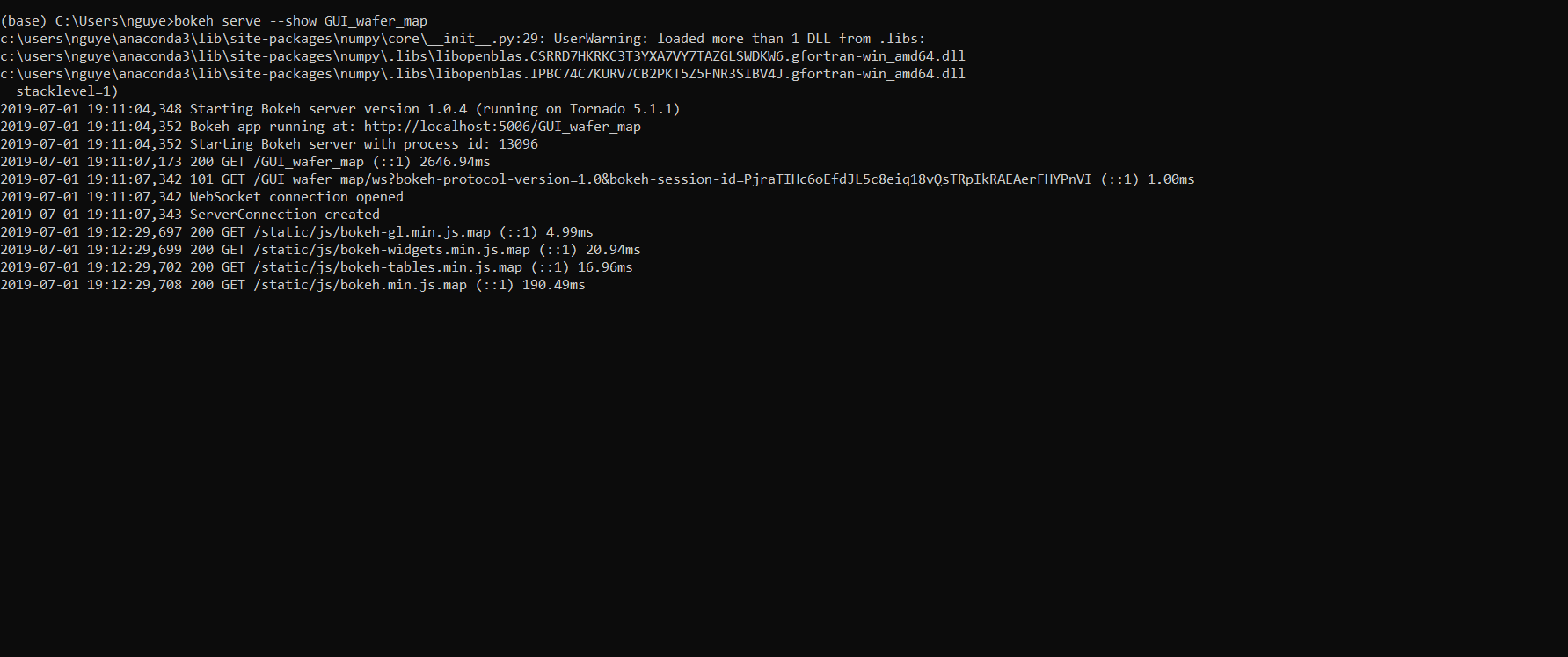
These are the Bokeh server log and the browser JS logs when i launched my app on Window. I think it works well. I don’t have my computer with Linux now, to show you the Bokeh server log when i launched my app. But i will try with Bokeh 1.1

⌁   Link to post
DuyNGUYEN
DuyNGUYEN

Thanks, now it works. But there is a small problem. In my scripts, there is a for loops to display the different plots(20 plots)., and i added time.sleep(0.2) for each loop. it means with each loop, each plot will be displayed. It seems to be ok on Window. But on Linux, i think time.sleep(0.2) doesn’t work, it’s too fast, i just see the first and the last plot.

⌁   Link to post
DuyNGUYEN
DuyNGUYEN

With more details:


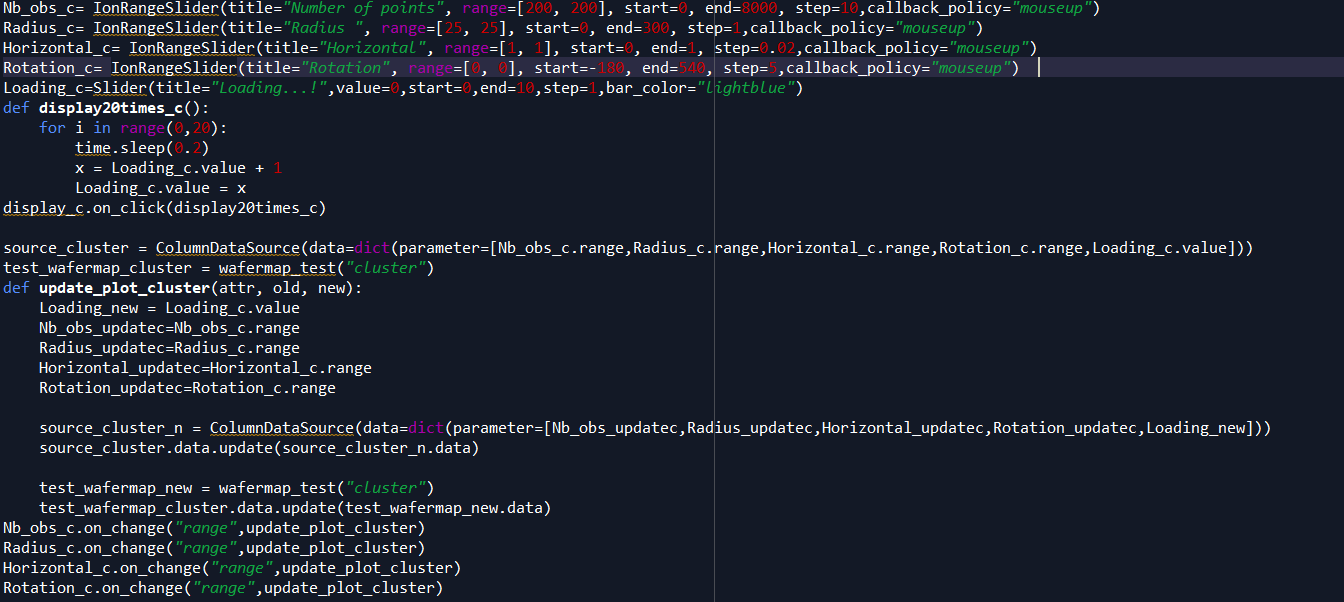
In the first photo, in my plot, there is a cluster, and on the right, there are 4 sliders, i can use these 4 sliders to change my cluster into many forms. And i click on Show me, to see 20 different times, my
cluster is changed with the values on sliders. And you can see my code

On window its ok. But On linux when i click on show me, just 1 time my cluster is changed

⌁   Link to post
Bryan
Bryan

OK I have to make sure: the screenshots above of the logs, are those from after the problem happens? To be clear, I was asking for the state of the logs after a problem occurs. I.e. the logs after you click the button and things on’t work. Typically when something works “once” it usually follows some kind of exception (which would show up in the logs).

⌁   Link to post
DuyNGUYEN
DuyNGUYEN

I saw the logs. Nothing is changed before or after i click the button. I think there isn’t problème with time.sleep()
image
But i dont know why with a for loops 20 times, just only the last loop, my figure is displayed

Maybe i will try with curdoc().add_periodic_callback?

⌁   Link to post
Bryan
Bryan

Unfortunately at at this point I don’t really have any other suggestions. If you can provide a complete, minimal, script that reproduces what you are seeing, I would be happy to investigate it further by actually running it myself. Otherwise I don’t have any more ideas present.

⌁   Link to post

End of archived discussion · Replies are disabled