Hi Kristen,
Yes, for some reason the video is a bit out of focus for the first 20 seconds or so, must be something to do with the software I used to make it. You should be able to make out the contents of the command window after that.
Anyway, the installation steps are as follows (note I’ve omitted the optional virtualenv installation - see here if you want to use that after step 1):
- Ensure you’ve got Python 3 installed (including pip but this comes with recent versions of Python 3 so should be there already)
- At a command prompt enter pip install bokodapviewer. This will install the app and its dependencies.
- Navigate to the bokodapviewer directory, which is in your site-packages directory (the location of this will depend on your OS and environment setup).
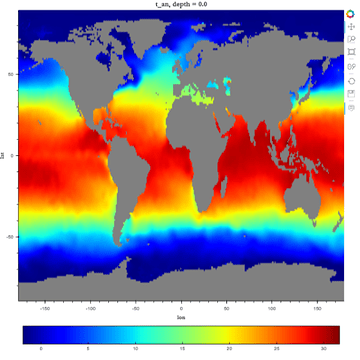
- Start the app by entering bokeh serve --show App.py
This should open your default browser with the app running.
Hope that helps. If you need any further help or info about the app feel free to email me directly at Marcus.Donnelly@sea.co.uk.
Regards,
Marcus.