

Hello,
I am trying to create a data table that has first column frozen when I scroll to the right. There is the attribute, frozen_columns in the documentation but I get an attribute error when I add it in there. Otherwise the table works fine, the first column is just not frozen.
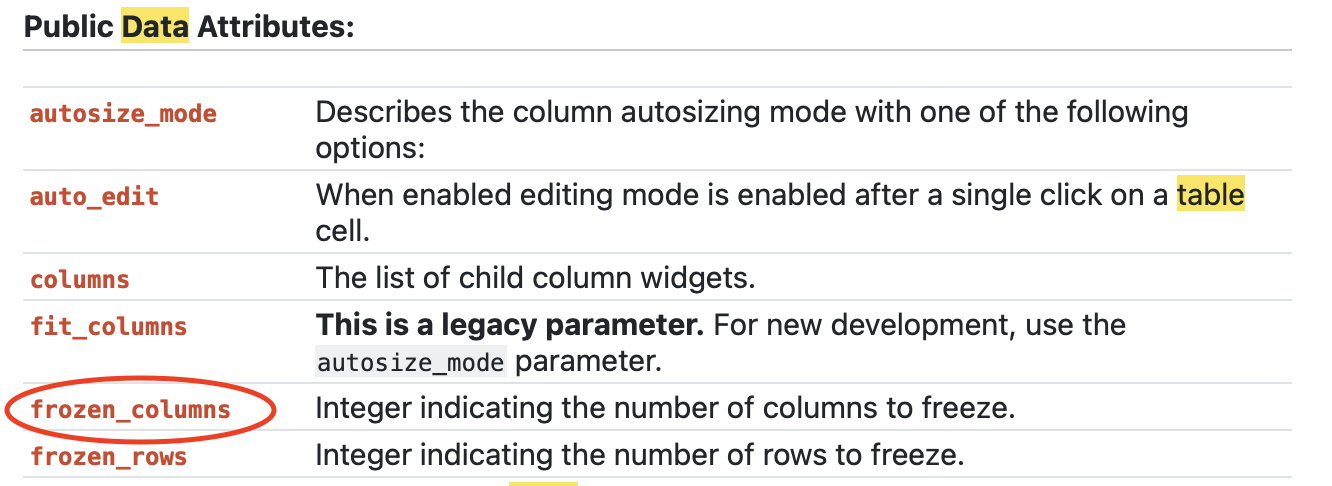
Here is my code:
source = ColumnDataSource(trend.iloc[:-1])
columns = [TableColumn(field=x, title=x) for x in trend.columns]
death_percentages_per_week = DataTable(source=source, columns=columns, width=1200, height=400, fit_columns = False, frozen_columns = 1)
This is the error I get:
AttributeError: unexpected attribute ‘frozen_columns’ to DataTable, similar attributes are fit_columns or columns
Did this attribute get removed?
Thanks,
Andrew

