

When using the tabs widget, the tab labels automatically align themselves one above the other (vertically, up to two in a row). e.g.:
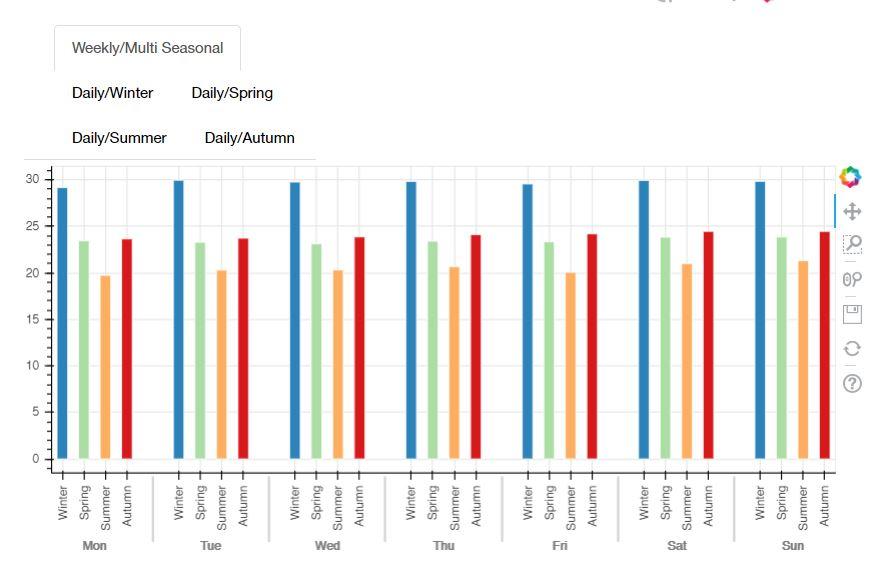
How can I adjust the labels’ layout so that all tabs appear horizontally aligned (like this)?
code example:
tab2 = Panel (child=rb_barFig, title=‘Weekly/Multi Seasonal’)
tab3 = Panel (child=rb_winter, title=‘Daily/Winter’)
tab4 = Panel (child=rb_spring, title=‘Daily/Spring’)
tab5 = Panel (child=rb_summer, title=‘Daily/Summer’)
tab6 = Panel (child=rb_autumn, title=‘Daily/Autumn’)
tabs = Tabs(tabs=[tab2, tab3, tab4, tab5, tab6])
doc.add_root(column(somethingElse, tabs))
``
Also, is there an explicit way of modifying the tabs’ appearance embedded into Bokeh?
Thanks


