
☰Read-only archive⌕
Looking for help with Bokeh?

This is a read-only archive. Ask questions and join the conversation on GitHub.

Visit Community Support on GitHub →
Archived discussions · Captured October 28, 2026

HoverTool background transparency

Community Supporthover
niskrev
niskrev

Hi,
I want to add bokeh plots in a JupyterBook. I have a problem with the appearance of the hovertool in the book HTML output. The example below is with a plot from the bokeh gallery, but the same occurs with other plots I have tried.

In the notebook itself, the hover tooltip appears as it should
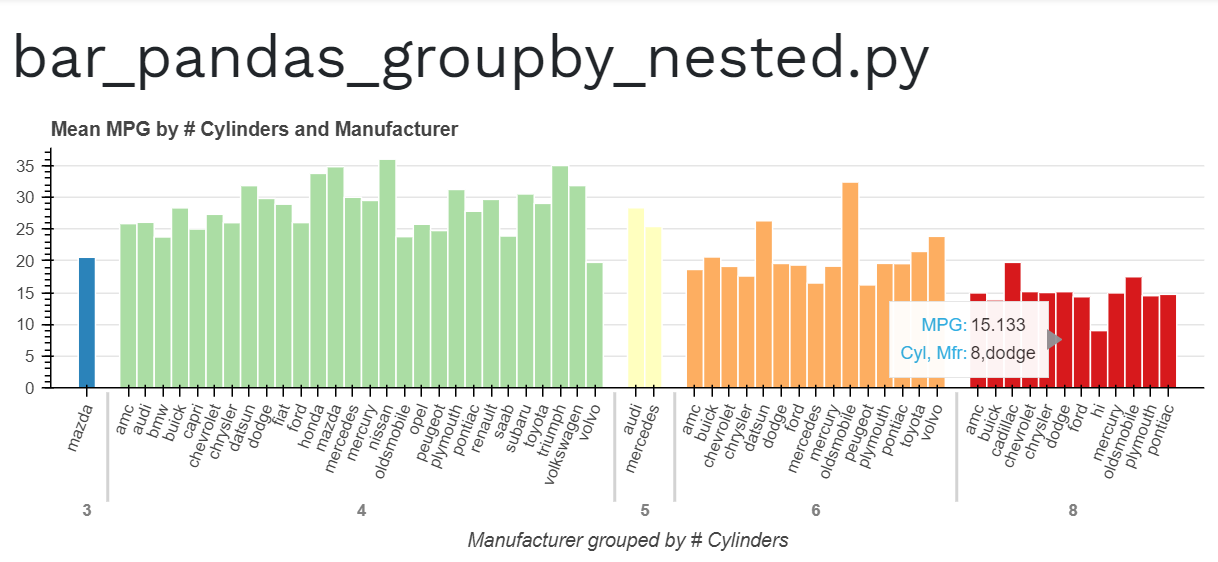
However, in the jupyterbook the background becomes transparent and it is difficult to read the values
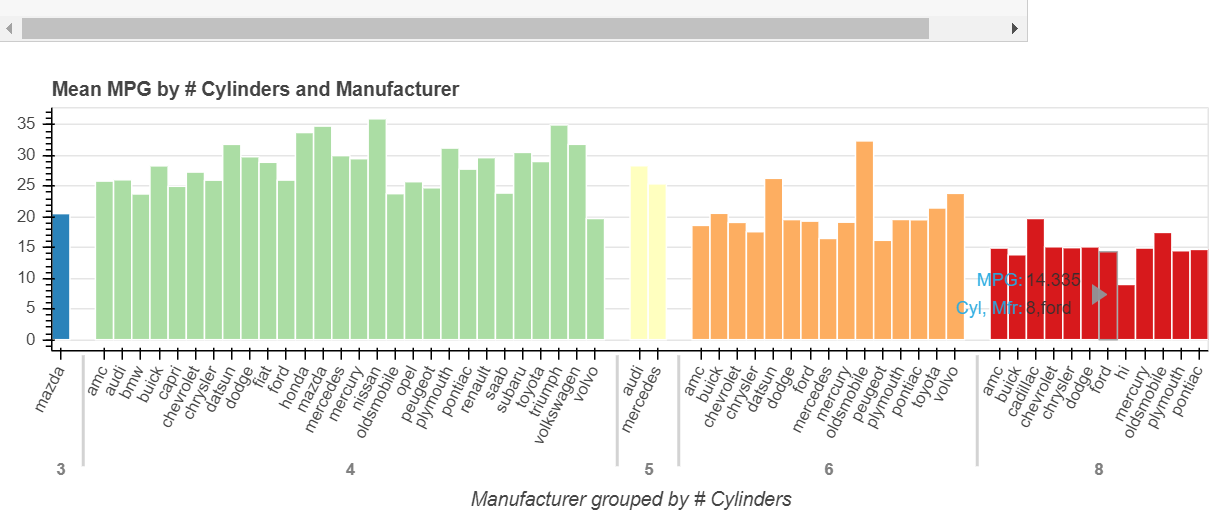
I am not sure what causes the problem, tried different browsers (Chrome, Safari, and Edge) with the same result. Is there a way to enforce or change the background color or opacity?
Thanks!

⌁   Link to post
Bryan
Bryan

I don’t know that there is any immediate answer. [1] I’ve never used Jupyterbook, but it seems evident that it is mucking with CSS in some way that conflicts with Bokeh’s tooltip. It will just take some investigation to figure out how to prevent that. I would suggest opening your browser dev tools and seeing if you can find any helpful clues, and then submitting a GitHub Issue would be the next appropriate step.


  1. AFAIK any immediate work-around would necessarily involve injecting some custom CSS in to the Jupyterbook output, but I have no idea how to do that or if it is even possible, that’s really a question for the jupyter folks. ↩︎

⌁   Link to post
niskrev
niskrev

Thanks @Bryan, your reply helped me find the solution. Indeed it had to do with CSS setting background-color to transparent. This was a bug that has been fixed recently and the solution for me was just to install the most recent release of the myst-nb package.

⌁   Link to post

End of archived discussion · Replies are disabled