☰Read-only archive⌕
Looking for help with Bokeh?

This is a read-only archive. Ask questions and join the conversation on GitHub.

Visit Community Support on GitHub →
Archived discussions · Captured October 28, 2026

How to change font_name and font_size of labels of the checkboxgroup widget

Community Support
Gilles
Gilles

Hi,

I would like to change the font_name and font_size of the labels for my checkboxgroup widgets. I know we can change the size(height/width) of the widget but it does not affect the label size.

Below is a simple example.

from bokeh.plotting import output_file, show
from bokeh.models.widgets import CheckboxGroup
from bokeh.layouts import layout

checkbox_group1 = CheckboxGroup(labels=['Yandi'], active=[], background='red', margin=(0, 0, 2, 0), height=15, max_width=80)
checkbox_group2 = CheckboxGroup(labels=['Tom Price'], active=[], background='blue', margin=(0, 0, 2, 0))
checkbox_group3 = CheckboxGroup(labels=['Hope Downs 1'], active=[], background='green', margin=(0, 0, 2, 0))

l = layout([
    [[checkbox_group1, checkbox_group2, checkbox_group3]],
])

output_file("checkbox_groups.html", title="checkbox groups", mode='inline')
show(l)

Is it possible to change the size and font of the labels?

Thanks

⌁   Link to post
Bryan
Bryan

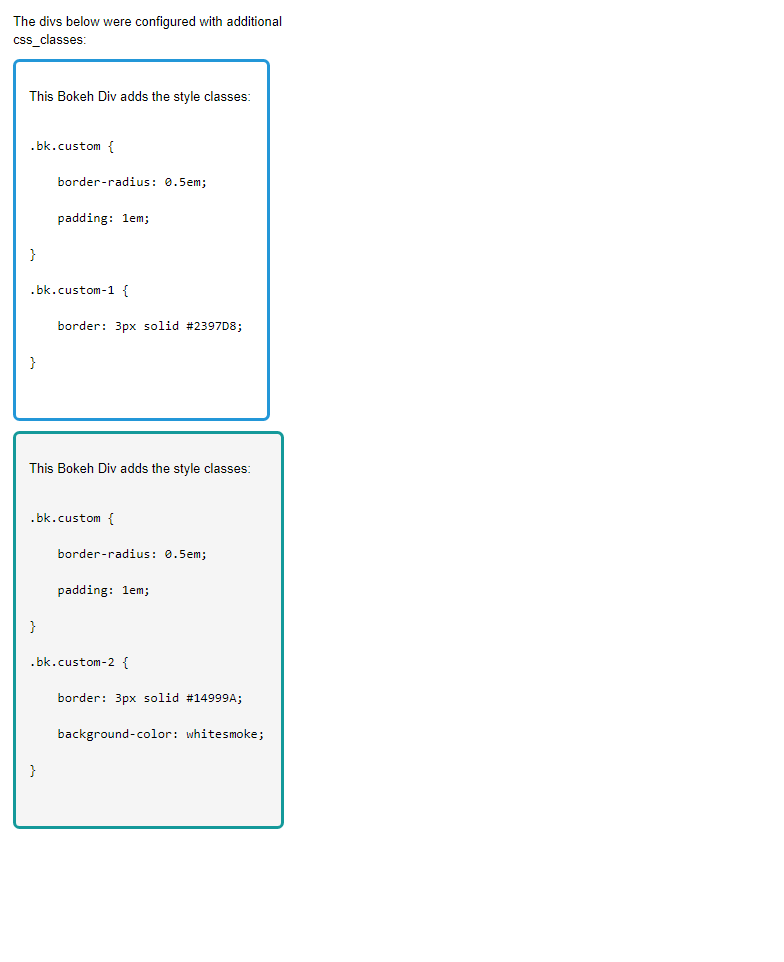
There is not currently and API to control this. The only means would be to target CSS. You can add CSS classes to the widgets setting the css_classes property on them, then using CSS rules to change the appearance. You could provide a custom output template with your stylesheet to use with file_html or alternatively you should be able to set the css_raw property of the BokehJS resources you are using (inline or cdn) to add CSS rules.

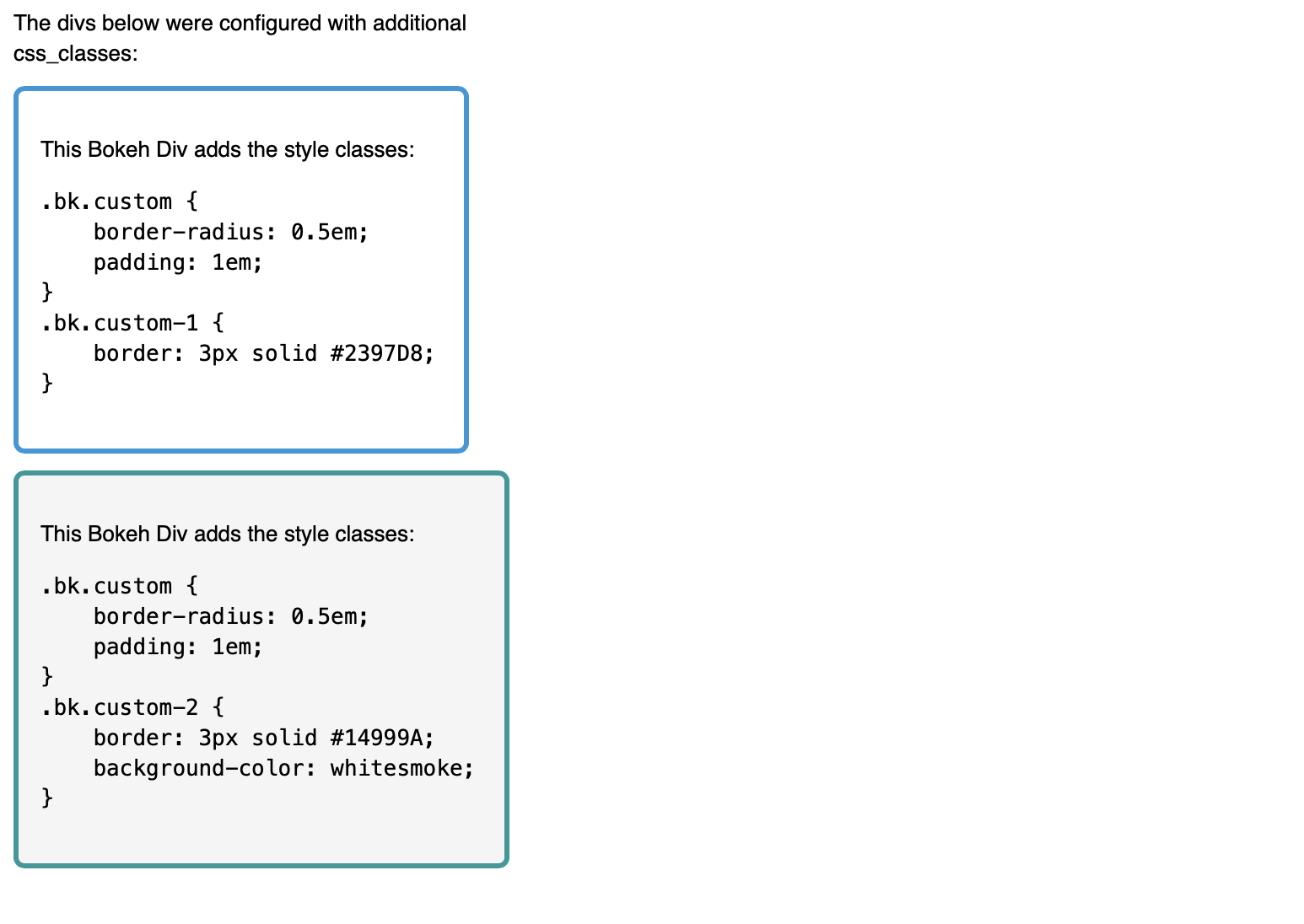
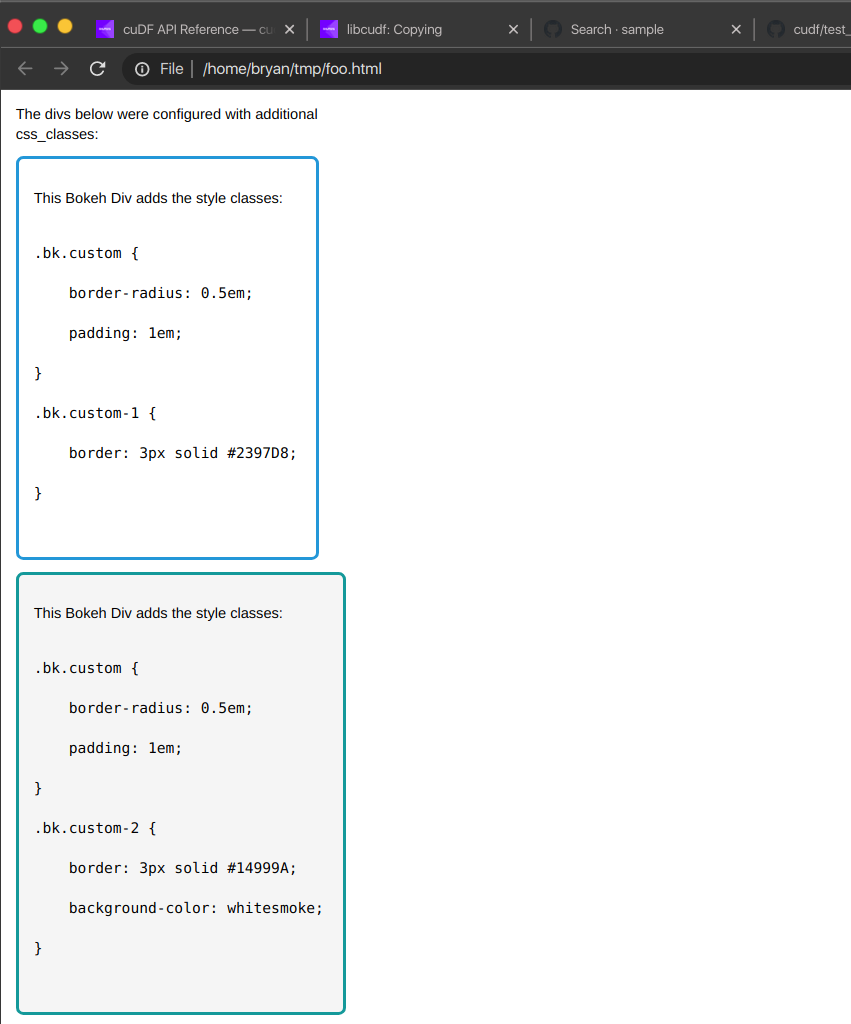
Edit: here is a concrete example of employing css_classes:

⌁   Link to post
Gilles
Gilles

Hi Brian,

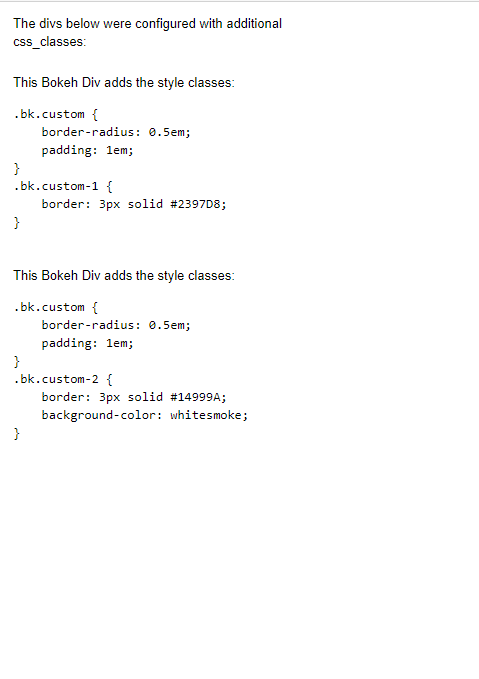
I ran the example above but I am not sure what the output should be. I get the following output:

I am assuming that the texts should have border and colours. Is that right?
Have you got a screenshot of the output?
I am using Bokeh 2.3.1 and the browser is Microsoft Edge.

⌁   Link to post
Gilles
Gilles

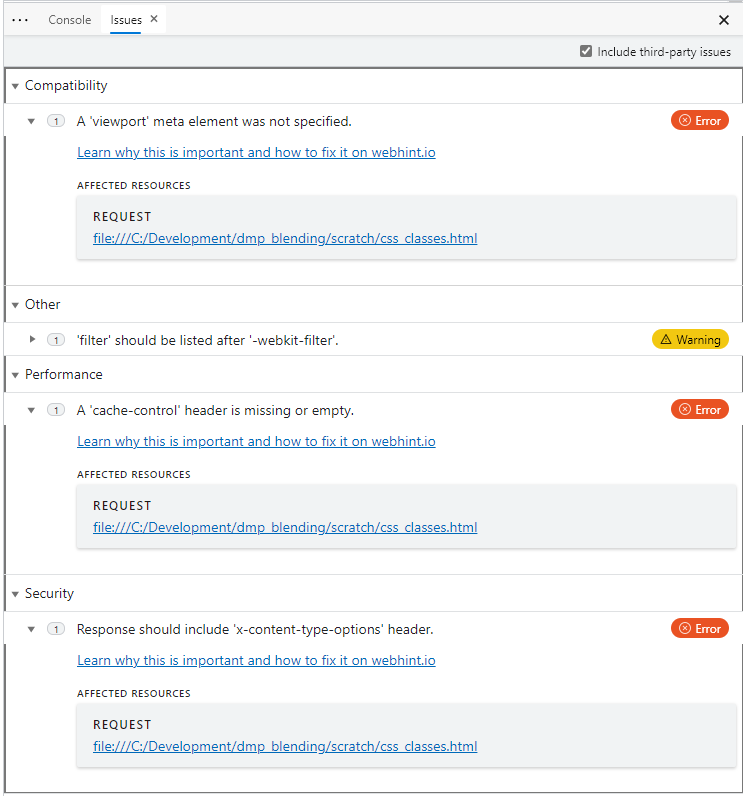
@Bryan We tested on Windows + Chrome, Windows + Firefox and Linux Firefox. They all show the same result (no border and background colour). And there is no error displayed on the browser console.

This is the script copied from the link above:


from bokeh.plotting import figure, output_file, show

from bokeh.io import save

from bokeh.layouts import column

from bokeh.models import Div, Paragraph

from bokeh.util.browser import view

template = """

{% block postamble %}

<style>

.bk.custom {

    border-radius: 0.5em;

    padding: 1em;

}

.bk.custom-1 {

    border: 3px solid #2397D8;

}

.bk.custom-2 {

    border: 3px solid #14999A;

    background-color: whitesmoke;

}

</style>

{% endblock %}

"""

p = Paragraph(text="The divs below were configured with additional css_classes:")

div1 = Div(text="""

<p> This Bokeh Div adds the style classes:<p>

<pre>

.bk.custom {

    border-radius: 0.5em;

    padding: 1em;

}

.bk.custom-1 {

    border: 3px solid #2397D8;

}

</pre>

""")

div1.css_classes = ["custom", "custom-1"]

div2 = Div(text="""

<p> This Bokeh Div adds the style classes:<p>

<pre>

.bk.custom {

    border-radius: 0.5em;

    padding: 1em;

}

.bk.custom-2 {

    border: 3px solid #14999A;

    background-color: whitesmoke;

}

</pre>

""")

div2.css_classes = ["custom", "custom-2"]

#output_file("css_classes.html", title="css_classes", mode='inline')

#show(column(p, div1, div2), template=template)

save(column(p, div1, div2), template=template)

view("css_classes.html", new='tab')

Unfortunately I cannot attach the html file produce by the script.
I copied the exact code in the link above. Did I need to change anything?
I am quite supprise that it does not work neither o Windows and Linux!

⌁   Link to post
Gilles
Gilles

@Bryan ok I have updated my bokeh from 2.31 to 2.3.2 and it looks ok.
Before closing this discussion I would like to make it work for my original issue (change font-size and front-colour of the labels of the checkboxgroup widgets).

Thanks for your help. I let you know how I went this the checkboxgroup widgets

⌁   Link to post
Gilles
Gilles

@Bryan, how can I achieve this solution on a bokeh server? I need to set this template after the server has started (on the fly). The “Document” class has a property “Template”, can it be used for that purpose? Or this property is set when the server fired up using the index.html file in the folder Template?

⌁   Link to post
Bryan
Bryan

This is not possible, I am afraid. The template is rendered (once) when the session is opened.

⌁   Link to post
gmerritt123
gmerritt123
from bokeh.models import CheckboxGroup, Slider
from bokeh.models import InlineStyleSheet
from bokeh.plotting import save

cbgss = InlineStyleSheet(css="div.bk-input-group{color: red; }")
cbg = CheckboxGroup(labels = ['Here','It is','Red'],active=[0,1,2]
                    ,stylesheets=[cbgss]
                    )
save(cbg,r'C:\Projects\testcb.html')
⌁   Link to post

End of archived discussion · Replies are disabled