☰Read-only archive⌕
Looking for help with Bokeh?

This is a read-only archive. Ask questions and join the conversation on GitHub.

Visit Community Support on GitHub →
Archived discussions · Captured October 28, 2026

How to get autocompletion for python code?

Community Support
pinkfrog
pinkfrog

I want to get auto completion for python code (vscode I am using).

For this line

p = figure(title="Simple line example", x_axis_label='x', y_axis_label='y')

There is no auto completion on p.line.

Checking the source, it seems there is no line function defined on p. The way bokeh does is through reflection on __getattr__.

Given that, how to get autocompletion? Does bokeh have some sort of types-bokeh package for typing use?


⌁   Link to post
Bryan
Bryan

@pinkfrog sorry I have no idea what wierdness VSCode has going on. Contrary to what you suggest, the glyph methods are in fact just normal methods (including with type annotations) defined the figure class as you can see here (they are brought in via figure inheriting GlyphAPI)

In any case, tab-completion works fine in IPython, for example:

and also in the standard interpreter:

Since this seems like a VSCode-specific issue you might have better luck on a VSCode-specific help forum.

⌁   Link to post
Bryan
Bryan

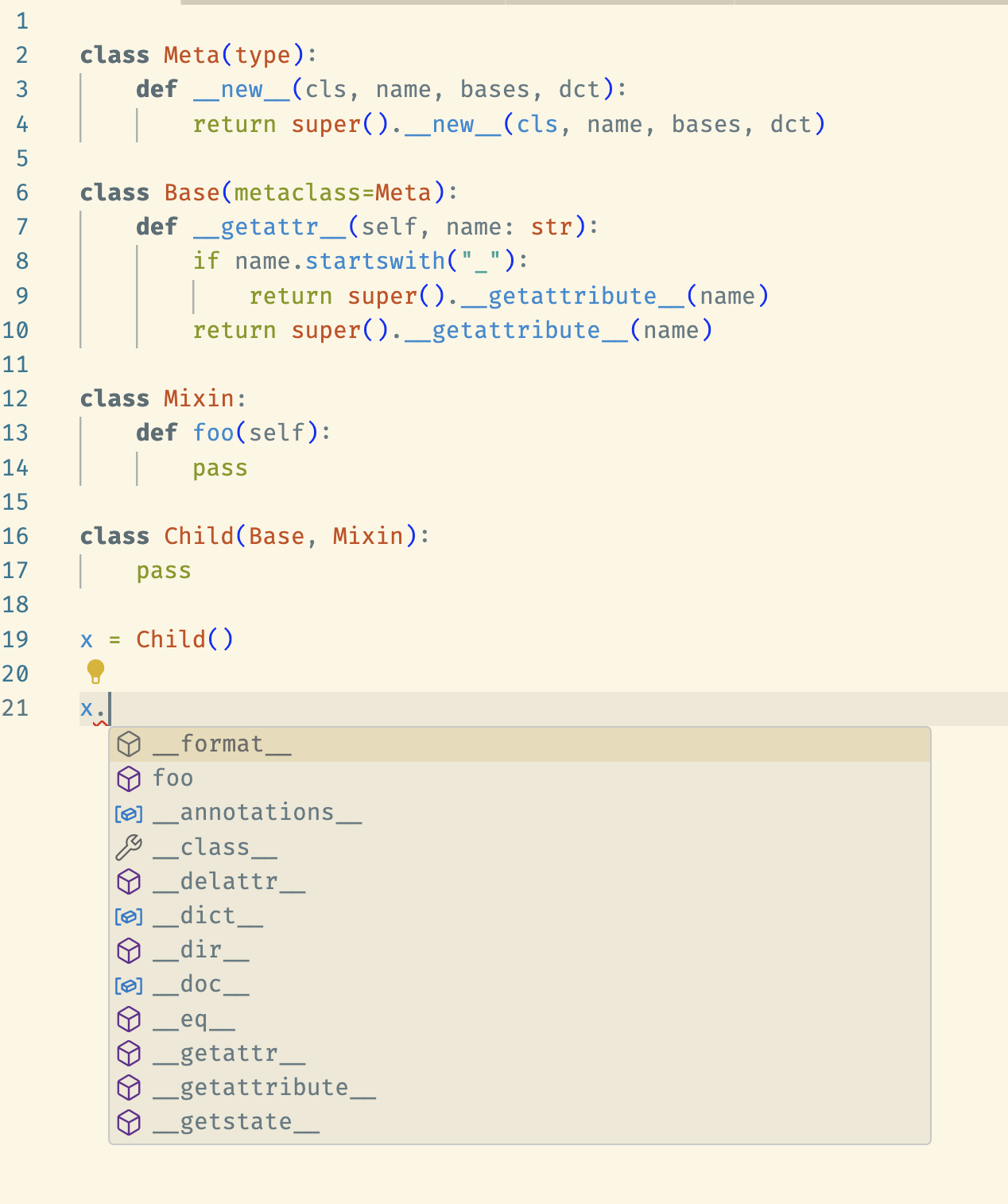
@pinkfrog If I define this in VSCode explicitly:

p: figure = figure()

then auto-completion works.

Without the hint, VSCode determines that p is a type Model which is technically true, since Model is in fact a superclass of figure. Perhaps Pylance (the tool VSCode uses for auto-completion) is getting confused by the fact that Model has a metaclass as well. I’m not sure, but if so there is nothing we can do about that on our end. And given the fact that Python itself and IPython get things correct, I would say it actually seems like a bug in Pylance.

⌁   Link to post
Bryan
Bryan

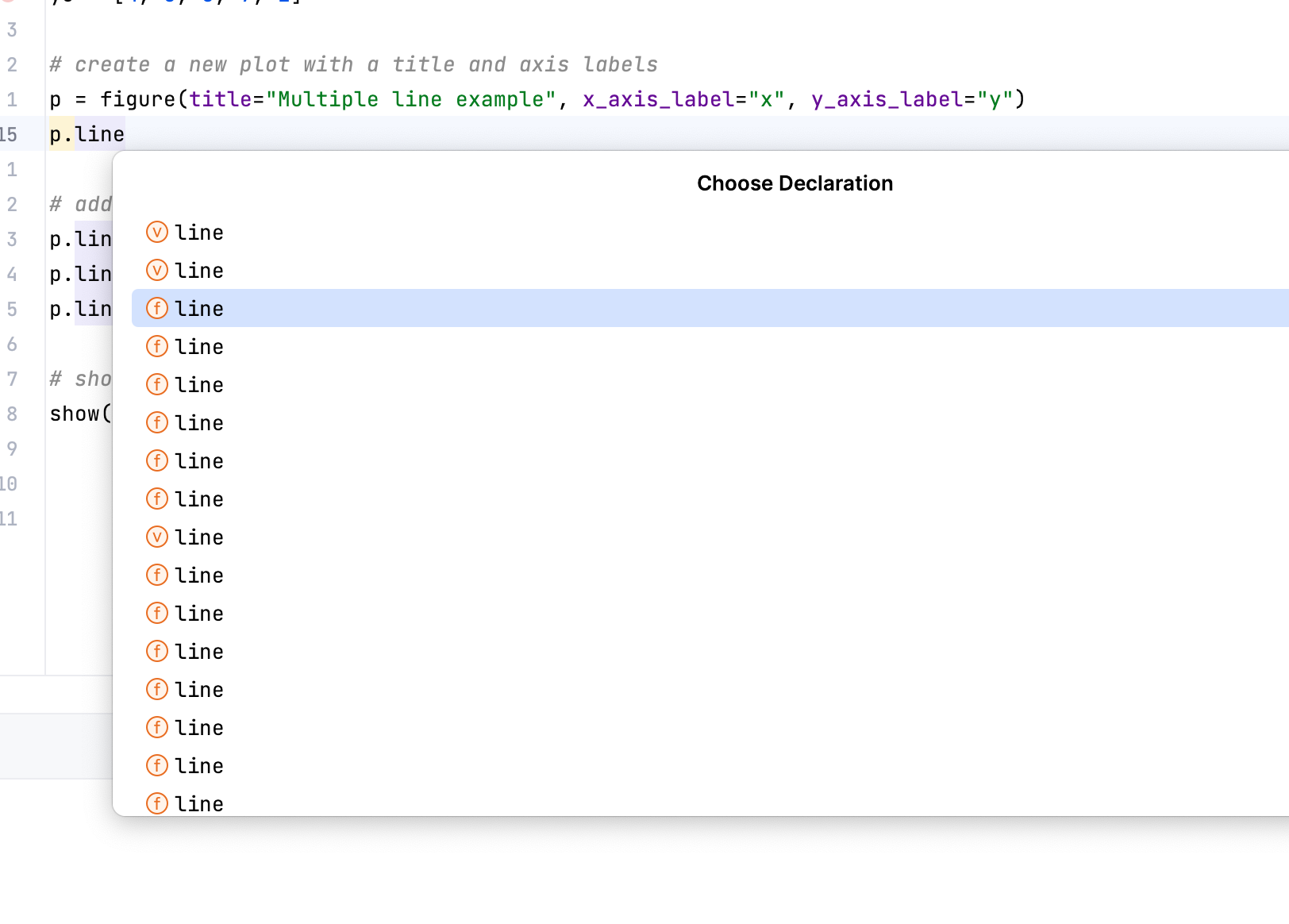
All the glyph methods have a lot of optional parameters. I guess PyCharm explicitly enumerates all of the combinations. I am not sure how useful that is, maybe there is some way to turn that off.

⌁   Link to post

End of archived discussion · Replies are disabled