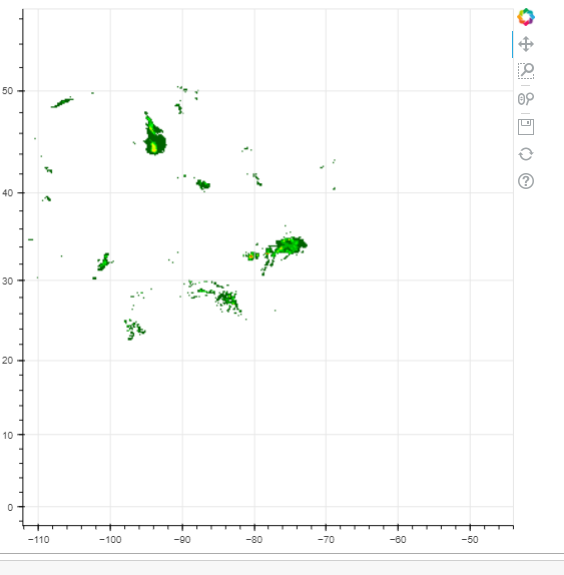
Thanks for the suggestion.
I have tried
import requests
from bokeh.models import Select, CustomJS
from bokeh.models.tiles import BBoxTileSource
from bokeh.plotting import figure
from bokeh.tile_providers import get_provider, Vendors
from bokeh.io import notebook, show
from bokeh.layouts import Row

p = figure(x_range=(-2000000, 4000000), y_range=(-1000000, 7000000),
           x_axis_type="mercator", y_axis_type="mercator")
time_stops = requests.get("https://nowcoast.noaa.gov/layerinfo?request=timestops&service=analysis_meteohydro_sfc_rtma_time&layers=7&format=json").json()["layers"][0]["timeStops"]
url = "https://nowcoast.noaa.gov/arcgis/rest/services/nowcoast/analysis_meteohydro_sfc_rtma_time/MapServer/export?transparent=true&format=png8&layers=show%3A7&bboxSR=3857&imageSR=3857&size=256,256&f=image&time={TIME}&bbox={XMIN},{YMIN},{XMAX},{YMAX}"
tile = BBoxTileSource(url=url, extra_url_vars={"TIME": str(time_stops[0])})
select = Select(options=list(map(str, time_stops)))
callback = CustomJS(args=dict(source=tile), code="""
    var time = cb_obj.value
    console.log(source.extra_url_vars)
    source.extra_url_vars = {"TIME": time}
    source.change.emit();
""")
select.js_on_change('value', callback)
p.add_tile(tile)
layout = Row(select, p)
show(layout)
Is there a way to prevent it from flickering / flashing white between changes, e.g. finish loading the data then display rather than clearing the canvas, wait for data to load, then display? Ideally, it would look something like Forecast Models - Tropical Tidbits (press left right arrow keys). Or how do I make {TIME} act like {XMIN},{YMIN}, etc (show a pixelated version until data arrives)