upgrading from bokeh 2 to 3, the paragraphs in my Div widgets now no longer have space inbetween them. could someone please help me figure out how to style them?
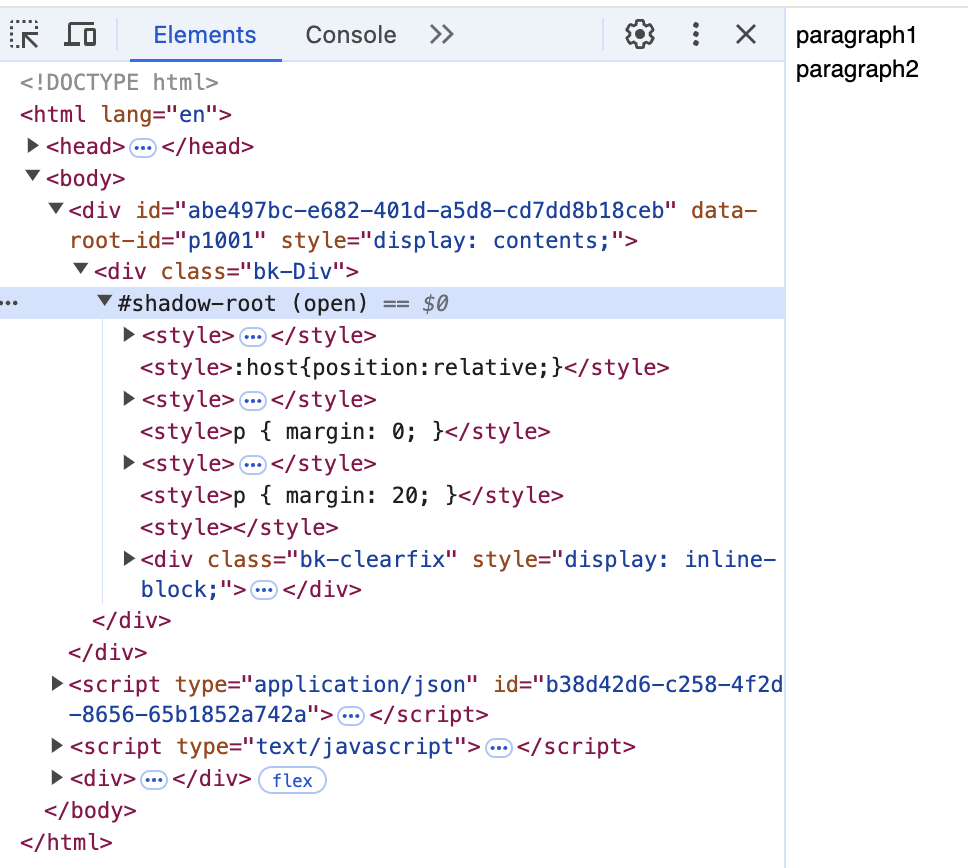
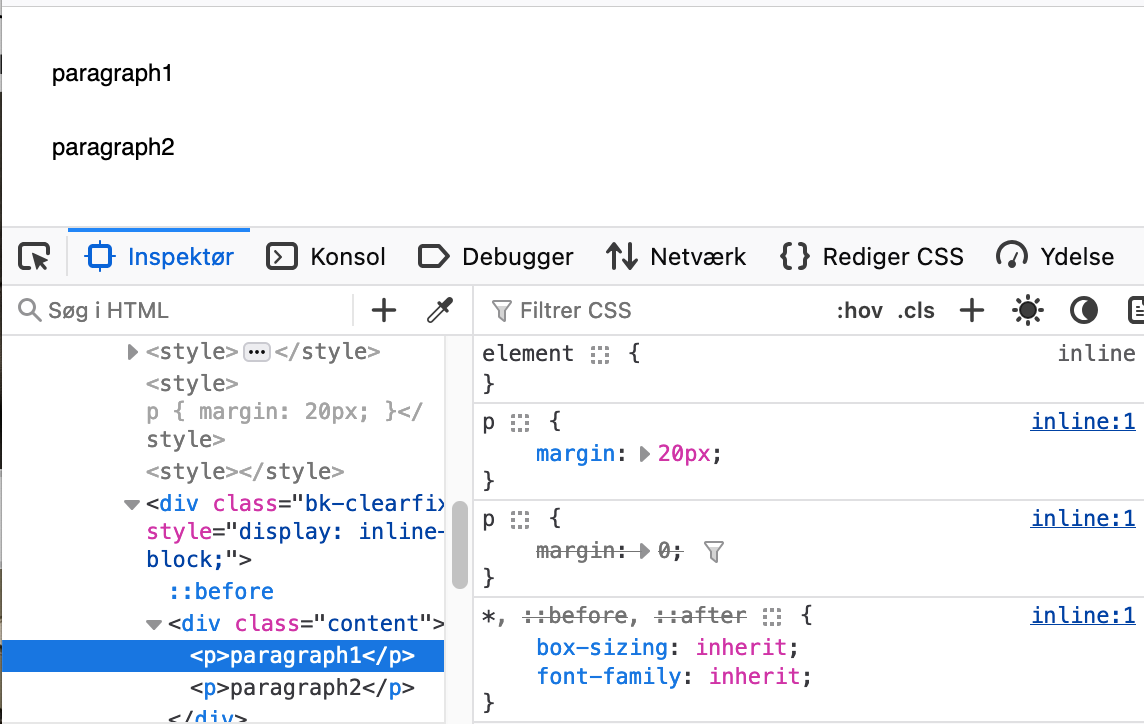
inspecting the DOM i see a “p { margin: 0; }” and if i manually change that to say 10 it works great. but i can’t come up with a way to change it programmatically. setting the stylesheet of the Div as in the MWE below results in a second “p { margin…” which has no effect. see screenshot below.
from bokeh.io import show
from bokeh.models import Div
div = Div(text="""<p>paragraph1</p><p>paragraph2</p>""")
div.stylesheets = ["p { margin: 20; }"]
show(div)