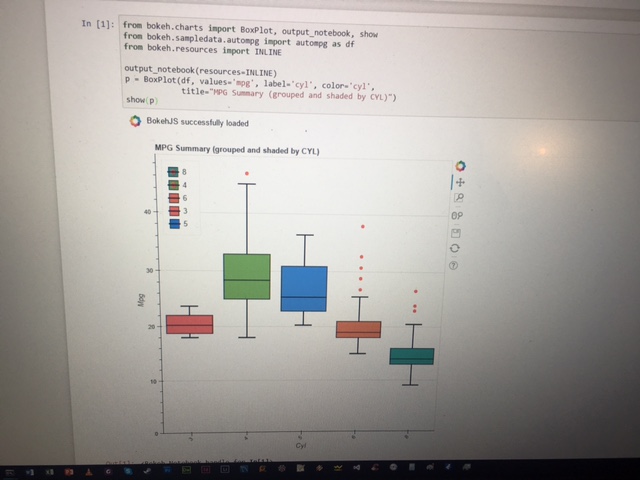
Hi all, Thanks for Bokeh! I have been able to create some pretty cool visualizations just after a couple of days of learning. Now I figure it would be fun to learn Jupyter notebook (which I really know nothing about).
Going from your docs where it says:
To display Bokeh plots inline in an Jupyter notebook, use the output_notebook() function from bokeh.io instead of (or in addition to) the output_file() function we have seen previously. No other modifications are required. You can see an example below:
I modified one of the example scripts accordingly:
from bokeh.charts import BoxPlot, output_notebook, show
from bokeh.sampledata.autompg import autompg as df
from bokeh.resources import INLINE
output_notebook(resources=INLINE)
p = BoxPlot(df, values=‘mpg’, label=‘cyl’, color=‘cyl’,
title=“MPG Summary (grouped and shaded by CYL)”)
show(p)
Now how do I load that into my notebook? I have installed jupyer and I see:
The Jupyter Notebook is running at: http://localhost:8888/
When I run the python script, I just see this warning and nothing displays.
BokehJS does not appear to have successfully loaded. If loading BokehJS from CDN, this
may be due to a slow or bad network connection. Possible fixes:
- ALWAYS run
output_notebook()in a cell BY ITSELF, AT THE TOP, with no other code- re-rerun
output_notebook()to attempt to load from CDN again, or- use INLINE resources instead, as so:
from bokeh.resources import INLINE
output_notebook(resources=INLINE)
warnings.warn(_NB_LOAD_WARNING)
Thanks in advance