Hello,
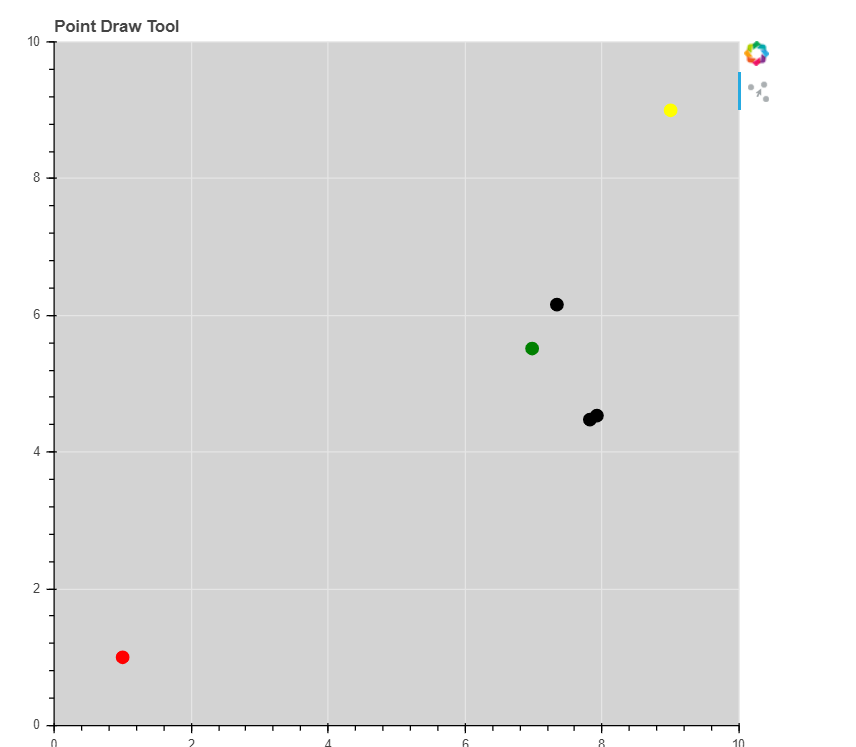
How i can update size of each point selected? I want to have many points with many different size
Thanks
 Read-only archive⌕
Hello,
How i can update size of each point selected? I want to have many points with many different size
Thanks

You would need to point the size property of the glyphs at a column in a ColumnDataSource, then you could use JavaScript callbacks to update the size column in the data source (or if this is a Bokeh server app, you could use real Python callbacks).
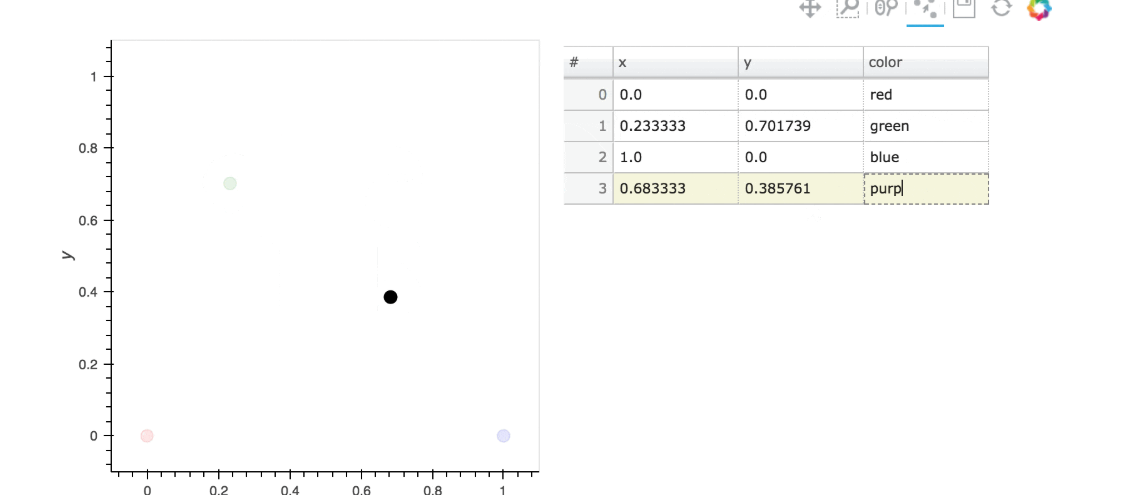
The PointDrawTool itself can only be configured with a single empty_value to use to fill non-coordinate columns.
Thanks, but i use TextInput or Slider to change empty_value. It did not work.
I can use Holoview with Bokeh server?
In general, it’s not possible to offer help or suggestions based on non-specific statements such as this. The best way for you to help others help you is to provide actual code to focus the discussion.
I can use Holoview with Bokeh server?
Yes, but that’s a discussion to have with the Holoviews team. You might try asking on their Gitter channel.
p = figure(x_range=(0,401), y_range=(0,401), toolbar_location="below",
           plot_width=650, plot_height=650)
p.circle(x=200, y=200, radius=200, line_color="black", fill_color='white', fill_alpha = 0.5)

source_bezier = ColumnDataSource({
    'x': [200,300,200,150],
    'y': [200,200,300,150],'size':[4,4,4,4]
})
source_radius = ColumnDataSource({'r': [r.value]})

r = Slider(title="Update size", value=4, start=1, end=200, step=1)

def update(attr,old,new):
       new_val = r.value
       source_radius_new = ColumnDataSource({'r': [new_val]})
       source_radius.data.update(source_radius_new.data)
r.on_change("value",update)

renderer_bezier = p.circle(x='x', y='y', source=source_bezier,
                           size='size',color="black")
draw_tool_bezier= PointDrawTool(renderers=[renderer_bezier],
                                empty_value=source_radius.data['r'][0])

plot_bezier.add_tools(draw_tool_bezier)
plot_bezier.toolbar.active_tap = draw_tool_bezier
I just want to change the empty value to create a new point with a new size
@DuyNGUYEN respectufully, please try to spend some time to:
You are asking people to donate their time and expertise to you, for free. You should strive to make things as clear and simple as possible for them.
I’d like to actually run code to investigate, but this is not complete, so I can only speculate. Offhand, this is definitely problematic:
source_radius_new = ColumnDataSource({'r': [new_val]})
source_radius.data.update(source_radius_new.data)
A source.data should only ever be updated from a plain Python dict. In fact, in Bokeh 2.0 this will raise an error. I would first suggest trying:
source_radius.data = {'r': [new_val] }
All that said, I don’t really see how this will accomplish:
create a new point with a new size
That is because empty_value is only initialized once, when the tool is created. It is not a “pointer” it does not refer to source_radius in any way, so changing source_radius after the fact will not have any impact whatsoever. To get a new size, you need to change the tool, something like:
def update(attr, old, new):
    draw_tool_bezier.empty_value = new
Thanks, That is exact what i want.
If in my source, there are 4 columns: x,y,size and color. And empty_value will be only use for size or color?
Right now empty_value is used to pad all extra non-coordinate columns. It seems like it might be nice to be able to specify these values on a per-column basis. It would be reasonable to open a GitHub issue to discuss adding this feature.

End of archived discussion · Replies are disabled