Hi there,
I’d like to know, is it possible to link a pop-up window with a button(Button_click event)?
Thank you
 Read-only archive⌕
Hi there,
I’d like to know, is it possible to link a pop-up window with a button(Button_click event)?
Thank you

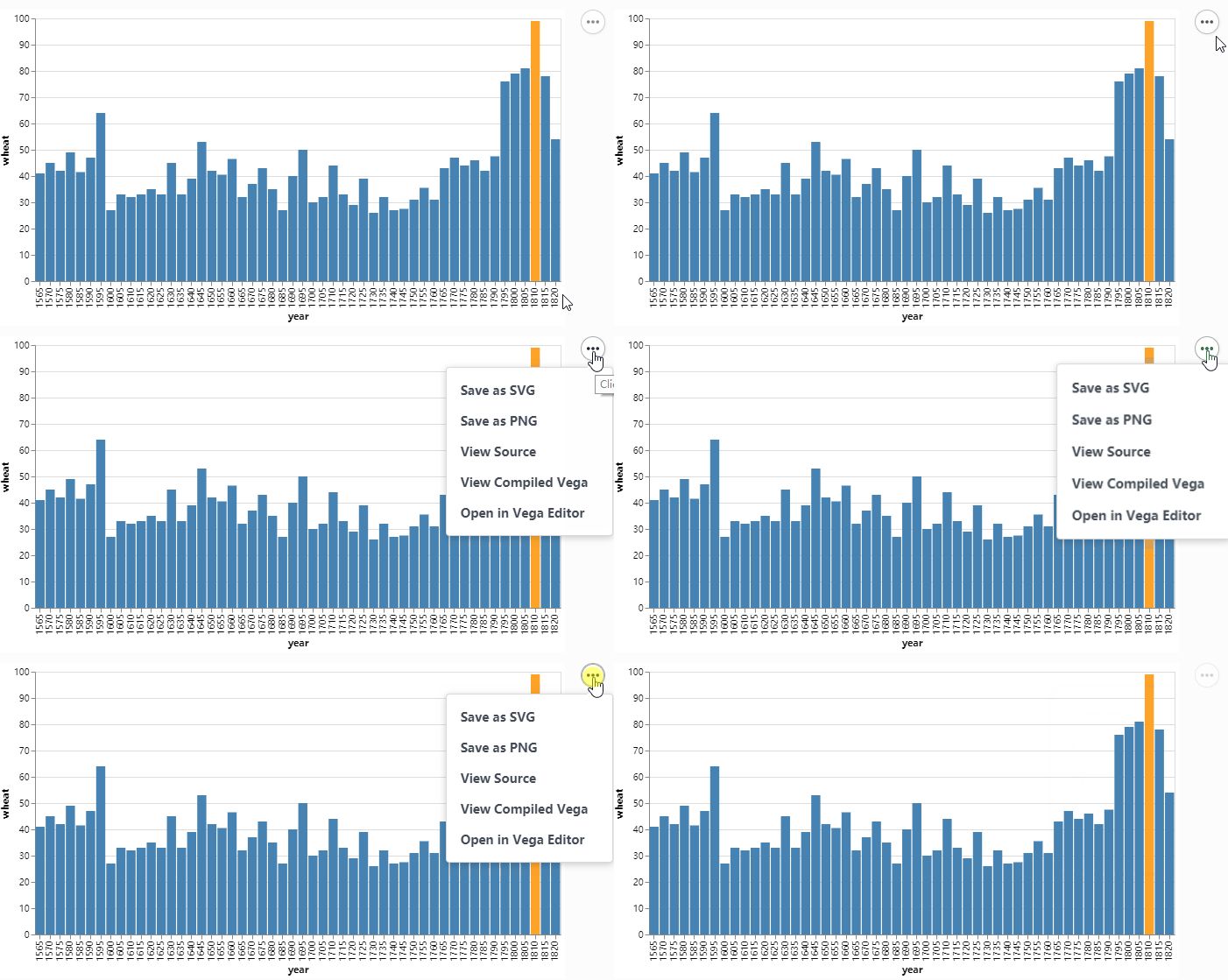
Hi, I think I didn’t describe the question properly. What I want to achieve is not an alert, I’m trying to add a button next to the plot and show some relative information in a transparent pop-up window. It’s something similar to the following gif.
Thank you.
What I have achieved is shown in the following gif.
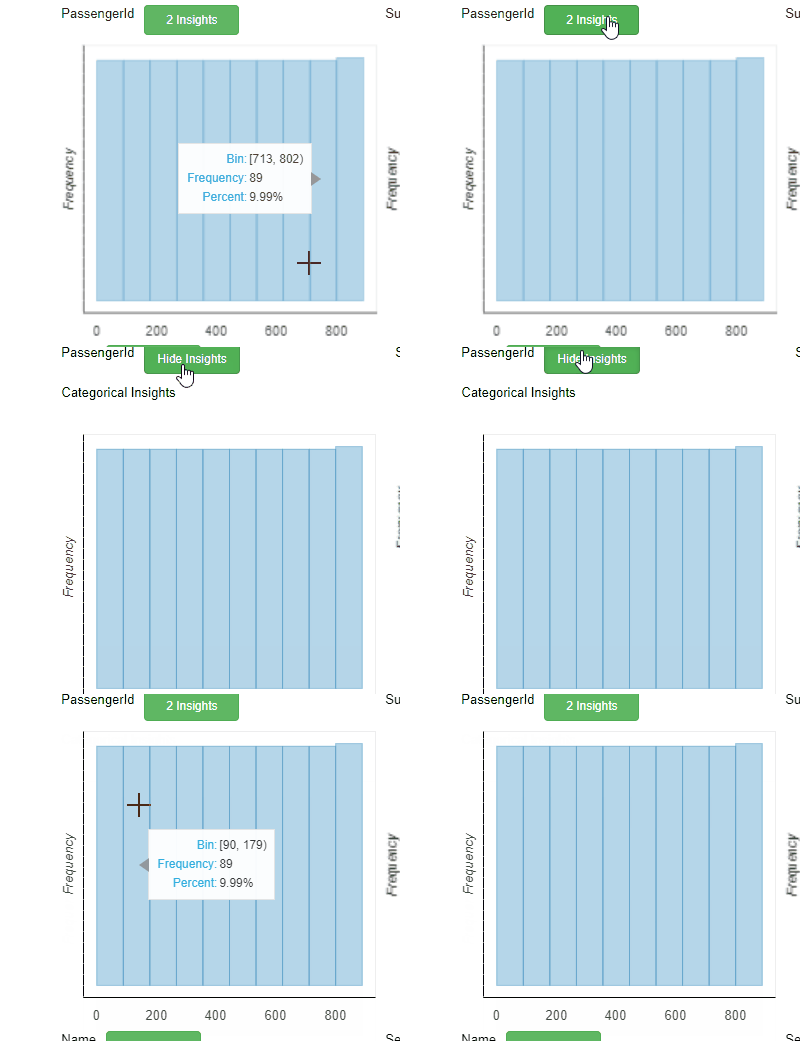
I used the column(button, div, fig) and set div to invisible default. However, this method will move the plot down when I make the div visible. Therefore I want to generate a pop-up like the tooltip also similar to the first gif. This is associated with a overlap problem, Is this feasible in bokeh?
I’m not aware of popups conceptually similar to what you show in bokeh.
If the issue is movement of plots, for example, when you’re interactively showing / hiding information I can think of a few possible workarounds.
(1) Consider a different grid layout scheme using a bokeh grid() or using nested layouts, e.g. button and div in a row() and then that result in a column() with the plot.
(2) If you want to stick to the same columnar layout you have now, consider toggling the font transparency rather than setting the Div to be visible or invisible based on the button press. That way it will always be there, but just not shown. Something like the following, but having the callback change the HTML opacity attribute.
_text = """
    <div>
        <span style="color: #023858; font-weight: bold; font-size: 133%; opacity: 0.0">
        Categorical Insights
        </span>
    </div>
"""
d = Div(text=_text)
End of archived discussion · Replies are disabled