Hi,
I’m new here, not a developer, and barely a programmer… I don’t really know how to ask my question and I may not fully understand your answer, so apologies in advance.
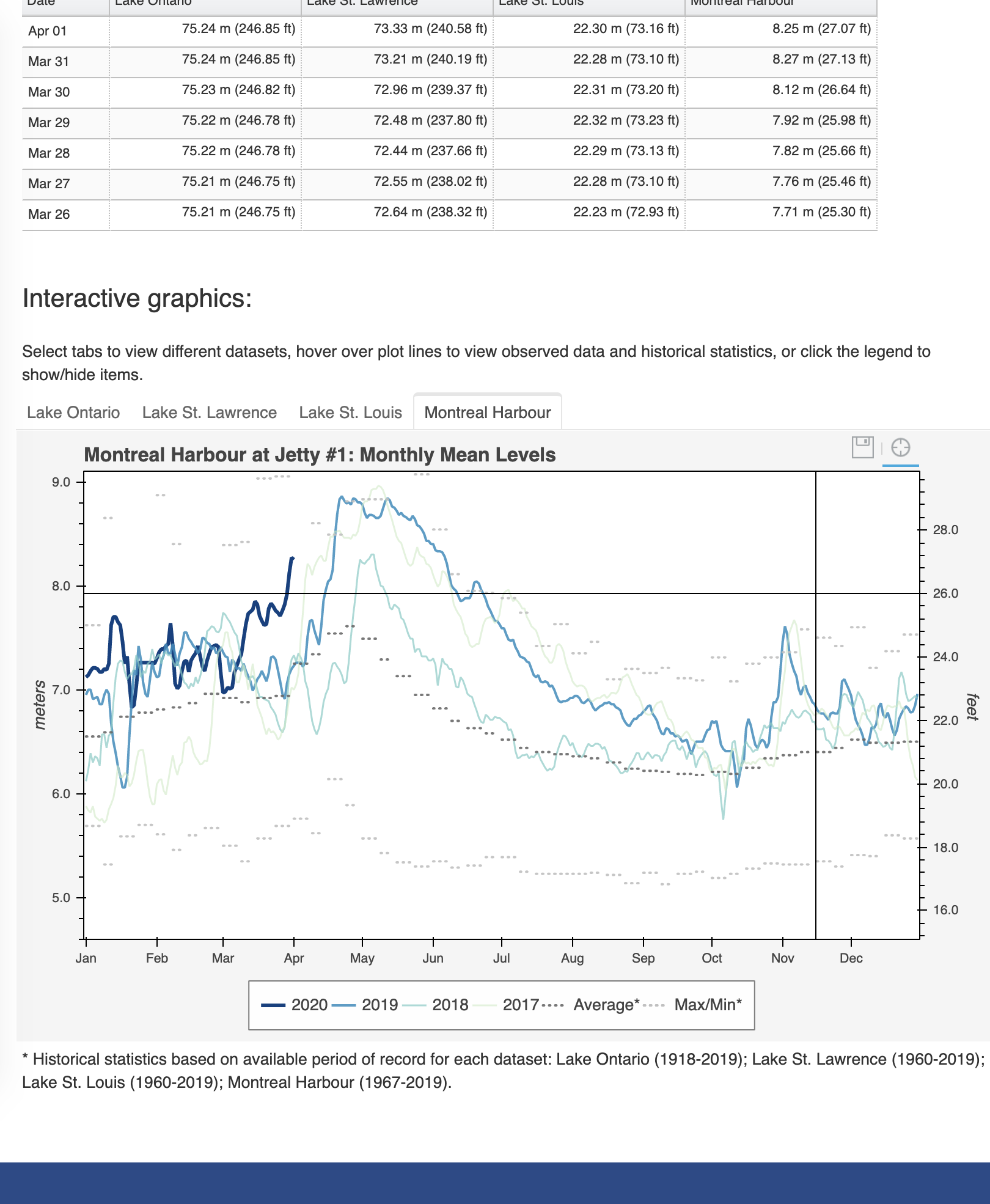
I’ve developed interactive plots with Bokeh and have embedded the HTML (copied as text) into an HTML block/field (?) on the website of an agency I support. I developed these plots with Bokeh 1.1.0. When embedded on the website, they look great.
I recently upgraded to Bokeh 1.4.0, then more recently to 2.0.0. With either of these versions, the scripts still run fine and produce the HTML output as before, and when rendered by themselves in a browser (i.e., not embedded into the website) they look identical to those created with 1.1.0.
But now when I embed the HTML into the website, same as before, for some reason a footer on the website seems to ride up overtop and overlap the embedded Bokeh plots.
My question is… any idea what might cause this and how I might be able to address it in newer versions of Bokeh?
If it helps, I use output_file/save from bokeh.io to produce the HTML plot files. When I view the resulting HTML code, the text with stuff like stylesheet and scr looks different now, guessing this might be the problem, but then I don’t know anything about this. Seems there are options to specify resources when calling “save”, could I do something with this to use the same resources as in 1.1.0? And if so, is this a safe mostly permanent solution, or might I lose this option someday?
For now I’ve reverted to using my old separate environment with Bokeh 1.1.0 to deal with this. But knowing the issue, I’m hoping I might be able to address it with the newer versions.