Hi,
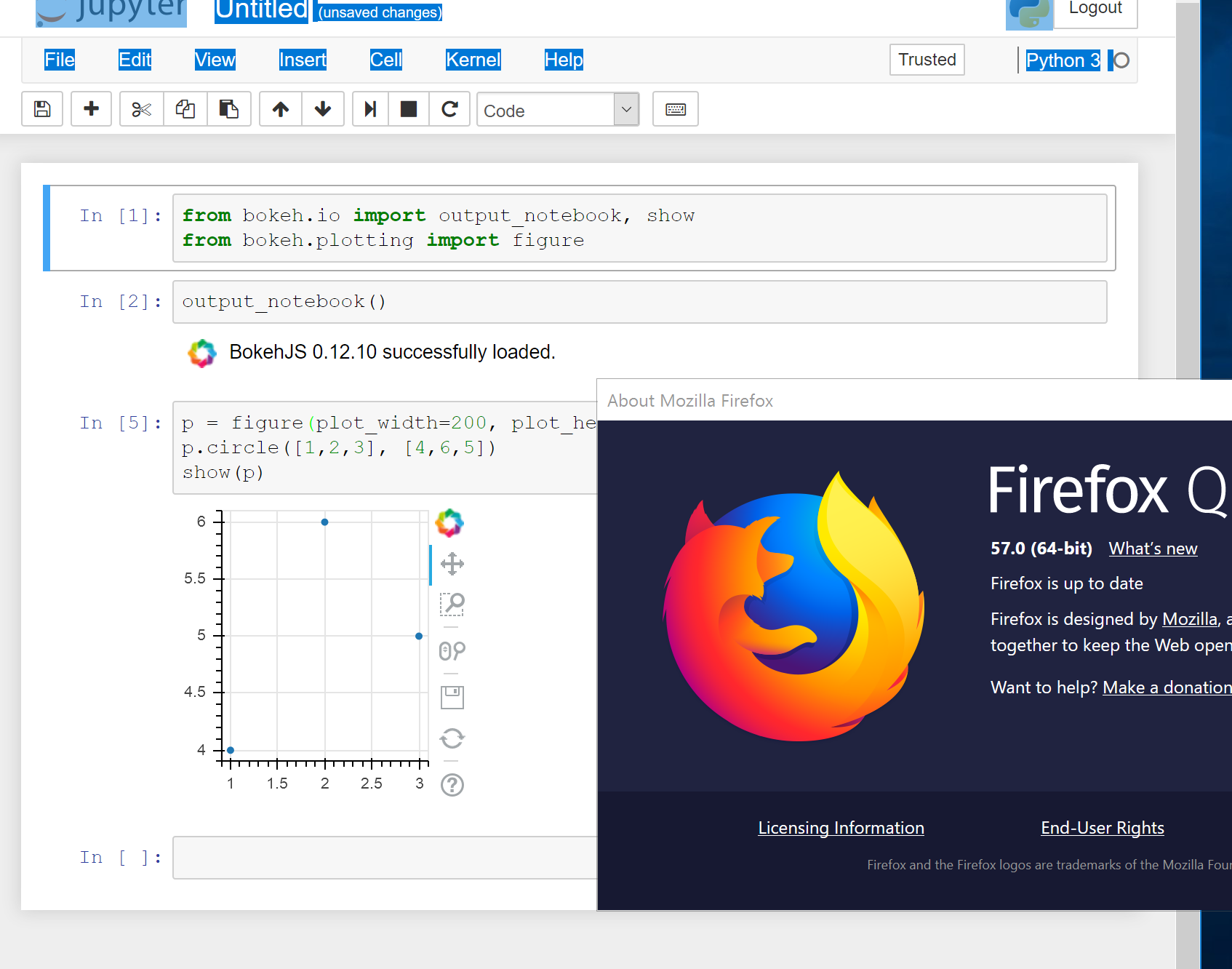
I am still unable to reproduce any problem on FF57 on OSX and I have also taken the effort to try (successfully) on a windows VM as well. Given the console message about “unable to load” BokehJS I still maintain this has to be some kind of local configuration issue for you (e.g. network firewall or browser configuration, etc.) But perhaps someone else on the list will have better luck reproducing an issue, which is a necessary first step to be able to diagnose or fix any problem. As a workaround, you can try using INLINE resources instead of the default CDN resources loaded over the network.
Thanks,
Bryan
···
On Nov 24, 2017, at 05:45, veraks18@gmail.com wrote:
Referencing github issue : https://github.com/bokeh/bokeh/issues/7227
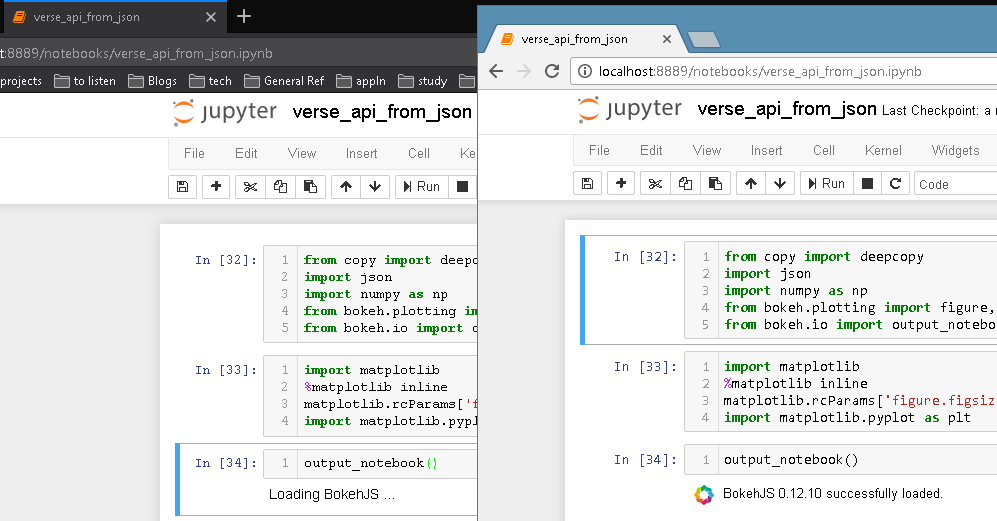
I tried opening the notebook on chrome and it works. I have attached the screenshot. I am running the notebook in a separate conda environment.
<Auto Generated Inline Image 1.png>
–
You received this message because you are subscribed to the Google Groups “Bokeh Discussion - Public” group.
To unsubscribe from this group and stop receiving emails from it, send an email to bokeh+unsubscribe@continuum.io.
To post to this group, send email to bokeh@continuum.io.
To view this discussion on the web visit https://groups.google.com/a/continuum.io/d/msgid/bokeh/640380dc-2d3a-459c-8c5c-7d2990aba164%40continuum.io.
For more options, visit https://groups.google.com/a/continuum.io/d/optout.
<Auto Generated Inline Image 1.png>