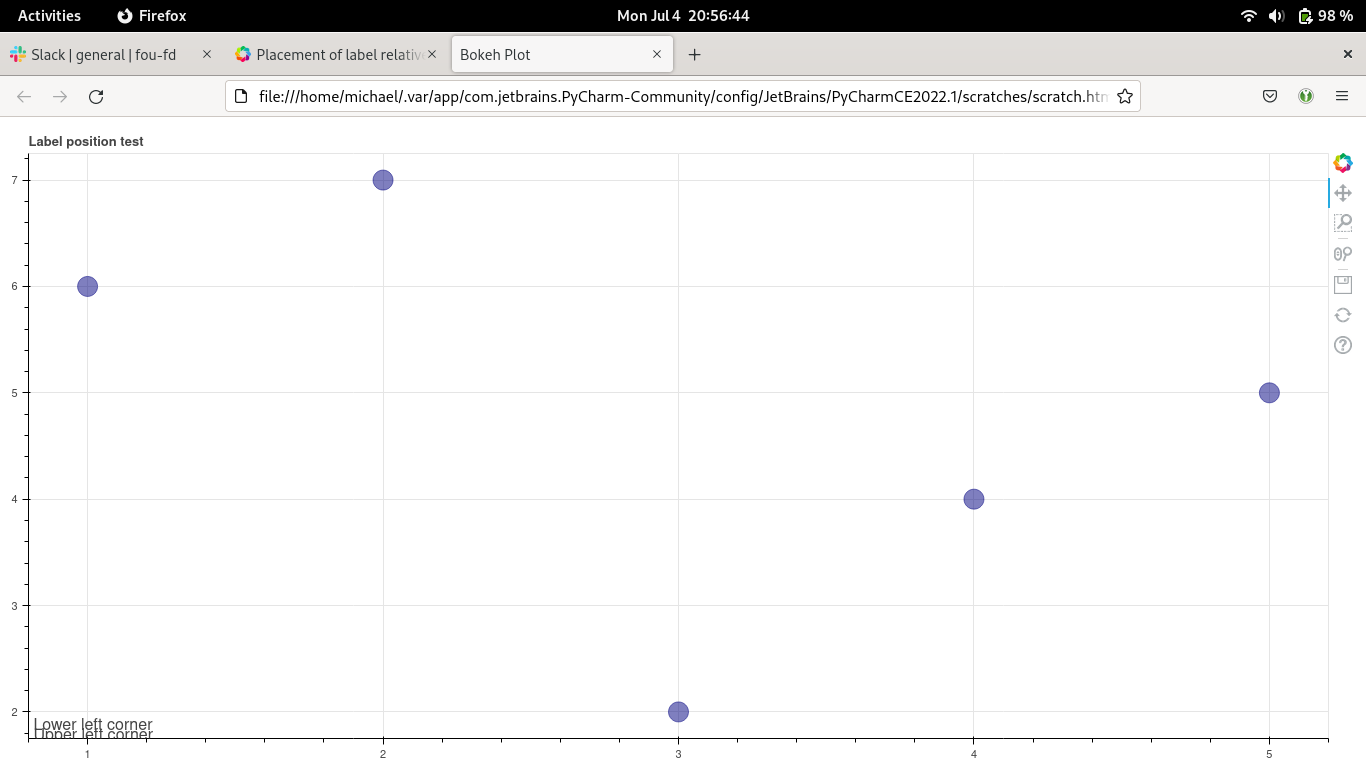
I’m trying to create a figure where I have labels in the lower left and upper left corners with some informational text. Creating a label in the lower left corner is simple enough, but how do I create one in the upper left corner when the plot is set to be dynamically scaled based on the screen size of the device rendering it? I can’t specify a y-coordinate in screen coordinates because I don’t know how large the plot will be beforehand. I also don’t want to specify one in data coordinates because I want the label to stay in the upper left corner when zooming in or panning around.
Below is a minimal script with the two labels and some filler data:
from bokeh.plotting import figure, show
from bokeh.models import Label

fig = figure(title='Label position test')
fig.sizing_mode = 'stretch_both'

fig.circle([1, 2, 3, 4, 5], [6, 7, 2, 4, 5], size=20, color="navy", alpha=0.5)

lower_left = Label(x=5, y=5, x_units='screen', y_units='screen', text='Lower left corner')
fig.add_layout(lower_left)

# How can I position this relative to the upper bound of the figure?
upper_left = Label(x=5, y=500, x_units='screen', y_units='screen', text='Upper left corner')
fig.add_layout(upper_left)

show(fig)