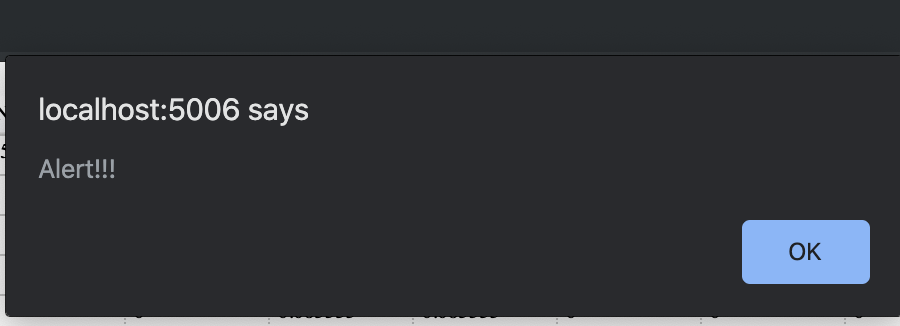
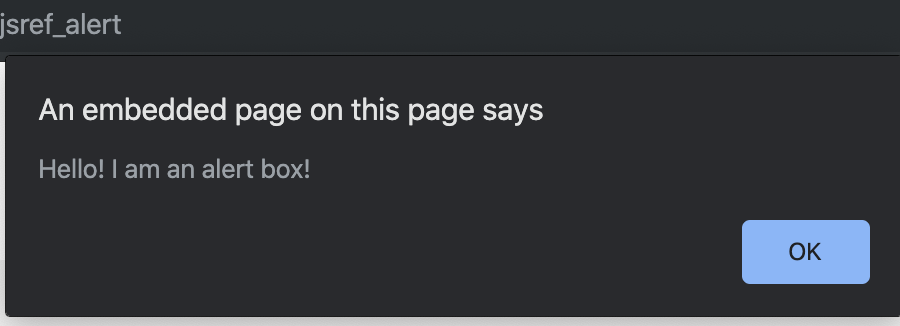
Is there any example of creating custom JS to make pop-up alerts on browser? Ideal scenario is creating something like below on the browser based on some condition.
Thanks.
 Read-only archive⌕
Is there any example of creating custom JS to make pop-up alerts on browser? Ideal scenario is creating something like below on the browser based on some condition.
Thanks.
If I’m understanding the question correctly, that should just be a matter of using alert() in your CustomJS. Like so:
from bokeh.models.tools import TapTool
from bokeh.models.callbacks import CustomJS
from bokeh.plotting import Figure, show

fig = Figure(x_range=[0, 1], y_range=[0, 1])
circle_renderer = fig.circle([0.25, 0.75], [0.25, 0.75], size=20)

cb = CustomJS(args=dict(source=circle_renderer.data_source), code="""
alert("You tapped circle "+source.selected.indices);
""")

ttool = TapTool(callback=cb)
fig.tools.append(ttool)
show(fig)Ya. I got it working now as below:
callback_holder = PreText(text='', css_classes=['hidden'], visible=False)
#visible is set to False so that text is not visible on plot
callback = CustomJS(args={}, code='alert(cb_obj.text);')
callback_holder.js_on_change('text', self.callback)
callback_holder.text = "Alert!!!"
One thing that I noticed is that the pop-up appears only once during a session. Once the pop-up is closed, it doesn’t appear again. Maybe that is the expected behavior.
That doesn’t sound right-- you ought to be able to get a new alert with each change. It’s difficult to tell with what you pasted, though. Can you expand your code snippet so that it’s fully runnable and we can see the issue?
Here it is:
from bokeh.io import curdoc
from bokeh.models.widgets import PreText, Button
from bokeh.layouts import column
from bokeh.models.callbacks import CustomJS

def plot_change():
    callback_holder.text = "Alert!!!"

button_classify = Button(label="Create Pop-up alert")
button_classify.on_click(plot_change)

callback_holder = PreText(text='', css_classes=['hidden'], visible=False)

callback = CustomJS(args={}, code='alert(cb_obj.text);')
callback_holder.js_on_change('text', callback)

layout = column(button_classify, callback_holder)
curdoc().add_root(layout)
curdoc().title = "Pop-up Alert"
So what’s happening here is that the first time you click the button, it calls the plot_change callback, which updates the text of callback_holder to be “Alert!!!”; this is the condition that fires the CustomJS callback, and so you see your alert. But once you’ve done that, every subsequent time it sets the text as “Alert!!!” again; this doesn’t count as a text change, so you’ll never see that popup again.
I realize this is probably a minimal example, and there may be context I don’t know about, but strictly for what you’re trying to do here, it could be simpler:
from bokeh.io import curdoc
from bokeh.models.widgets import Button
from bokeh.layouts import column
from bokeh.models.callbacks import CustomJS

button_classify = Button(label="Create Pop-up alert")
callback = CustomJS(args={}, code='alert("hello!");')
button_classify.js_on_click(callback)

layout = column(button_classify)
curdoc().add_root(layout)
curdoc().title = "Pop-up Alert"Got it. So as long as the text changes each time I make the callback, then the alert works.
Thank you 

End of archived discussion · Replies are disabled