

☰Read-only archive⌕
Looking for help with Bokeh?

This is a read-only archive. Ask questions and join the conversation on GitHub.

Visit Community Support on GitHub →
Archived discussions · Captured October 28, 2026

Rearrange plots on page with jQuery

Community Support
Evan_Nowak
Evan_Nowak

Hi all,

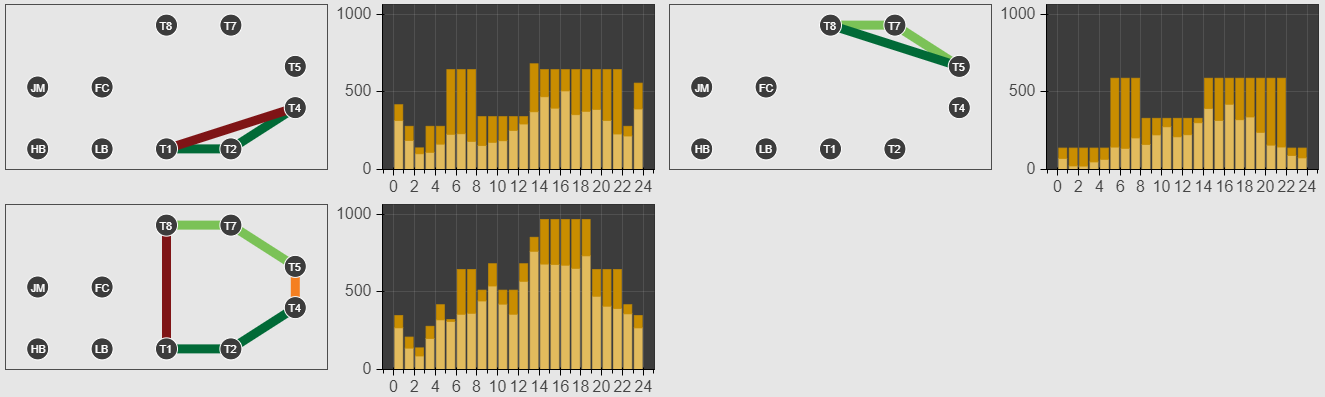
I currently have several plots (dynamically added/removed) arranged on a page in a flexbox, so the plots fill the width and then wrap to the next line if they don’t fit. This works fine:
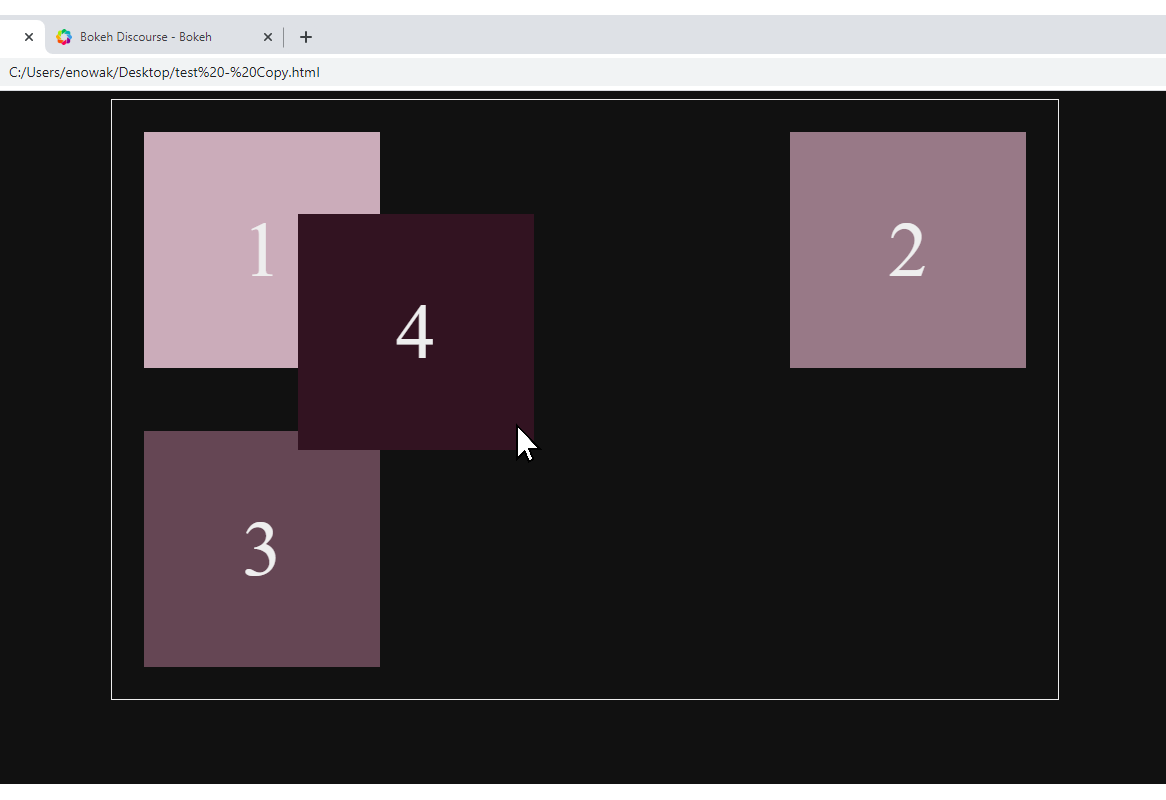
What I want to do next is allow the user to rearrange the plots by dragging the plots. I have a working test page (sans Bokeh, show below), but it doesn’t work when I add the code to my actual page. In my actual page, I’m not able to select anything to drag.
    <script src="https://code.jquery.com/jquery-1.12.4.js"></script>
    <script src="https://code.jquery.com/ui/1.12.1/jquery-ui.js"></script>

    <script>
    $( function() {
      $( ".plot-holder" ).sortable();
      $( ".plot-holder" ).disableSelection();
    } );
    </script>

Also, the formatting gets messed up if I import jQuery after importing BokehJS. This makes me wonder if BokehJS is overriding jQuery.
image

If anyone has any tips I’d really appreciate it. Thanks!

⌁   Link to post
p-himik
p-himik

You didn’t provide enough code to answer your question precisely (e.g. I have no idea what .plot-holder is and how you actually embed Bokeh plots into your webpage).
But I can guess that it doesn’t work simply because Bokeh plots intercept all mouse events and prevent them from bubbling up to .plot-holder. Try making the wrapper around the plots a bit larger than the plots themselves and then start dragging the area that’s not covered by a plot. If that works, you can probably create a designated dragging handle for each plot that’s not covered by the plot itself.

⌁   Link to post

End of archived discussion · Replies are disabled
