
Hi again
I’m in a project that uses many Graphical libraries in a python notebook. All the functionallity is finally merged in a Panel app which can be displayed either in the jupyter cell or in a new tab in the browser. The second option is done using panel.show(), which, according to documentation it creates a Bokeh Server Instance. In this new tab i cn use all the interaction features i included to the app, the only problem is that the only way of opening this app is:
1) Opening the notebook in JupyterLab
2) Running the cells with all the Python functions used in the Panel
3) Running the cell where the Panel is made, adding in the end a line of code that when executed, opens a new tab and displays the APP.
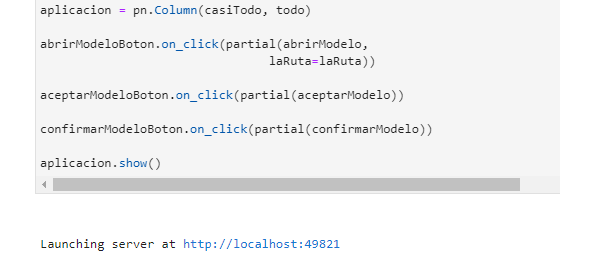
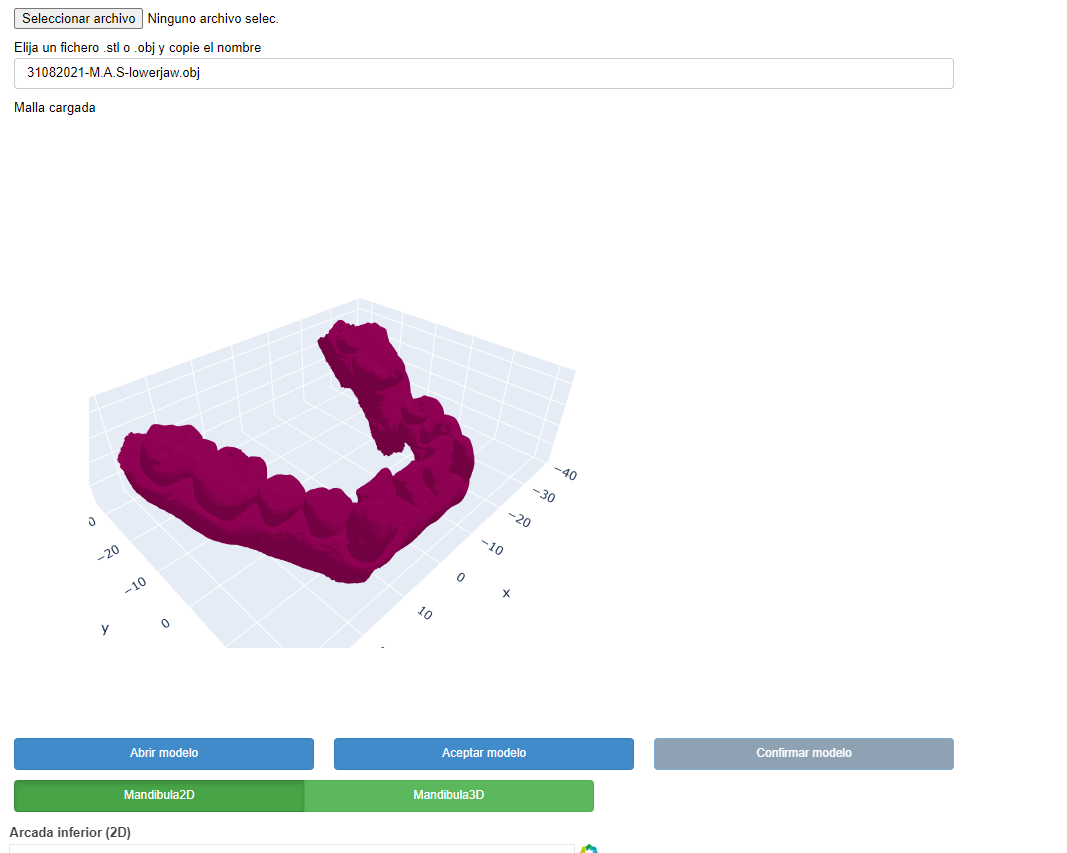
The idea is to save this tab as an Standalone HTML to save all the previous steps, i want the user to simply double click this HTML and so it will get into the Bokeh Server Instance and start using the App.
I’ve read Embedding Bokeh content — Bokeh 2.4.3 Documentation , which looks like the idea i want but i don’t fully understand it.
Thanks a lot