

What are you trying to do?
Showing a bokeh plot inside a panel that is part of a bootstrap grid
What have you tried that did NOT work as expected?
p = figure(title=“Weather data”,
title_location=‘above’,
sizing_mode=“stretch_both”)
Basically the above abstract is working perfectly for width, but not a all for height, sizing_mode=“stretch_height” is of course not working either. Height of the plot always seems to be 600px whatever I do.
Here is a visual example:
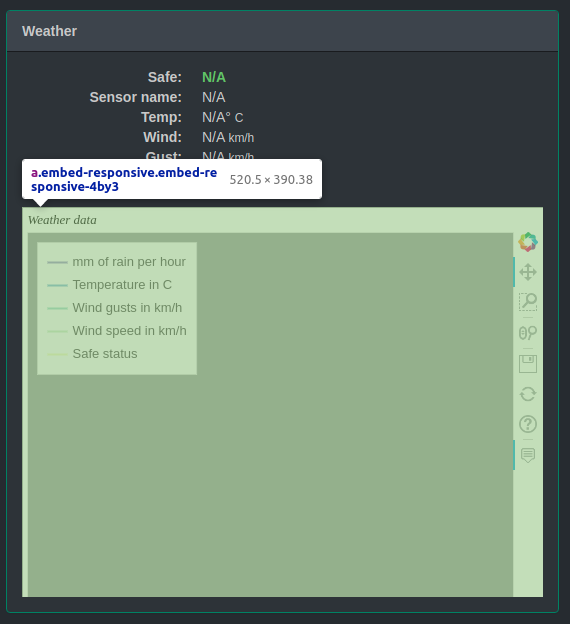
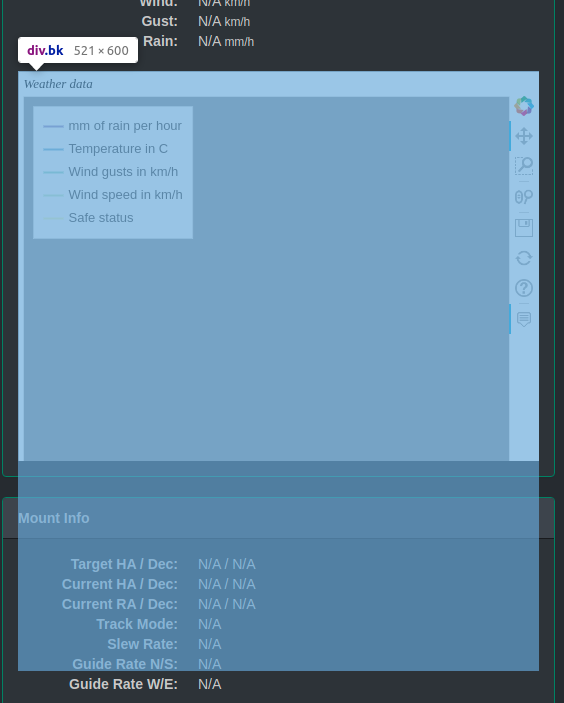
I tried to provide a minimal working example, but this is quite complex due css dependencies. I am not looking for a direct solution, but mostly, a systematic approach to understand what is happening, and how this stretch_both option resuls in css with fixed values (I guess there is some js involved there, but it is not clear for me where I should look at).
Thank you in advance for your help.
