

Hello dear Bokeh community!
I’m trying to include a svg image into a button using bokeh server 3.2.2. I have a svg file called red.svg, which is stored in the same directory as my main.py file. The code for my examples is:
icn = SVGIcon(name="Test", svg = "red.svg",size=1)
btn = Button(label="", icon=icn,button_type="default", width = 200, margin = (5,5,5,5))

layout = column(btn)
curdoc().add_root(layout)
curdoc().title = "Playground"
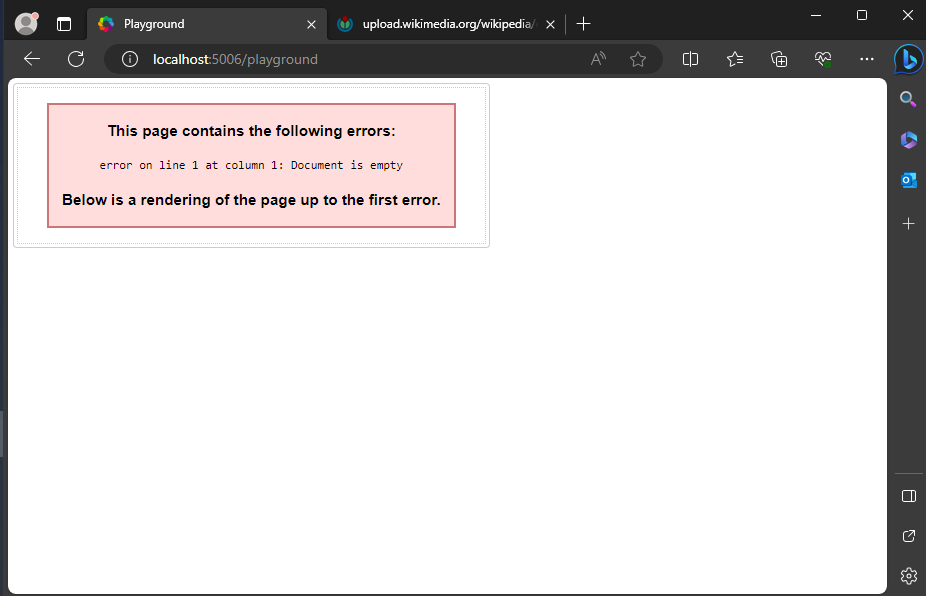
When I start the server, the website shows a button, but instead my red circle, the button says:
This page contains the following errors:
error on line 1 at column 1: Document is empty
It doesn’t matter if I use a local svg file or if I use a web adress like svg="https://upload.wikimedia.org/wikipedia/commons/b/ba/Flag_of_Germany.svg"
I tried using Edge instead of Firefox, but with similar results. See the attached screenshot.
Can you tell me how to proper use SVGIcon? What am I missing here?
Best regards
Pascal

