☰Read-only archive⌕
Looking for help with Bokeh?

This is a read-only archive. Ask questions and join the conversation on GitHub.

Visit Community Support on GitHub →
Archived discussions · Captured October 28, 2026

Toolbar button collapse on small figure size

Community Supportwebsitebokeh
Ofir
Ofir

Hello!

I recently updated bokeh version from 2.3.0 to 2.4.3.
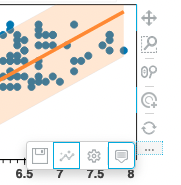
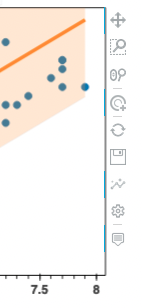
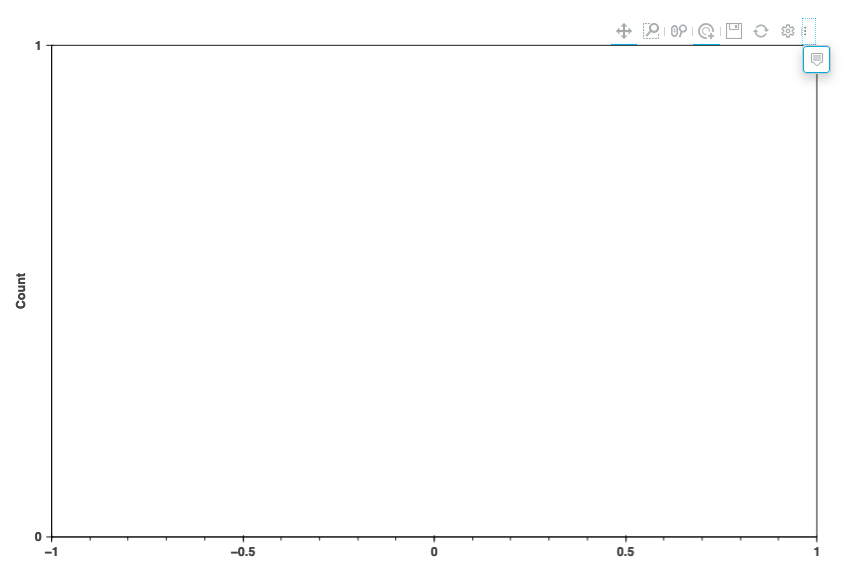
Following the update, the Toolbar presents a new behavior where icons are collapsed into a 3 dots button.
The following images show how the buttons are presented initially and what happens when the size of the figure is reduced.

Is there a way to roll back/disable this behavior?

Thanks!
Ofir
Large_Plot
Small_Plot

Note: In some cases, the figure is huge but the icons still collapse into the 3 dots icon.
⌁   Link to post
mateusz
mateusz

Is there a way to roll back/disable this behavior?

No, because otherwise there will be no access to tools if a plot is too small to show them all. Though this could be made configurable. However, there needs to be a reason for that and/or an alternative mechanism for accessing unreachable tools.

⌁   Link to post

End of archived discussion · Replies are disabled