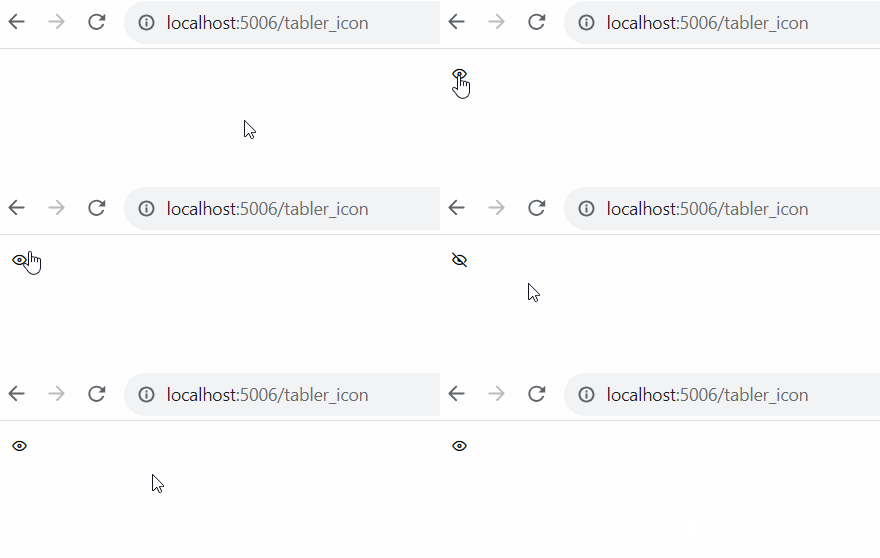
Hey there! I’m trying to update a toggle button’s icon using the TablerIcon class. To make it change, I’m updating the icon_name attribute. The problem is that it doesn’t work the first time I click on it, but it works fine on subsequent clicks. Is this a bug, or is there a better way to do it?
I have added some styles to hide the button decorator. I am only interested in showing the image.
from bokeh.plotting import curdoc
from bokeh.models import (TablerIcon, Toggle)

toggle = Toggle(
    icon=TablerIcon('eye', size='1.2em'),
    label='',
    stylesheets=[
        '''
            .bk-btn, .bk-btn:hover {
                color: black !important;
                border: 0px !important;
                background-color: transparent !important;
                outline: 0 !important;
            }
            .bk-btn:active, .bk-active.bk-btn {
                box-shadow: none !important;
                -webkit-box-shadow: none !important;
            }
        '''
    ]
)

def toggle_click(value=None):
    if toggle.icon.icon_name == 'eye':
        toggle.icon.icon_name = 'eye-off'
    else:
        toggle.icon.icon_name = 'eye'

toggle.on_click(toggle_click)

curdoc().add_root(toggle)