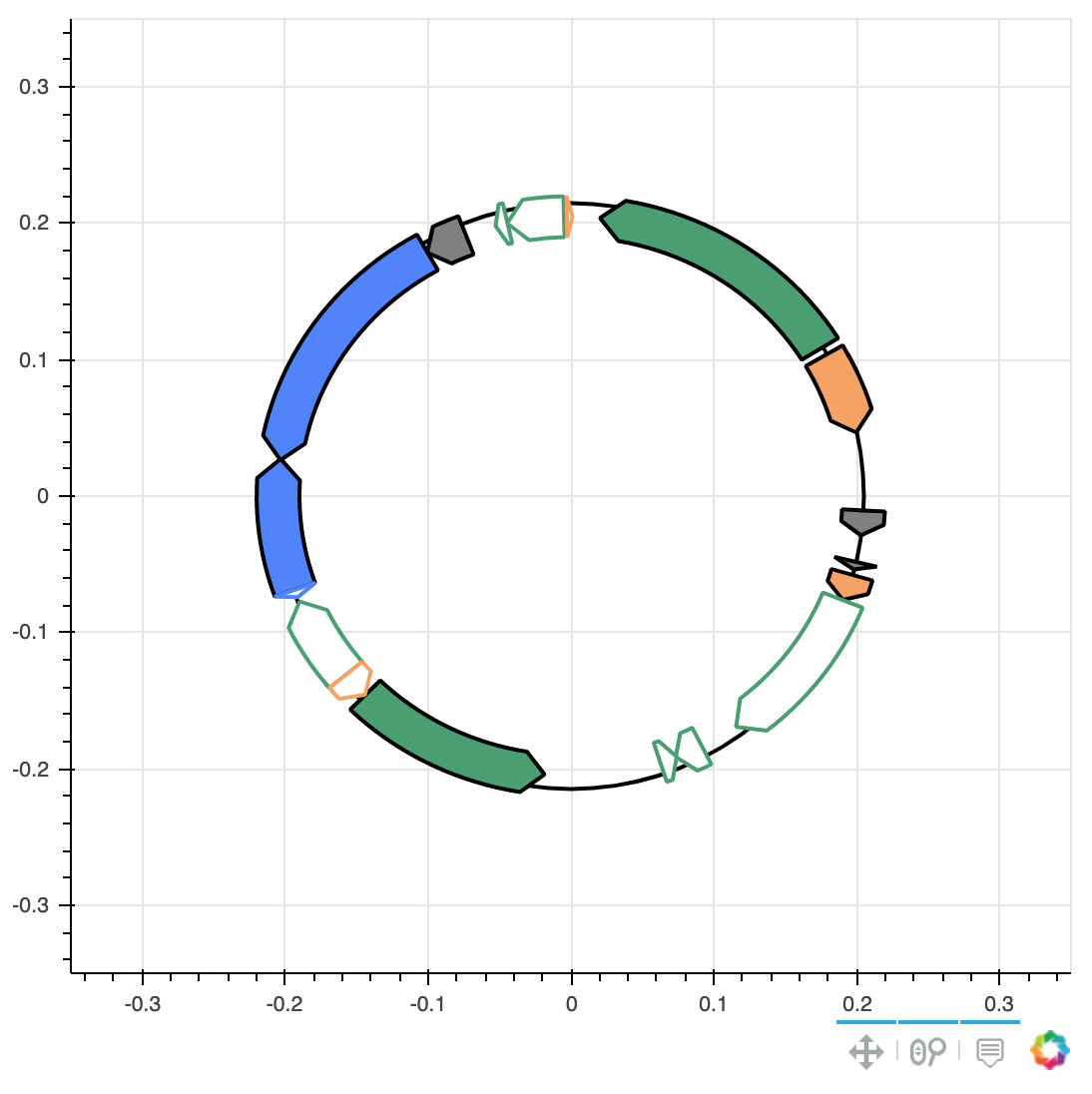
When I try to use the wheel_zoom tool, I get some strange behavior. If I scroll just near an axis, it only changes that axis. Perhaps this is intended behavior? Is there a way to remove this behavior?
(minimal?) working example:
import pandas as pd
from bokeh.io import show
from bokeh.plotting import figure
from bokeh.models import HoverTool, ColumnDataSource, WheelZoomTool

url='https://raw.githubusercontent.com/mmcguffi/random_test_cases/master/test.csv'
df=pd.read_csv(url,index_col=0)
df['x'] = pd.eval(df['x']) #convert to list
df['y'] = pd.eval(df['y']) #convert to list

hover = HoverTool(names=["1"])
TOOLTIPS='<font size="3"><b>@Feature</b> — @Type</font> <br> @Description'
plotSize=.35
plotDimen=800
p = figure(plot_height=plotDimen,plot_width=plotDimen, title="", toolbar_location=None, match_aspect=True,sizing_mode='scale_width',
               tools=[hover,'pan',"wheel_zoom"],active_scroll="wheel_zoom", tooltips=TOOLTIPS, x_range=(-plotSize, plotSize), y_range=(-plotSize, plotSize))
p.circle(x=0, y=0, radius=.205, line_color="#000000", fill_color=None, line_width=2)

source = ColumnDataSource(df)
p.patches('x', 'y', fill_color='fill_color', line_color='line_color', name="1", line_width=2, source=source)
show(p)
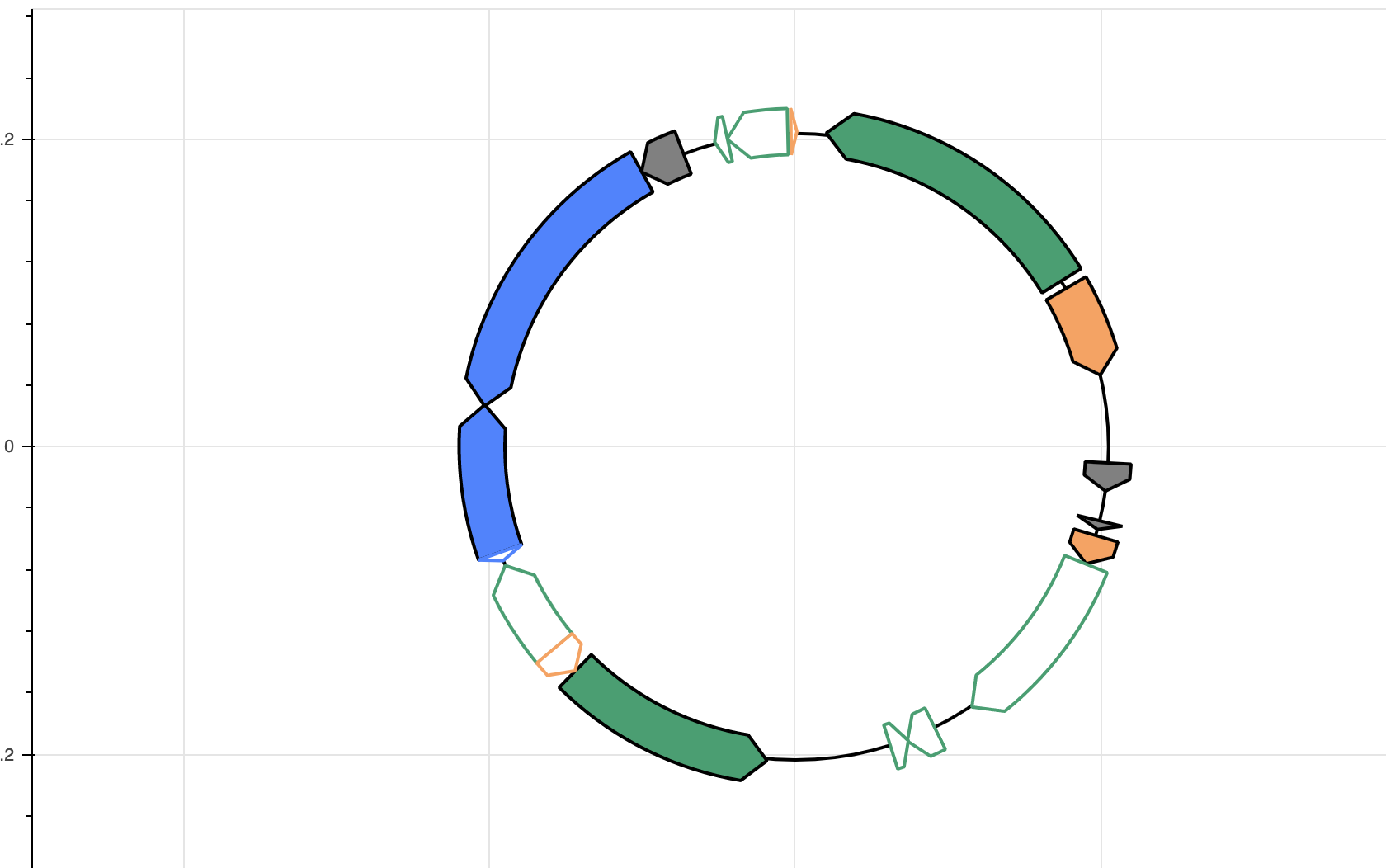
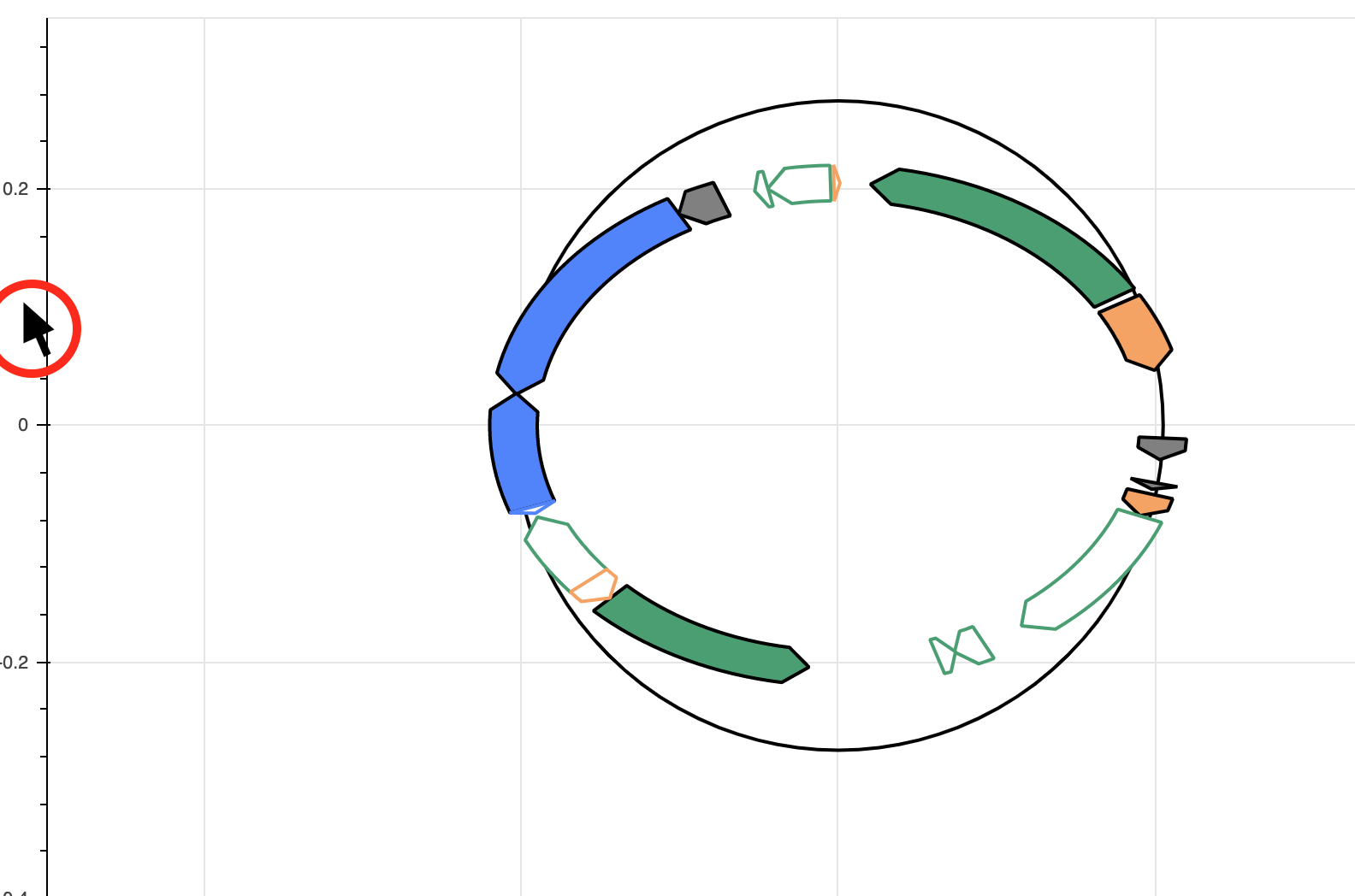
Furthermore, this touches on an other “bug” I have encountered – as you can see the circle is /not/ scaled in one dimension along with the patches. This also happens when I view my Bokeh plot in Full Screen zoom view via Streamlit.