
☰Read-only archive⌕
Looking for help with Bokeh?

This is a read-only archive. Ask questions and join the conversation on GitHub.

Visit Community Support on GitHub →
Archived discussions · Captured October 28, 2026

Why is there two wheel zoom tools on the tool bar in my figure?

Community Support
thisuser
thisuser

I want to have wheel zoom to be active on start, and zoom_on_axis to be false. However, why is ther two wheel zoom tools on the tool bar?

from bokeh.plotting import figure, show
from bokeh.models.tools import WheelZoomTool

p = figure()
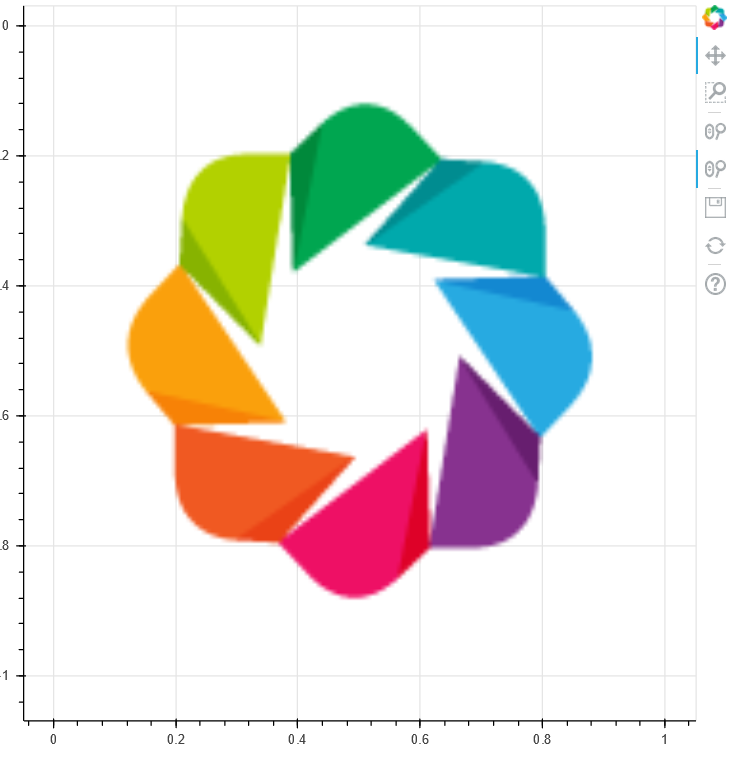
p.image_url([‘https://static.bokeh.org/logos/logo.png’],0,0,1,1)
wheel_zoom_tool = WheelZoomTool(zoom_on_axis=False)
p.add_tools(wheel_zoom_tool)
p.toolbar.active_scroll = wheel_zoom_tool
show(p)
⌁   Link to post
carolyn
carolyn

Hi @thisuser,

The default toolbar already has one wheel zoom on it, so with your p.add_tools line, you’re adding a second one.

You could remove that line, and then to set the wheel zoom as the active scroll tool, use:
p.toolbar.active_scroll = p.toolbar.tools[1]

(To figure out that it was tool 1 in the list of existing tools, i ran print(p.toolbar.tools) to take a look at the order of items in the toolbar.)

⌁   Link to post
Bryan
Bryan

Just noting that, in principle, the wheel zoom tool might be in some other location in the .tools list besides index 1. A generic way of querying for all the wheel zoom tools on a plot is:

In [6]: p.select(WheelZoomTool)
Out[6]: [WheelZoomTool(id='1019', ...)]

Or if you are sure there is only one of them:

In [7]: p.select_one(WheelZoomTool)
Out[7]: WheelZoomTool(id='1019', ...)
⌁   Link to post

End of archived discussion · Replies are disabled