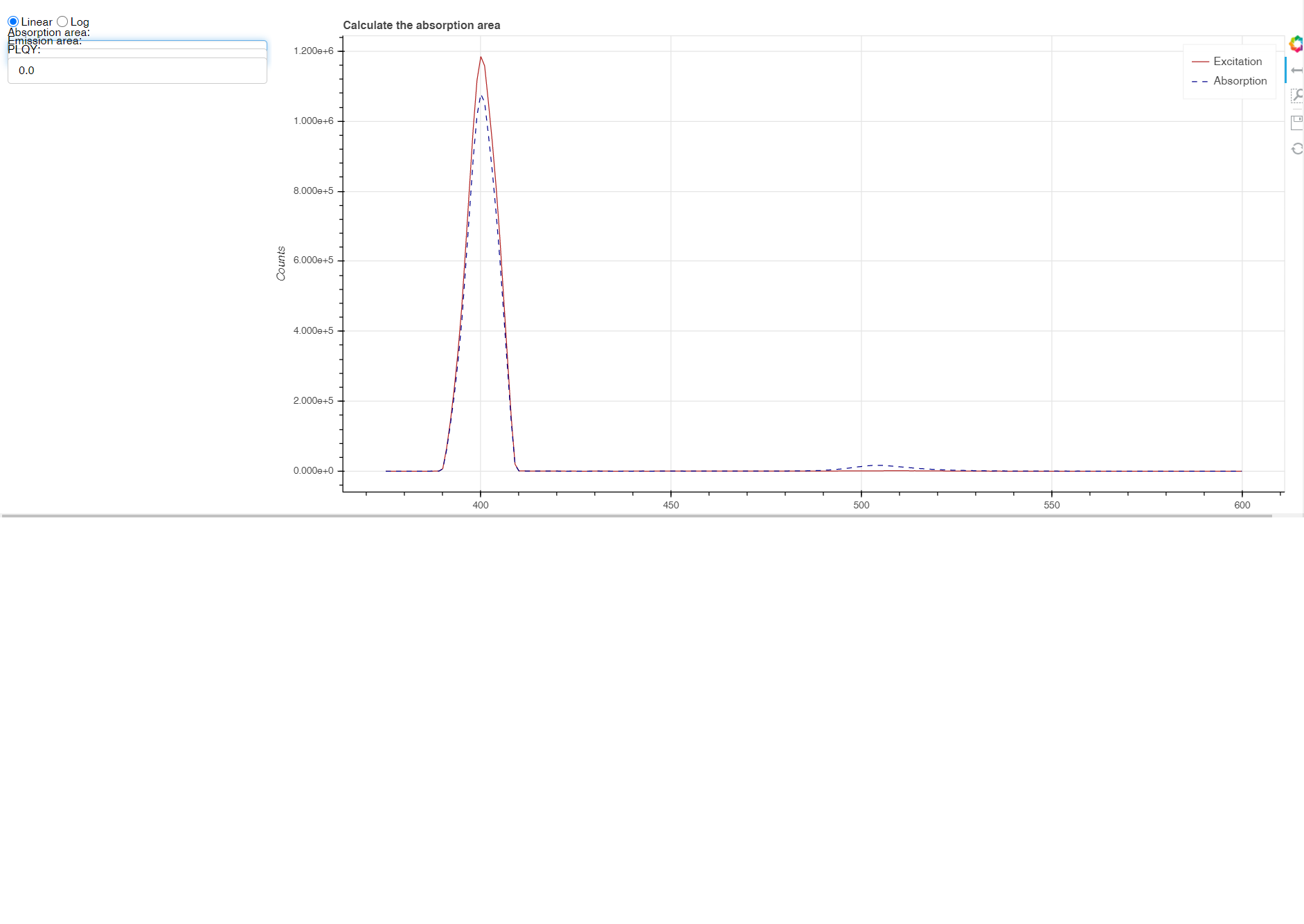
@Bryan sure, sorry.
I’m using version 2.0.2.
The following code should reproduce the problem:
from bokeh.io import curdoc
from bokeh.models.layouts import Row, Column
from bokeh.models import RadioGroup
from bokeh.models.glyphs import Line
from bokeh.models.widgets.buttons import Button
from bokeh.models.widgets.inputs import TextInput
from bokeh.plotting import figure


# button
button = Button(
    label="click me!",
    name="parse_button"
)

# radio group
radios = RadioGroup(
    labels=['hello', 'there'],
    active=0,
    inline=True,
    width_policy='min',
    name="radios"
)

# text inputs
text_input1 = TextInput(value="0.0", title="text-input1")
text_input2 = TextInput(value="0.0", title="text-input2")
text_input3 = TextInput(value="0.0", title="text-input3")

# plot
plot = figure(title='test plot')
plot.line(x=[1,2,3], y=[2,4,6])

# controls + plot layout
hidden_widgets = Row(
    Column(radios, text_input1, text_input2, text_input3),
    plot,
    visible=False
)

# layout all
layout = Column(button, hidden_widgets)

def on_button_click(event):
    # make layout visible
    hidden_widgets.update(visible=True)

# show hidden widgets on clicking the button
button.on_click(on_button_click)

curdoc().add_root(layout)