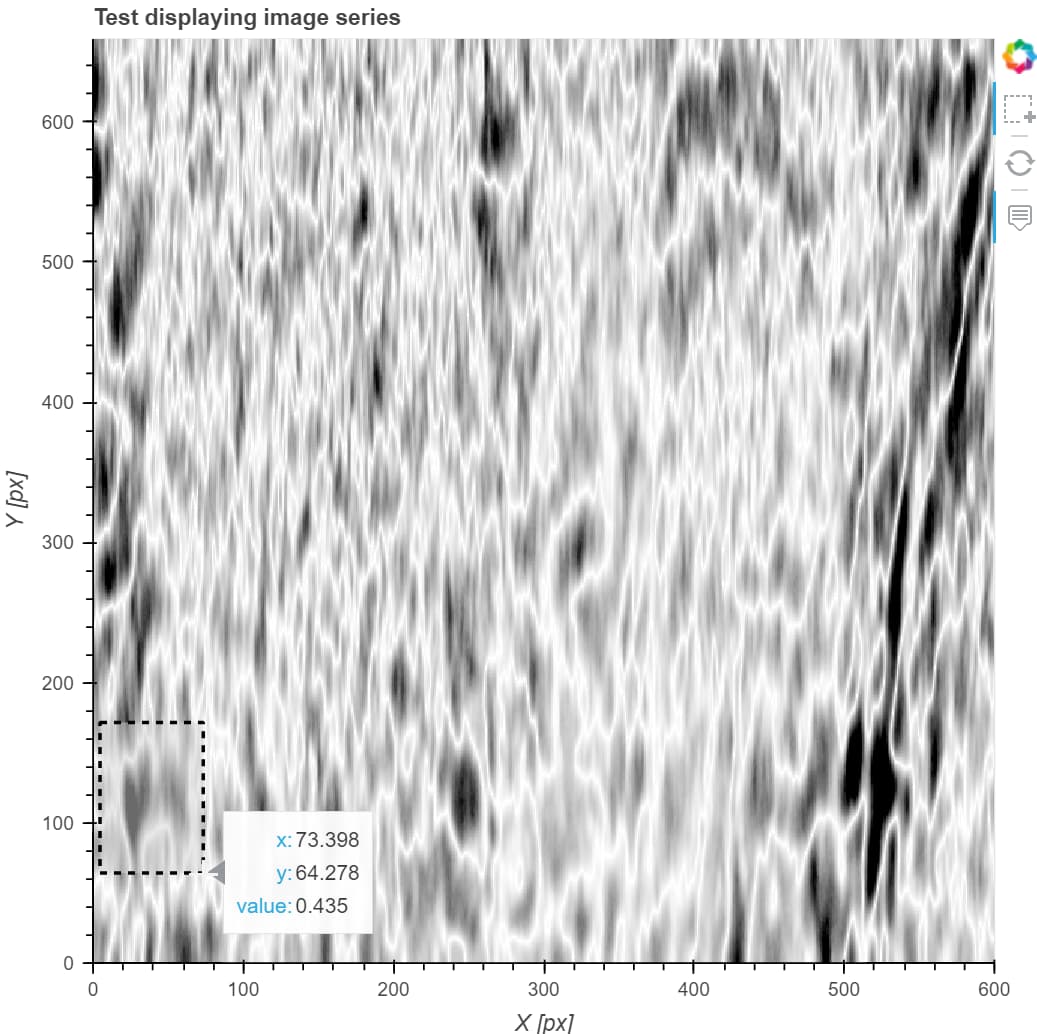
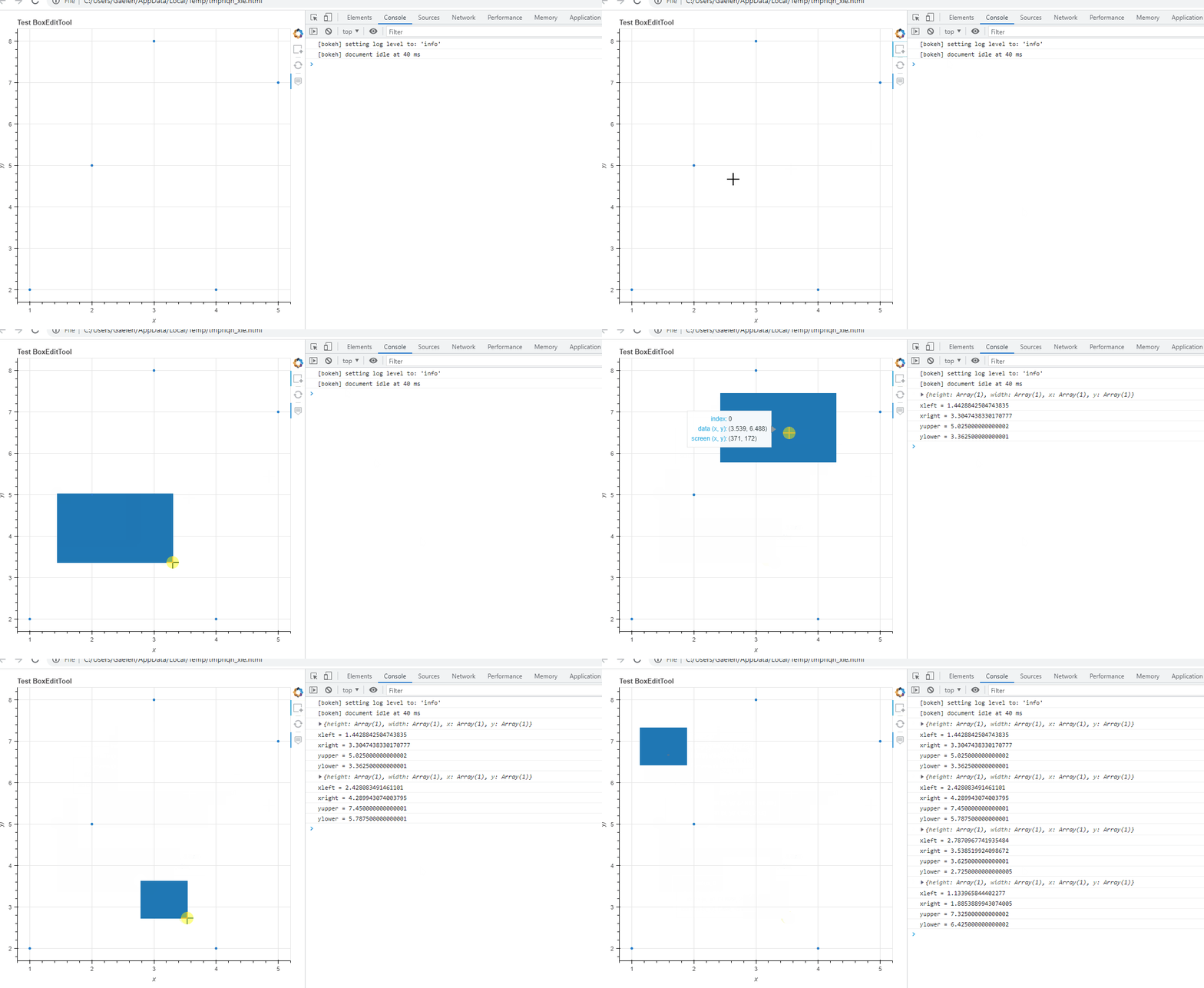
I’m trying to get the image (x, y) coordinates hovered by hand-drawn rectangle over an image displayed with figure.image(). The app runs in Jupyter Lab, with synchronization.
To do that I’m trying to use the box_select tool set in the tools input of a figure object.
    TOOLTIPS = [
        ("x", "$x"),
        ("y", "$y"),
        ("value", "@image"),
    ]
    tools = ['box_select', 'hover', 'reset']
    # Create the figure axis
    fig = figure(
               tooltips=TOOLTIPS,
               tools=tools)
At first, I tried using data_source.selected.on_change('indices', callback) but that does not seem to trigger anything with an image. It only works when selecting glyphs in e.g. scatter plots.
The topic closest to this question does not seem to apply anymore, as fig.tool_events issues the error that tool_events is an unexpected attribute.
Any idea how I can get the image coordinates of the selection rectangle?