How to mute legends while using CustomJS

I have some code where I am using CustomJS code to control the visibility state of glyphs in a plot instead of the standard click_policy=“hide”, and while my code is able to hide the glyphs just fine, the glyph and label text in the legend does not change to a muted state like it does when using click_policy. Is there any way I can implement this to happen manually with CustomJS?

Here is a minimal example that reproduces the behaviour (I am running Bokeh version 3.9.1):

from bokeh.models import CustomJS, Legend, LegendItem
from bokeh.plotting import figure, show

p = figure()

line = p.line([0, 3], [0, 3], color='red')

legend = Legend(
items=[LegendItem(label='line', renderers=[line], name='line')]
)
p.add_layout(legend, 'right')

code = """
let name = this.item.name;

if (name === "line") {
  if (line.visible) {
    line.visible = false;
  } else {
    line.visible = true;
  }
}
"""

callback = CustomJS(args=dict(line=line), code=code)
legend.js_on_click(callback)

show(p)
I don’t really think there is a good way to do this. As it is, the expected flow is that the actual pointer event causes the update to visible, the legend text update, and emits Bokeh’s LegendItemClick to trigger callbacks like js_on_click. But there is not currently a public mechanism to control the legend text from another place like a JS callback. What is the need to avoid click_policy in this case?

It’s a workaround (perhaps misguided) for me to control the way the glyph looks in the legend. Say you have two different glyphs in a figure that you want to be shown/hidden by one legend. You can do it this way:

from bokeh.models import Legend, LegendItem
from bokeh.plotting import figure, show

p = figure()

line = p.line([0, 3], [0, 3], color='red')
vbar = p.vbar(x=0, bottom=1, top=2, color='orange')

legend = Legend(items=[LegendItem(label='line', renderers=[line, vbar])])
legend.click_policy = 'hide'
p.add_layout(legend, 'right')

show(p)

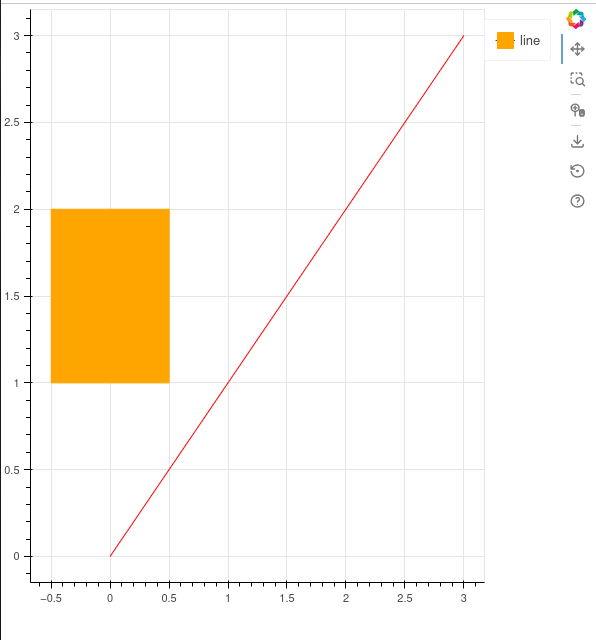
The resulting legend looks like this:

The problem with the result above is that the legend glyph is a combination of the line and the vbar, but I would like the glyph to only show the line. I can do that with the following code that still allows me to show/hide both the line and the vbar by clicking one legend item:

from bokeh.models import CustomJS, Legend, LegendItem
from bokeh.plotting import figure, show

p = figure()

line = p.line([0, 3], [0, 3], color='red')
vbar = p.vbar(x=0, bottom=1, top=2, color='orange')

legend = Legend(
items=[LegendItem(label='line', renderers=[line], name='line')]
)
p.add_layout(legend, 'right')

code = """
let name = this.item.name;

if (name === "line") {
  if (line.visible) {
    line.visible = false;
    vbar.visible = false;
  } else {
    line.visible = true;
    vbar.visible = true;
  }
}
"""

callback = CustomJS(args=dict(line=line, vbar=vbar), code=code)
legend.js_on_click(callback)

show(p)

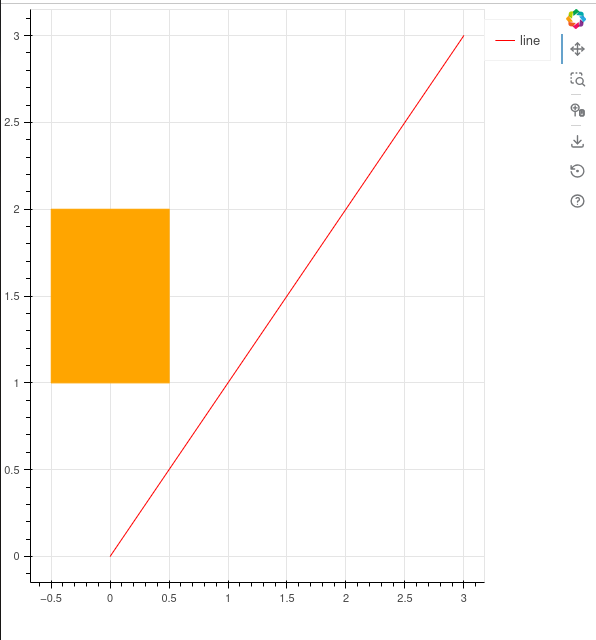
With the result being:

Maybe there’s a better way to do this though that I am unaware of. Is it possible to manually specify the glyph for a given legend?

Might help: You can update the legend item’s renderers property on the JS side, e.g.

if (name === "line") {
  if (line.visible) {
    this.item.renderers=[vbar]
  } else {
    this.item.renderers=[line]
  }
}

This might give the granular control you’re after?

Thanks for the tip! Unfortunately, it doesn’t solve my problem because the legend glyph initially contains both the line and the vbar glyphs before it gets updated. I want it to contain just one from the start.

Also, using that code interferes with legend.click_policy = hide. It causes only the renderer(s) currently in the legend to be affected by the click policy.